|
Selling products doesn’t usually involved complicated bookkeeping. Customers place orders, you fulfill them, and they pay you. Sometimes they create extra work for you by returning or exchanging products, but that is fairly straightforward, too.
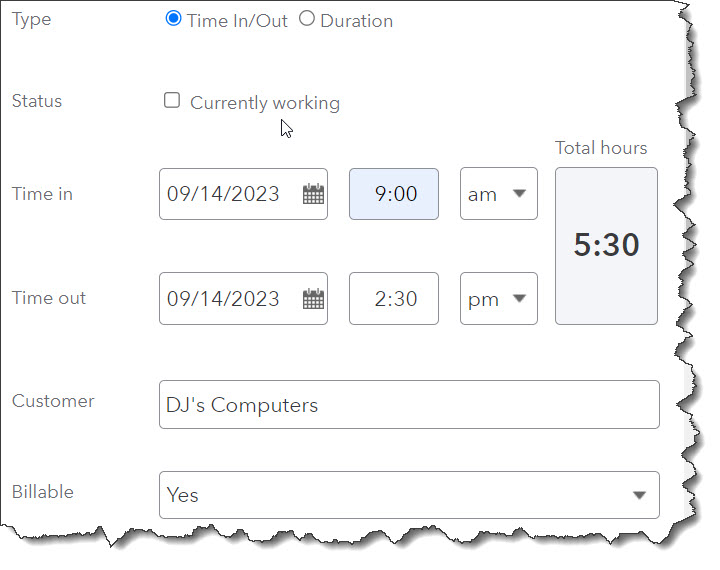
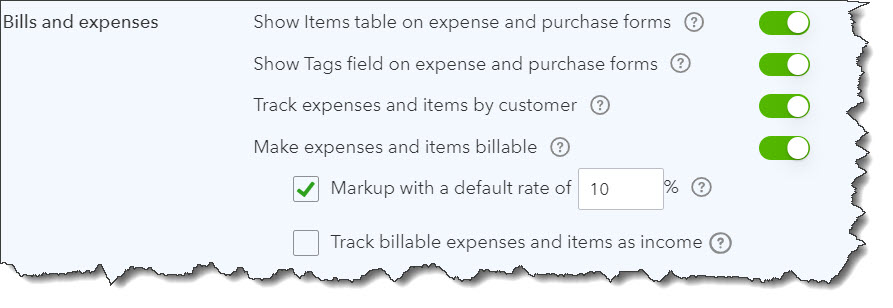
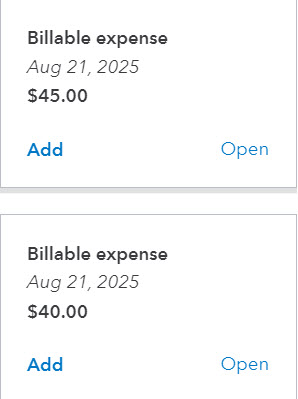
But if you need to bill for time you spend on services provided or supplies you have to buy to complete an order, it gets more complicated. You have include these billable time and billable expense items on your invoices. QuickBooks Online has the tools to create the necessary forms. It’s up to you to complete them, though the site will remind you to get them out to your customers.
Of course, you want to have this money coming in as soon as possible to minimize the hit on your cash flow. So QuickBooks Online also offers reports that make it easy to see quickly who might have slipped through the cracks. Here’s a look at how it all works.
NOTE: For this column, we’ll be referring to the existing menu but a new Navigation Menu is coming.
You may have already noticed this as you work in QuickBooks Online, but the navigation menu is changing. You can still use the old menu for a while, but we think this is a good move on Intuit’s part, as the old menu was confusing. The new arrangement of links to work pages makes more sense.. We encourage you to look at the new configuration and familiarize yourself with it. You’ll be able to switch back temporarily.
How to Track Billable Time
|