Some Tricks and Fixes
Someone comes into your meeting and claims to be working for Zoom or says they are a security expert and can help keep your room safe. Do not make anyone a co-host until you verify their identity as a trusted colleague.
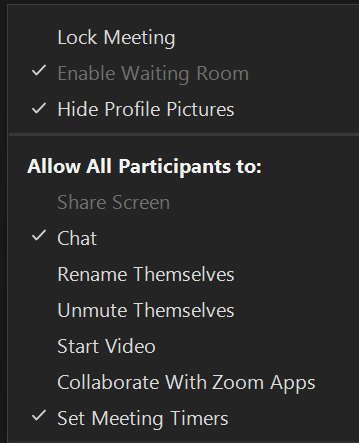
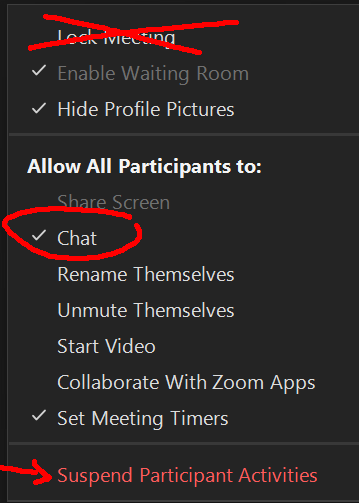
A scout comes in to see what security controls you are using and then tells others via social media if your room is ripe for intrusion by posting your meeting link as an "open mic" meeting. Enable the Waiting Room and restrict permissions before letting people in.
Participants enter and make their boxes move around rapidly onscreen, taking advantage of Zoom's automatic ordering of videos in the gallery view. They do this by rapidly turning their video on and off and raising their hands. Restrict the ability to start their video. Unfortunately, we do not (yet) have a tool to prevent hand raising and lowering. If disruptors are doing this, use the "Pin" feature to freeze them and remove them easily.
We talk about other tips for a smooth hosting experience in our Zoom classes. Register here.
|