Welcome to ITS Cybersecurity eNews | April 2025

Cybersecurity at FGCU header

Spring into Action! ~ Digital Clean Up Time

Today's newsletter is 510 words... a 2-minute read.

Spruce up your cyber life with these 10 digital spring cleaning tips!

Digital inbox showing a trash symbol.

(1) Declutter your inbox


>> Delete unnecessary emails.


>> Unsubscribe from unwanted newsletters & recurring emails


Go Deeper > Master Your Outlook Inbox MS Support site

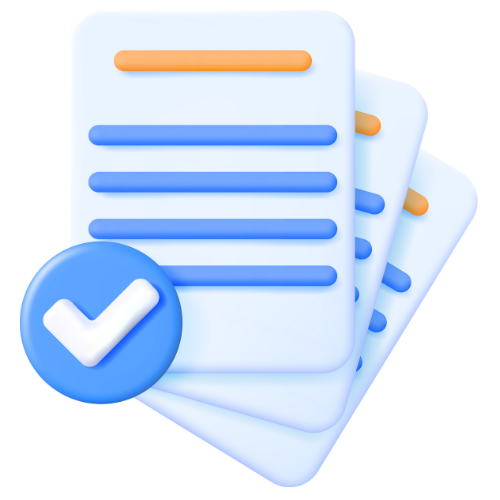
Files with a checkmark.

(2) Organize your documents


>> Manage digital files to reduce stress.


>> Clean off old or deleted files; keep folders & files organized.


Go Deeper > OneDrive or Fiile Explorer MS Support site

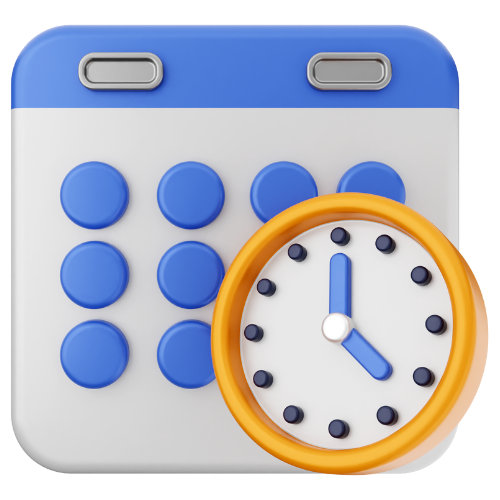
Calendar with a clock on it.

(3) Reset your calendar


>> Update your schedule so it shows currently blocked time to those setting up meetings with you.


Go Deeper > Create Appointments and Meetings in the Outlook Calendar Knowledge Base article

(4) Secure your passwords


>> Use strong & complex passwords.


>> Enable Multi-Factor Authentication or Two-Factor Authentication when possible.


Go Deeper > Changing Your Password Knowledge Base article

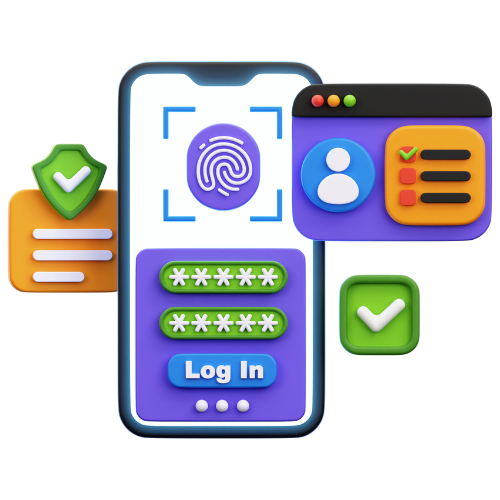
Mobile device showing password and login attempts.
OneDrive icon

(5) Simplify your desktop


>> Save your work to OneDrive instead!


Go Deeper > Sync Files with OneDrive in Windows (Mac) Knowledge Base articles

(6) Boost security on your devices


>> Secure with password, PIN, or fingerprint log-in


>> Eliminate unused apps to free up space on your devices.


>> Update to most current software for security purposes


>> Dispose of personal information when tossing a device.

 
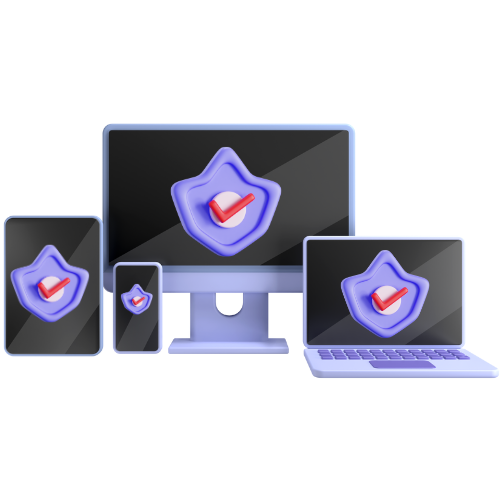
Devices with shields and checkmarks on them to indicate secured.
Magnifying glass over a woman's online post.

(7) Audit your online presence


>> Review and update your social media acocunts.


>> Check settings on social networking sites & restrict access to only those you know to prevent personal posts from quickly becoming public.


>> Review privacy settings & who can see your posts

(8) Backup your devices


>> Create or review any backups of data that you want to save in case something happens to the main device.


>> Automatically have devices back up to the cloud.


>> Follow the Restricted Data Policy.


Go Deeper > review the Restricted Data informational site

 
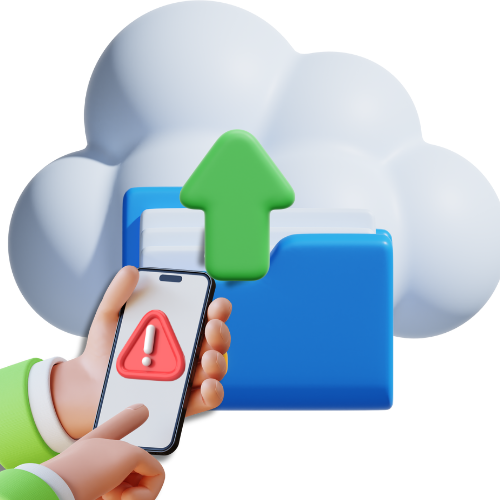
Hands holding a mobile device with a warning on it and a file folder in the background with an arrow pointing up to a cloud.
 
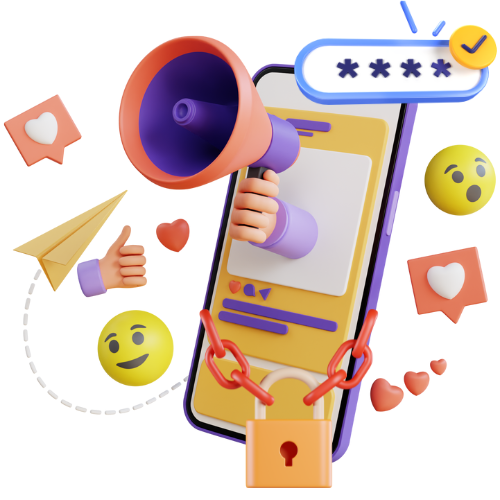
Mobile device showing online activity with a chain and lock on it and password with checkmark.

(9) Protect your online accounts


>> Ensure autofill doesn't contain sensitive information & passwords are NOT stored in your Web browser


>> Enable Multi-Factor Authentication whenever possible


>> Clear cache & history REGULARLY


Go Deeper > Clear Your Browser Cache Knowledge Base article

(10) Manage your subscription services


>> Organize into folders & delete others not wanted


>> Remove personal data before closing services no longer wanted


>> Delete profile when removing yourself from a platform - not just the application


>> Empty Trash & Spam folders REGULARLY

 
Hand pointing to Subscribe with a bell on it with comment bubbles and a padlock with a checkmark above it.

Bottom line: Take the time, annually, to review, update, and clear your digital data to keep your information secure. You'll be glad you did.

Like to see a specific cybersecurity topic covered?
Send your suggestion to: itschange@fgcu.edu
Need to Report an Issue or Have a Question?

Contact the University Help Desk:


helpdesk@fgcu.edu or 239.590.1188


Be your own help desk, click to visit the Knowledge Base


Empowering the University Community to achieve new digital possibilities