|
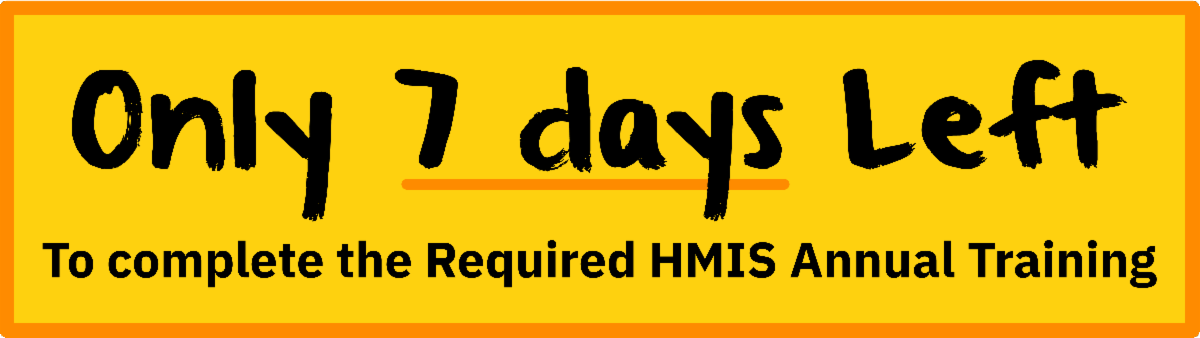
If you are receiving this email, it is because you haven't completed the required 30-minute training along with completing the HMIS User Agreement.
All HMIS users who haven't completed the Annual Training and Sign the User Agreement will see their account temporarily inactivated on March 2nd, 2026.
To complete the training, please read and follow the instructions below
This mandated training ensures accurate data collection and reporting, supports coordination of care among agencies, and enhances community-wide efforts to address homelessness. It provides essential skills and knowledge for professionals working with homeless populations, offering a platform for networking and collaboration. By joining, you contribute to the overall goal of ending homelessness in our region.
Step 1: Know your credentials
- Your username is the email address you use to log in to ClientTrack HMIS.
- Your password to log in to the training site is: Housing#101 (if the password isn't working, please click "Lost password" on the login screen and fill out the appropriate section to have a password reset sent to your email)
Step 2: Click the buttons below to start
|