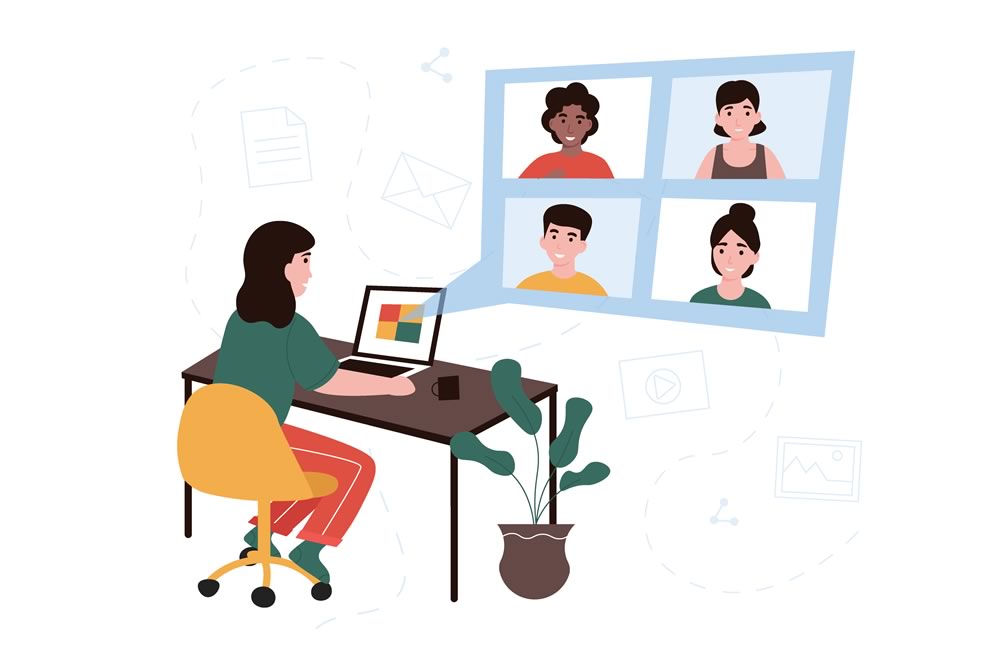
- Test your equipment and connection 5 minutes before joining a call. Video conferencing involves many actions from your computer and sometimes connection challenges occur. Those extra few minutes can give you the time you need to work through setup issues so you join the call ready to go.
- In large group calls, mute your audio when others are speaking. Your microphone can introduce unexpected sounds, and disrupt other speakers.
- Put your mobile phone on do not disturb so you're not interrupted by incoming phone calls which on the video conference.
Tips for Meetings in Microsoft Teams
- Have something to say? During a meeting, you can raise a virtual hand to let people know you want to contribute without interrupting the conversation. Select Raise your hand in the meeting controls.
- No time to tidy up your home office? Select the three ellipsis, also known as dot-dot-dot on the floating bar and change the background effects to blur or select a background image.
- Master keyboard commands: Type /keys in the search bar and see all the available shortcut keys that Teams can use. /help brings up the Help menu.
Plans for moving to a VOIP telecommunications solution?
GAINtel Cloud phone system provides your organization with the advanced telecom capabilities of a large organization, including web conferencing without large capital costs.
A work from anywhere phone system will provide your team the flexibility they need to adapt to the challenges we face in 2020. Let us set up a consultation.