|
Microsoft has introduced a new AI feature called "Recall," designed to enhance your experience with Windows 11 PCs. Recall acts like a virtual time machine, allowing you to quickly find anything you've seen on your computer in the past. Here's how it works and why we think it's useful.
What is Recall?
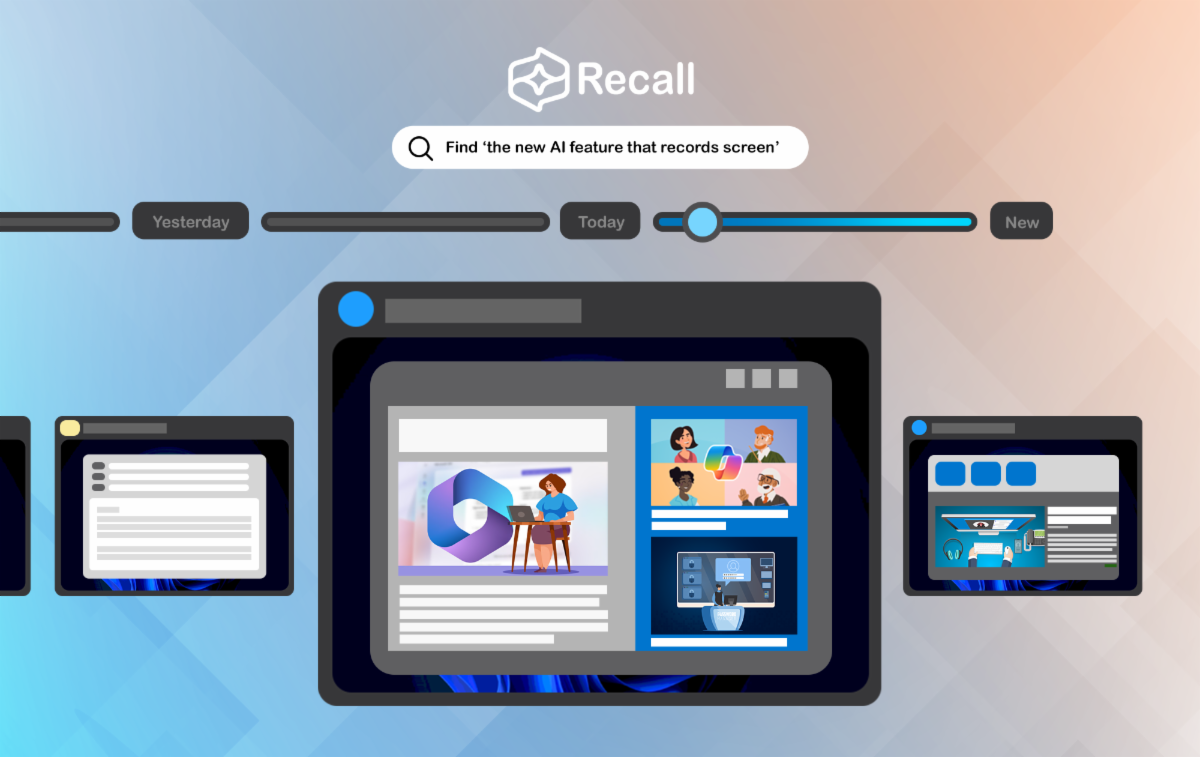
Recall is an AI-powered tool built into Microsoft's latest Copilot+ PCs. It allows you to search for past activities on your computer using natural language. Imagine needing to find a document you worked on last week, and all you have to say is, "Take me back to the sales analysis I was working on Thursday."
Recall will instantly locate and display that document or activity for you.
How Can Recall Help You?
Effortless Retrieval Using Natural Language
As we just mentioned, Recall allows you to search for anything you've seen on your PC by describing it in your own words. This feature is convenient when you remember what you were looking at but not where it's saved. Simply describe the content, and Recall will do the rest. For instance, you might say, "Show me the article I was reading about marketing trends," and Recall will bring it up.
Browsing Your Past Activities
Recall also includes a timeline interface, allowing you to scroll through snapshots of your past activities. This visual timeline shows the apps, documents, and websites you've used, making it easy to find and jump back to specific content. It's like having a time machine for your digital activities.
This is particularly useful when you remember the order of your past activities, such as remembering that you worked on the Excel spreadsheet sometime before you binged on YouTube videos.
How Recall Works
Recall takes regular snapshots of your screen and uses AI to understand what you were viewing at different times. This means it can accurately retrieve past activities based on visual content, whether it's a spreadsheet, a Web page, or a document.
Asking Recall to go back to the "shoe website with a purple background" may be enough to recall that specific website.
Addressing Privacy Concerns
Local Data Processing
Your information never leaves your computer, reducing the risk of cloud-based data breaches and keeping your activities private.
Full Control Over Your Data
You have complete control over what Recall can access and record. You can pause, stop, or delete captured content anytime. Additionally, you can filter out specific apps or websites to prevent Recall from logging those activities. You can also completely disable the Recall service. These controls allow you to manage your data according to your preferences.
In Summary
Microsoft's Recall feature integrates advanced AI capabilities into Windows 11, providing strong privacy protection while enhancing the user experience. Whether for home use or small business, Recall offers a powerful way to manage and retrieve your digital activities.
|