NBEA Launches a New Tech Stack to Bring Simplified and Optimal Service to Members
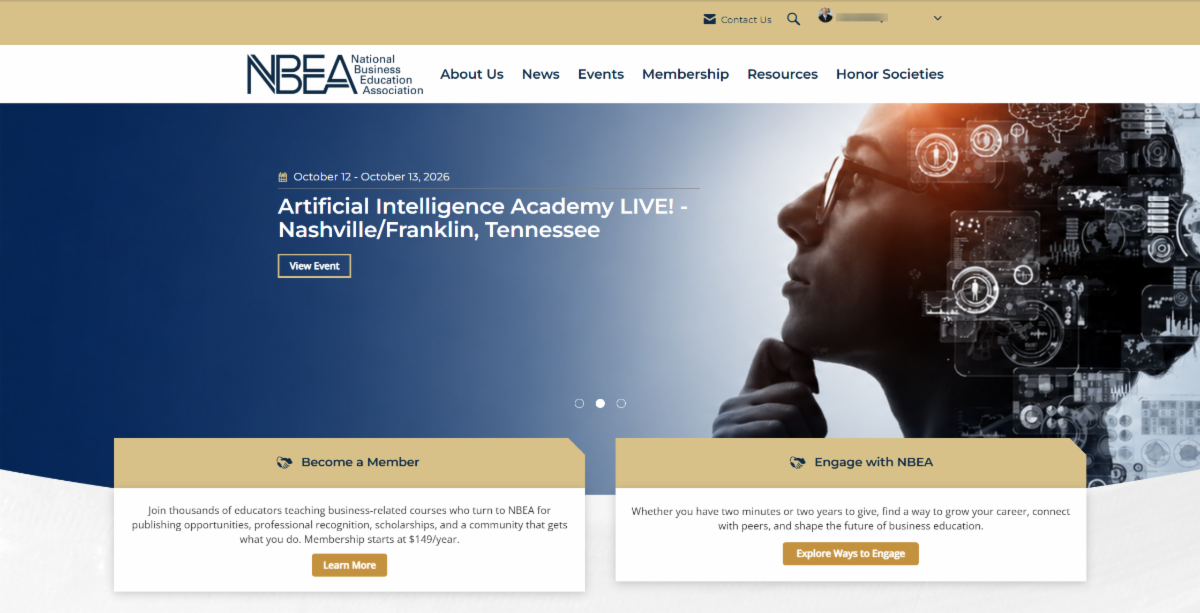
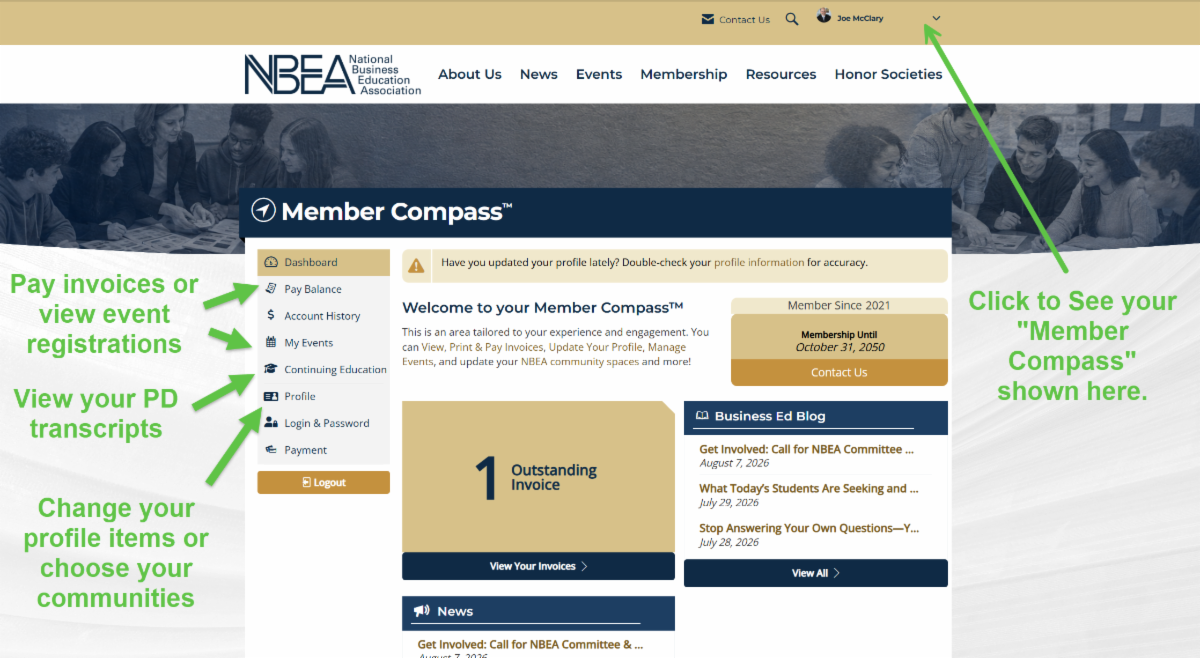
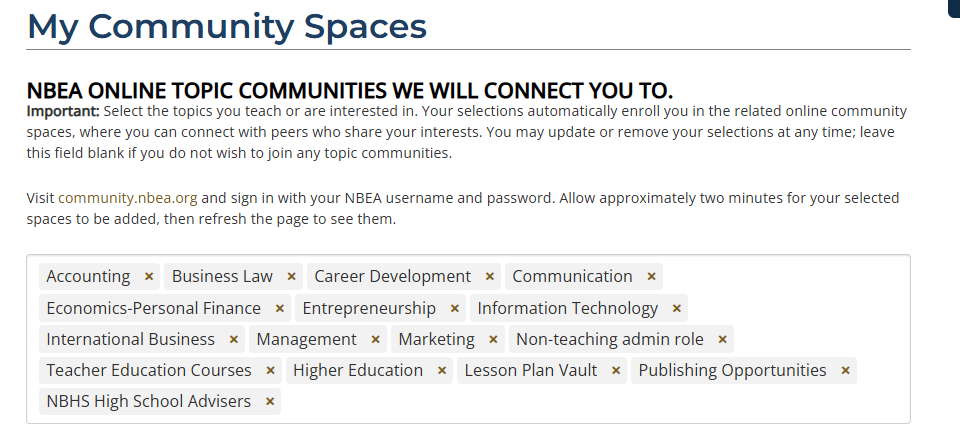
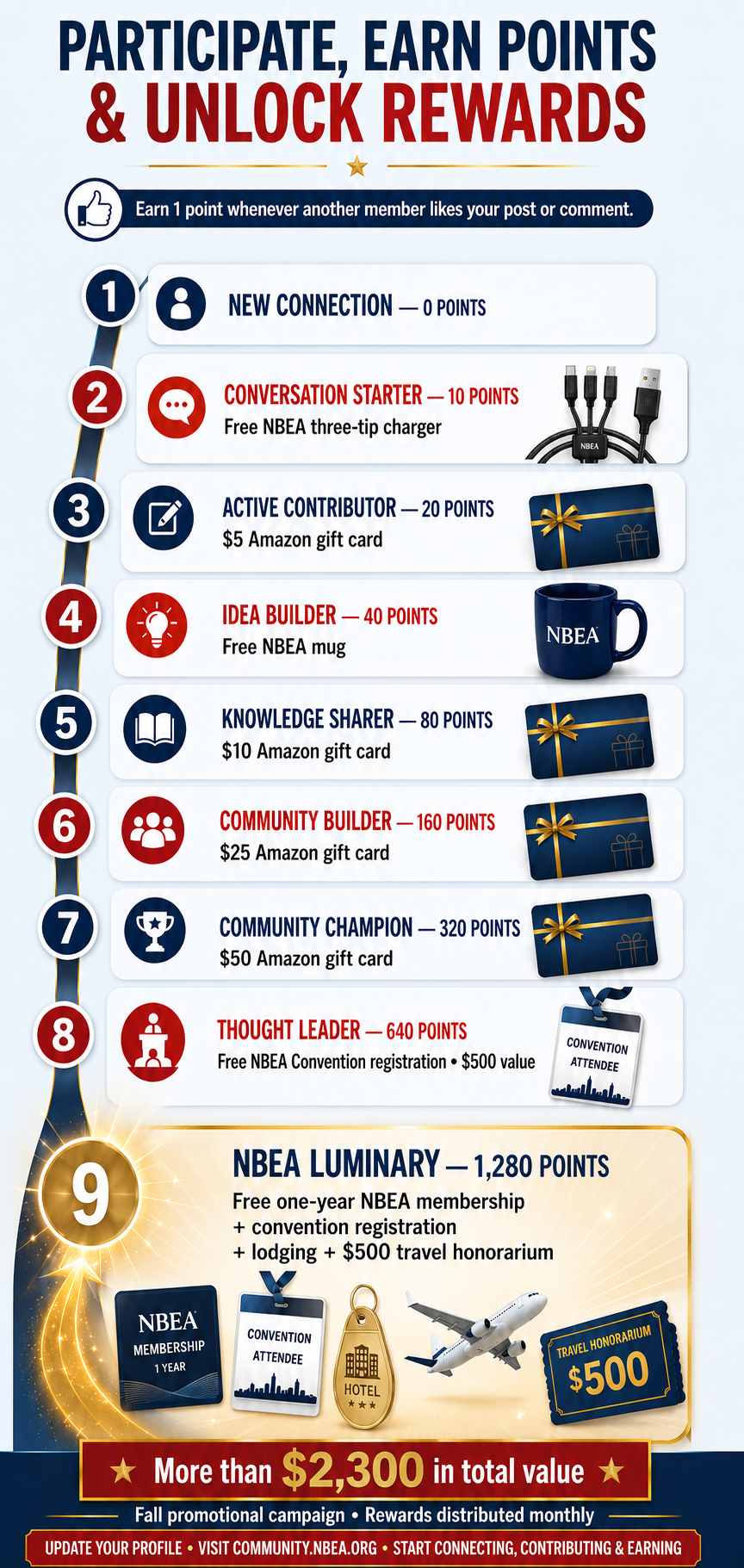
On August 2nd NBEA implemented a soft launch of its new website and community. The new platforms will provide: easier logins, enhanced communities with gamification to make engaging fun, new auto-renewal (if desired), and auto-pay features (if desired). NBEA now has a better ability to bill schools with billing contacts that aren't members. Our new website also integrates with our online community and library.
Members should note a few important changes:
1. Your email address is now your username.
Usernames are no longer used. Going forward, you will sign in using your email address. You will also be prompted to create a new password the first time you log in.
2. Memberships are set to auto-renew by default.
Approximately 45 days before your membership expires, the system will automatically generate a renewal invoice and email it to the billing contact on file. Auto-renew is not the same as auto-pay. Auto-renew only generates a renewal invoice; it does not automatically charge a credit card or bank account. Schools and members may use the invoice to begin their purchase order or payment process.
If you do not plan to renew, please contact our office. If an invoice has already been generated, staff will cancel the renewal and discontinue the membership at the end of its current term.
If your school’s purchasing process requires an invoice more than 45 days before expiration, please contact our office for assistance. Staff can turn off auto-renewal so that you may initiate the renewal earlier through the standard renewal process.
3. NBHS Chapter or other schools can manage multiple teachers under one account.
Most NBHS Chapter School memberships include individual members connected to the school’s account. Approximately 45 days before the membership expires, one renewal invoice covering the school’s participating teachers will be sent to the billing contact on file.
A new teacher can connect to the school by searching for and selecting the school from the drop-down menu when creating an account. During the join process, the teacher can instruct the system to "bill the school," and an invoice will be sent to the billing contact. If your school has multiple teachers and would like to use a single billing contact, please contact us. We can configure the account to make future renewals easier.
|