Registration Now Open!

We’re excited to announce that registration and hotel blocks for the MAS 2026 Annual Convention are now open!


 Below is everything you need to know as you plan your attendance.

🗓️ Conference Dates


MAS 2026 Annual Convention & Expo

Monday, June 15 – Thursday, June 18, 2026


📍Convention Location

The Convention will be held in Harrison County, Mississippi, at the Mississippi Coast Convention Center 2350 Beach Blvd, Biloxi, MS 39531!


📝 Hotel Blocks:

To better manage hotel inventory and ensure fair access to rooms, MAS is implementing a new process for hotel blocks.


You must register first in order to receive hotel booking details.

If you register online through the MAS Member Portal, your confirmation email will include the room block list and booking links to MAS hotel blocks.


📝 Registration

If you register by submitting a form via email, please include your email address. MAS will email you the hotel booking information as soon as we have processed your registration form.


Please note, for registrations received through email/fax/fillable form/mail, regular rate will apply until May 20.

Early Bird Savings!

Register through MAS Member Portal (Engagiffi) & Save

Take advantage of the new MAS Member Portal and register online now through May 5 to receive early bird rate!


If you prefer to mail/fax/email your registration

form, Regular rate will apply through May 20. After May 20, Late rate will apply.


You can access the portal in two ways:


  • MAS Website:

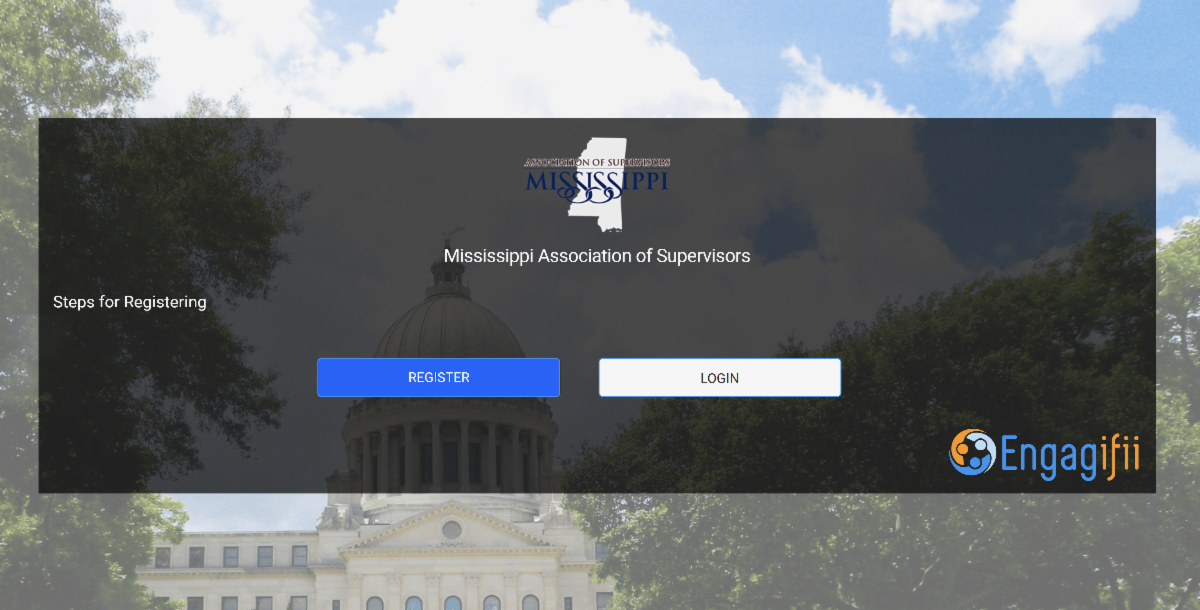
Select Member Login at the top right of www.mssupervisors.org


  • Direct Link:

https://mas.engagifii.com/launch


Tip: We recommend bookmarking the portal link for easy access.

Two Ways to Register

💡You do not have to be a member to use the member portal. Continue reading for more details on how to get setup with your portal!


Please note that Early Bird pricing is only available through the member portal only — forms received this way move to the Regular rate. Either path is welcome.

MAS Member Portal (Engagifii) Recommended.

Registering in the portal by May 5 is the only way to secure the Early Bird rate. You'll also get your confirmation and hotel block link immediately at checkout.


Click the button below!

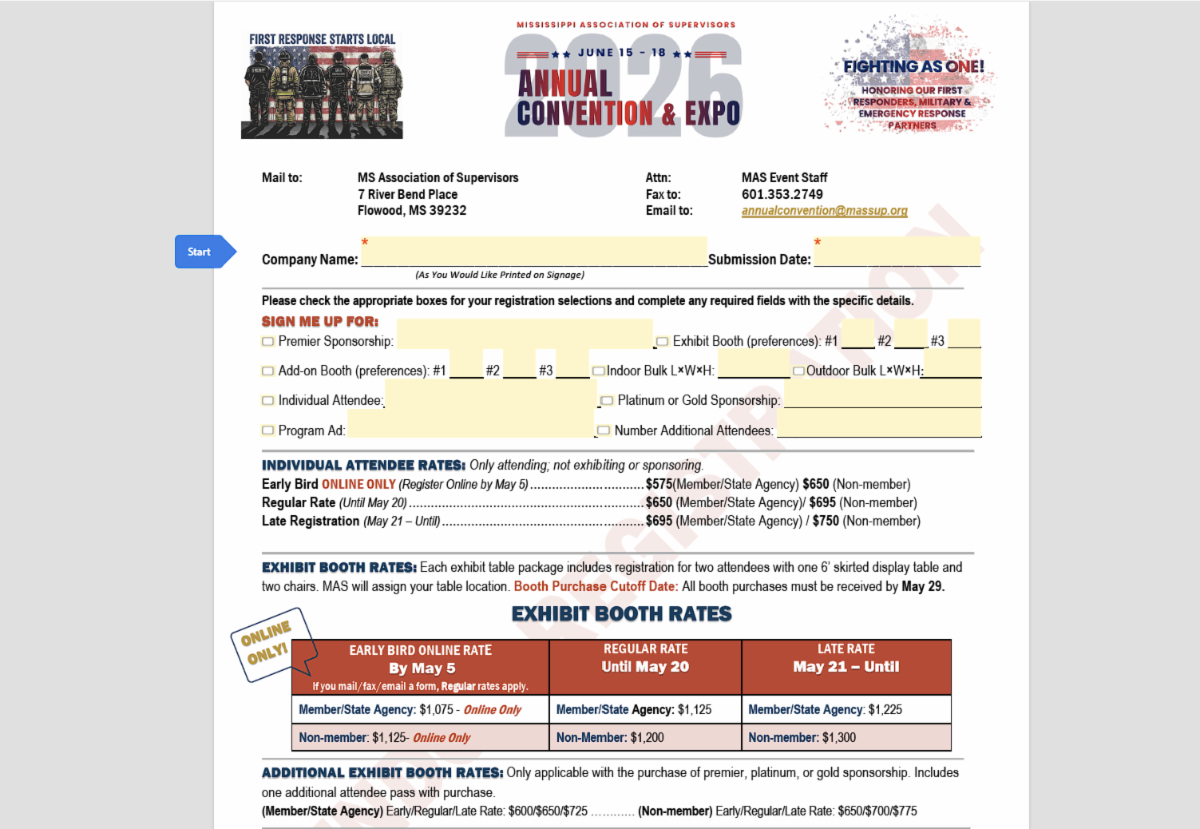
Adobe Fillable Registration Form

If you'd prefer to submit by email, fax, or mail, you may do so by completing the linked fillable form below.


Please note, you will receive the regular rate through May 20. Early bird rate does not apply for submissions using registration form below.


Click the button below!

Tips to Help You Navigate the Event Portal and Register Online

Before you register, here’s a few helpful notes!

Our new registration portal uses two steps to capture your selections:


Sessions → This is where you choose your sponsorship.

All sponsorship packages — including President’s Closing Cookout, Luncheon, Breakfast, Lanyards, Networking Lounge, Partner Showcase, Platinum, Gold, Wi-Fi, Coffee Station, and others — are listed under the Sessions step. Choose the sponsorship you would like to purchase there.


Bundles → This is where you choose your booth and registration packages.


Once you’ve selected your sponsorship — or if you are registering without one — go to Bundles to select the option that fits your participation at the convention, such as a booth, bulk space, individual attendee registration, or a complimentary booth included with a sponsorship.


If you have any questions while registering, please reach out to us at annualconvention@massup.org.

Important Note About Hotel Blocks and Your Confirmation Email

Please note that there may be a short delay in receiving your confirmation email with the hotel block links after you complete your registration in the portal.


If you do not receive your confirmation email within 30 minutes, please email annualconvention@massup.org for assistance.


Exhibit Hall Floorplan

Booth Preference Submission Coming Soon!

Please be aware that the floorplan is still under development.


You will be notified by email when the floorplan is finalized and can submit your booth number/location preference. This will also be accessible on our website when finalized.

MAS Hotel Blocks

Here's Everything You Need to Know

MAS has secured group room blocks at several properties for the 2026 Annual Convention.


The hotel block list, direct booking links, and MAS group code will be sent in your registration confirmation email.


To receive the hotel block information, please register

through the MAS Member Portal at mas.engagifii.com or submit the fillable registration form linked above.


If you register by email, fax, or mail, MAS staff will email the hotel block details after your registration has been processed.


If you submit your form by fax or mail, you may also email annualconvention@massup.org to request the hotel booking information.


Whats Ahead: Tentative Convention Agenda


Click the button below to view tentative agenda.


Please note, agenda times and activities are subject to change

Where to Submit Your Registration Form


Email: annualconvention@massup.org


Fax: 601. 353.2749


Mail: 7 Riverbend Place, Flowood, MS 39232

MAS Has a New Home!

The Mississippi Association of Supervisors (MAS) has moved to a new office location!


We are now located at:


7 Riverbend Place

Flowood, MS 39232.


Please update your records and use this address for mailed forms, payments, and correspondence.

Our main phone number remains the same:


Phone: 601.353.2741

Fax: 601.353.2749


We look forward to welcoming and serving you from our new office!

First Time Logging In?

Here's How to Get Started with MAS Member Portal!


If this is your first time accessing the MAS Member Portal, please follow the steps below. We also recommend completing this before registration opens on April 22.


1. Request Your Workspace Invite

Email us at annualconvention@massup.org and we will send you a workspace invite to get you set up.


2. Check Your Inbox

Look for an email from Yamaiky Gamez via sendgrid.net or identify_donotreply@engagifii.com. If you do not see it, check your spam or junk folder.


3. Create Your Password

In the email, click the “Create Profile” link. You will be directed to mas.engagifii.com, where you will be prompted to create a password.


4. You’re In!

Once your password is created, you are fully logged in and ready to register@


Note: Your username is automatically filled in — it will be the email address at which you received the workspace invite. You only need to create your password to complete setup.


Click the button below to view guide on how to access the MAS Member Portal!