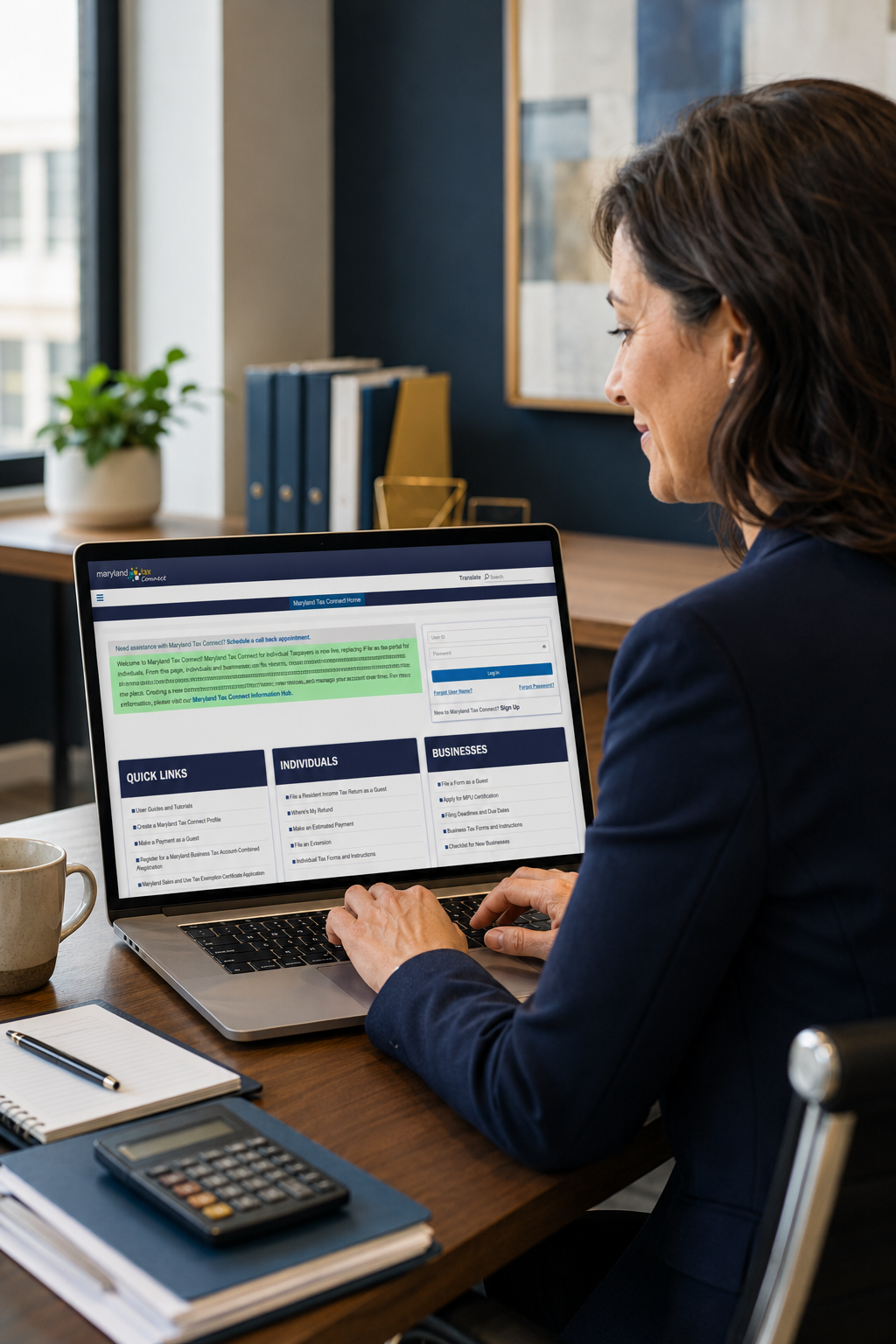
Maryland Tax Connect is now live for individual taxpayers! The new portal replaces Maryland’s previous iFile and online payment systems. Read below for everything you will need to know and do!


If you are an Individual:

  • Create a Maryland Tax Connect account (Click the button below to view our guide).
    
  • Link your personal Maryland tax account using information from a previously filed Maryland tax return.
    
  • Once linked, you can view balances, payments, returns, notices, and refund information.
    
  • You can grant our firm authorized user access if assistance is needed with notices, payments, or other account-related matters.
    
  • Business Account Users (read more below): 
    Do not create a separate account. Log in to your existing business account and add your individual tax account to the same profile so everything is available in one place.


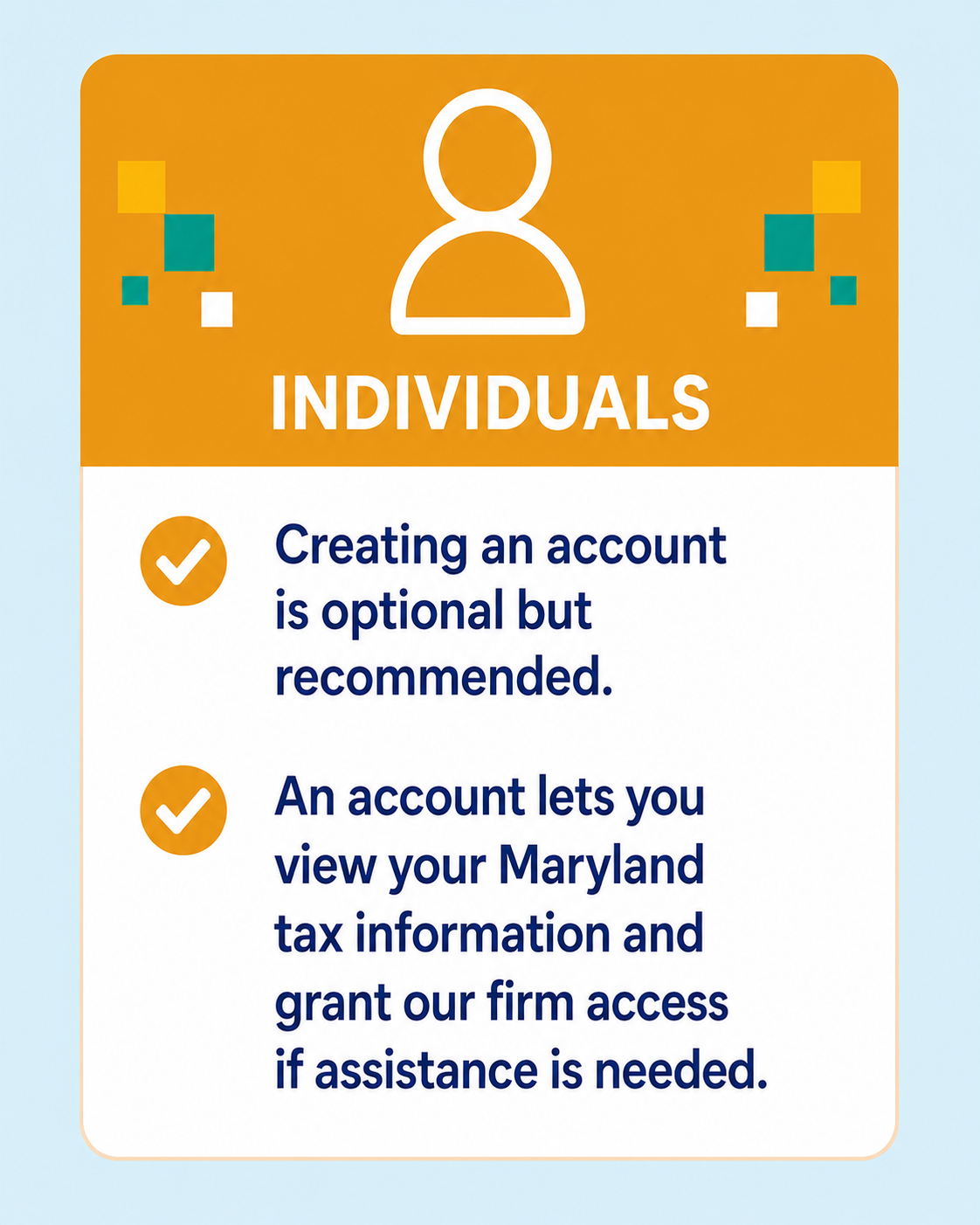
Individuals do not have to create an account. They can make certain payments without one.


An account is helpful because it allows them to:


  • View balances and payment history
    
  • Confirm estimated payments were applied correctly
    
  • Access Maryland tax notices


  • Check refund status
    
  • View filing history
    
  • Grant our firm authorized-user access if help is needed


If you are a business Owner:

  • Continue using your existing Maryland Tax Connect account for your business taxes.
    
  • Log in and make sure your business tax accounts are properly linked.
    
  • You may also link your personal Maryland tax account to your profile.
    
  • Please do not create a new business registration if your business is already registered. To keep everything together, log in to your existing business account and add your individual tax account from there. Only create a separate individual account if you prefer to keep your business and personal accounts separate.
    
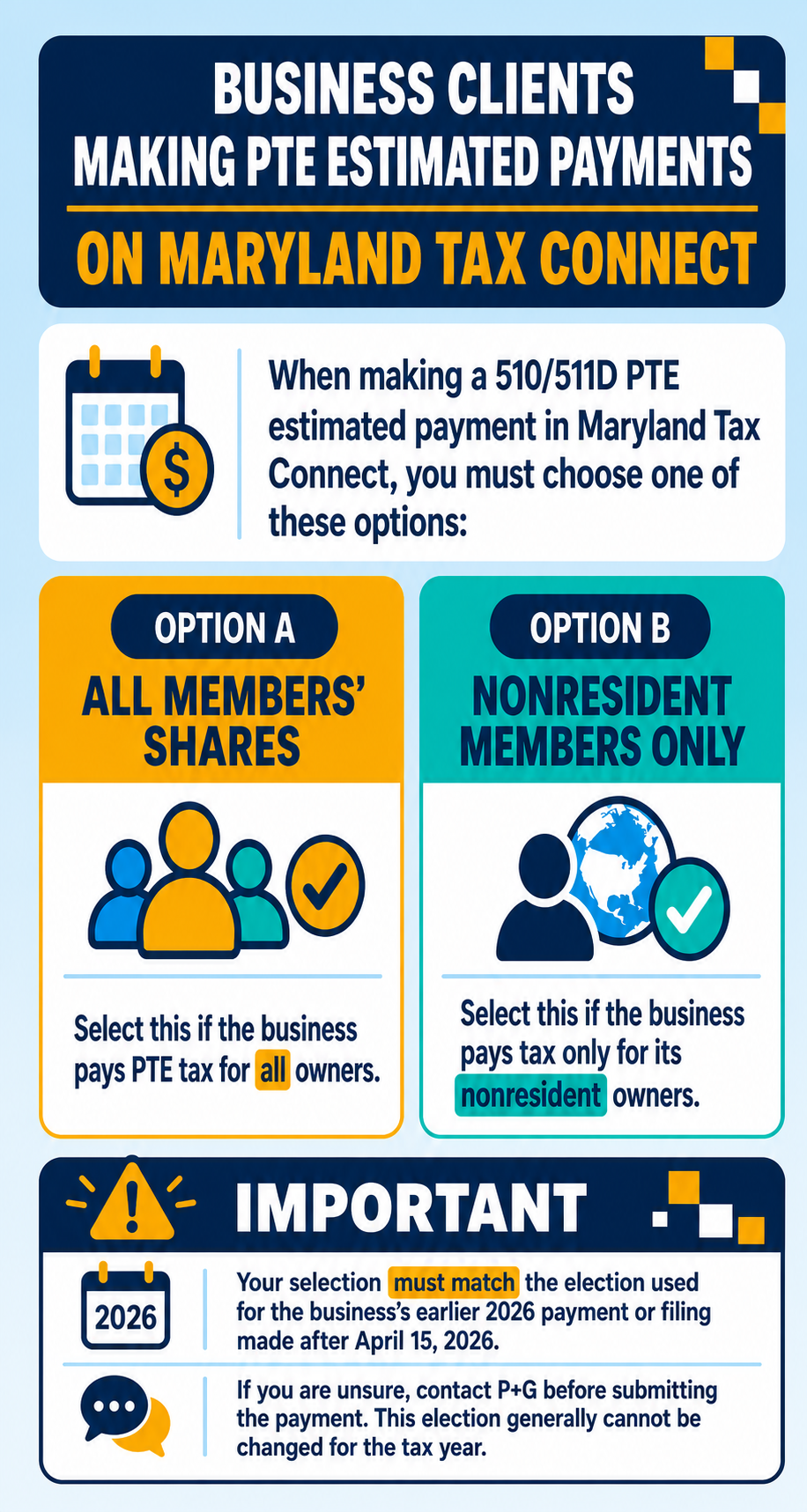
  • You can not pay your MD Business Estimates here.
    
  • If P+G is already listed as an authorized user, you will need to update our access so we can view and assist with your estimated payments.


Want us to be your Authorized user?

You will need to follow the steps in the PDF below to add our firm as an authorized user. During the process, please contact Maria or Julissa by phone or email to obtain their User ID and Confirmation Number so the access can be properly linked.


Once you add them as an authorized user, be sure to select all applicable permissions and access options. You will need to check the boxes next to the tax accounts you are granting access to, and then select all available options within each permission box. In some cases, there may be three or more additional permissions within a section, and each one should be selected to ensure full access.


It is important that all appropriate permissions are granted. If the necessary boxes are not checked, they may only be able to view your name and will not have access to the account information needed to assist with notices, payments, and other matters.


A few minutes today can save you time later. Create your account, access your tax information online, and authorize our team to help with notices, payments, and account-related matters.