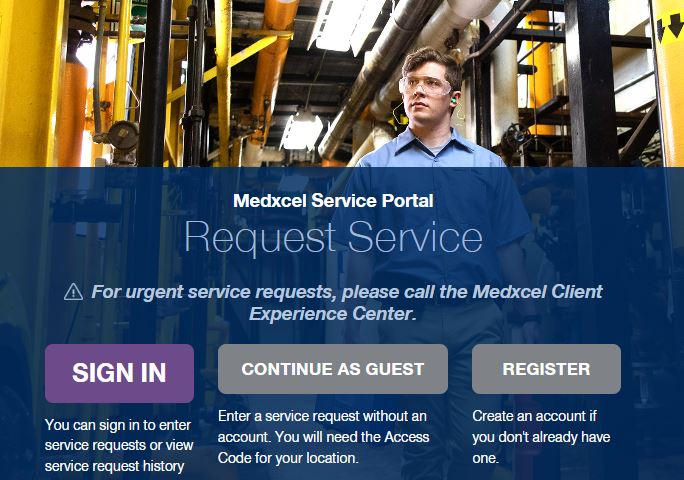
Self-Service Portal (SSP) Enhancements


On Thursday October 24, SSP enhancements will be live!

Weโ€™re pleased to share that the Self Service Portal has been enhanced to improve your experience when requesting facilities services. Thank you for your valuable feedback that helped us make these improvements!


Continue reading to learn more.

Search and Save Locations Easier

  • When submitting a service request, simply begin typing your building name or address to narrow your search and quickly identify the exact location of your request.


  • Upon selecting your location information, check the Default Location box to save for future service requests. By selecting the Default Location box, your location will automatically populate each time you request service, reducing the time it takes to submit a request.

Easily View Active Requests from Request Page

When submitting a service request, you will be able to view any active request located within the building, floor, and room you select. After entering your location information, simply scroll below to see if a request has already been created that matches the location, floor, or service request type. 


The ability to see open service requests for your location in real time reduces the likelihood of duplicate requests being entered, saving you time and showing you the current status of that request.

For more information regarding the Self Service Portal visit medxcel.com/ssphelp or click below for an updated instructional guide.  

Updated Instrucational Guide

service.medxcel.com

โ€Š