|
Why Two-Step Authentication?
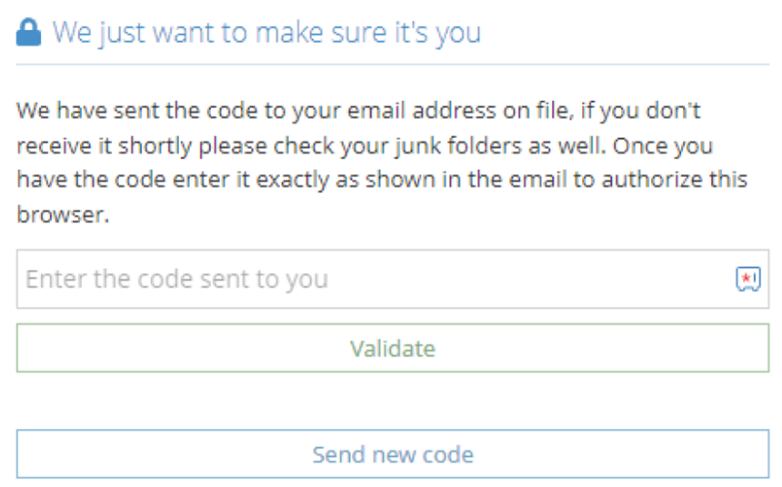
Two-Step Authentication adds a layer of security such that the member signing in needs access not only to the username and password, but also to the email address attached to the account. This adds a significant layer of protection to the personal information stored in your Member Profile.
How often will I need to complete Two-Factor Authentication?
You will need to complete the two-factor authentication process the first time you log in on or after March 31, 2023 and once every 180 days. There are other instances when you will be required to complete the verification process such as the following:
- Your browser has been upgraded or patched in a way that changes the thumbprint for it.
- You begin using a new web browser. For example, if you authenticated in Chrome and then begin using Firefox or your phone you will need to authenticate that new browser as well. Both authentications will survive until the expiry date if they are not invalidated in another manner.
- You have launched your web browser in "private" or "incognito" mode. These modes are designed to mask the web browser from the servers it connects to which will cause it to be unrecognized by the Member Profile on login.
- Changes to certain settings on the user's computer are made available to the Member Profile application by their browser such as the languages installed. These settings allow us to identify devices more uniquely.
- Browser plugins may also modify the details sent by the user's web browser in such a way that we are given a different thumbprint on each login.
What should I do if I no longer have access to that email address?
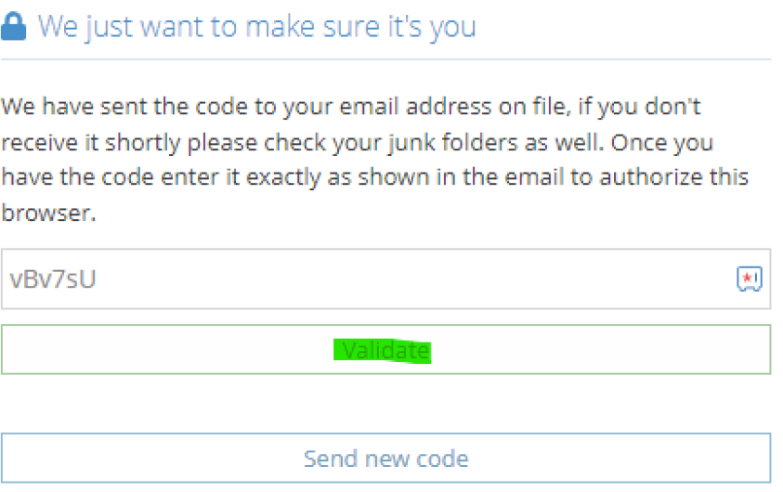
If you no longer have access to that email address, please contact the Law Society to have your email address updated. Once updated, please select ‘send new code’ and a new code will be sent to the new email address.
What if I have sent myself multiple codes and I don’t know which one is valid?
Please contact the Law Society and we can advise you which code is the valid code to use.
What should I do if I am not getting my code?
Codes can take up to 15 minutes to receive, please check your junk box to ensure the email has not been marked as spam. You may also want to ensure you have marked donotreply@lawsociety.sk.ca as safe to ensure you are receiving these emails. If you are still not receiving your code, please contact the Law Society for support.
|