Hello!  

Welcome to the Fall Term at Mesa College!

We’ve gathered a list of resources and guides to help you start off the semester strong.


If you need additional support, ask our Olympia Chat Bot or connect with our online Live Agents.

Start of Term Resources

Fall 2026

Campus-Wide Welcome Back Announcements

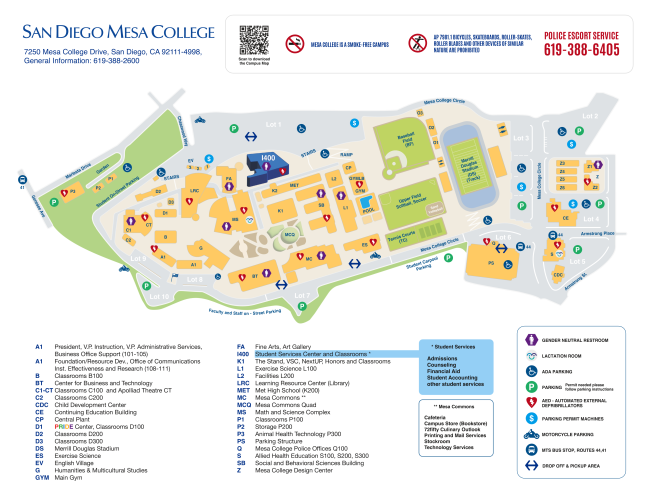
Need help finding your classroom?


No problem! This map of the Mesa College campus will show you exactly where the buildings you need are located!


Click on the image above or access our interactive campus map below!


Join us for Fall 2026 Welcome Week!

(Aug. 24th - 28th)


Kick off the new semester with us during Welcome Week!

Whether you're returning or starting fresh, this is your chance to meet new friends, get familiar with campus resources, and find out about all the exciting events we have to offer.

Still looking for a

class to take?

Check out classes that

are still available!

Join a Mesa Learning Community

Build connections, access support, and achieve your academic and career goals with a community that supports your success.


Join a Learning Community at Mesa College (Umoja, Kapwa, Pride Scholars)!

SDCCD EMAIL and CANVAS SUPPORT

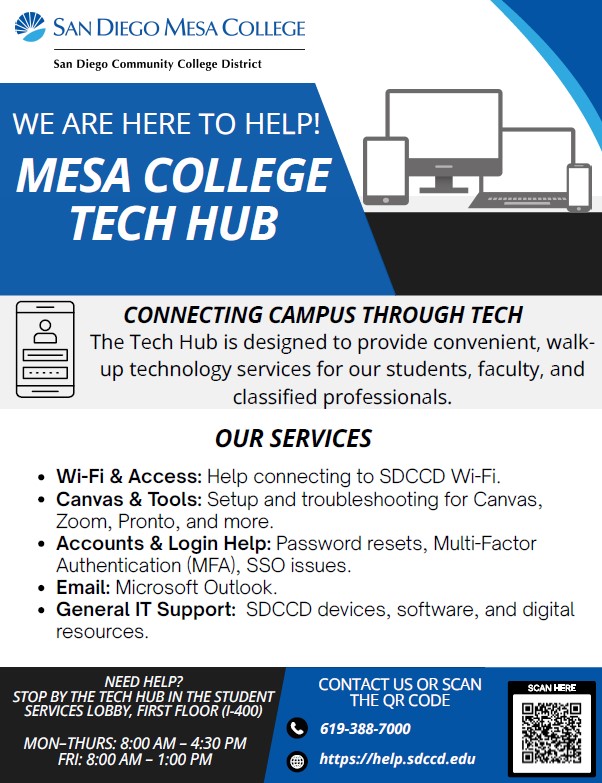
Students experiencing problems accessing their SDCCD email and Canvas (Learning Platform for online classes) related to Multi-Factor Authentication (MFA) difficulties should contact the Tech Hub for support.


Monday - Thursday: 9:00am - 3:00pm

Friday: 9:00am - 1:00pm

Student Services Lobby, First Floor (I-400).


619-388-7000

https://help.sdccd.edu

🚗Student permit enforcement suspended Aug. 24 – Sept. 4.


⚠️ Warnings may be issued:

Aug. 31 - Sept. 4.


✅ Full enforcement begins:

Sept. 7.


All other parking violations will still be enforced.


Learn more about parking permits.

View steps to purchase a virtual parking permit online with a credit card.


Cash - Permits can be ordered online through your MySDCCD Portal and then cash payment can be made at the Mesa College Police Q-100. A valid student or government identification is required.


Parking Services Contact

619-388-6416

(Mon. - Thurs.; 8 a.m. to 5 p.m., Friday 8 a.m. to noon)

Email parking@sdccd.edu

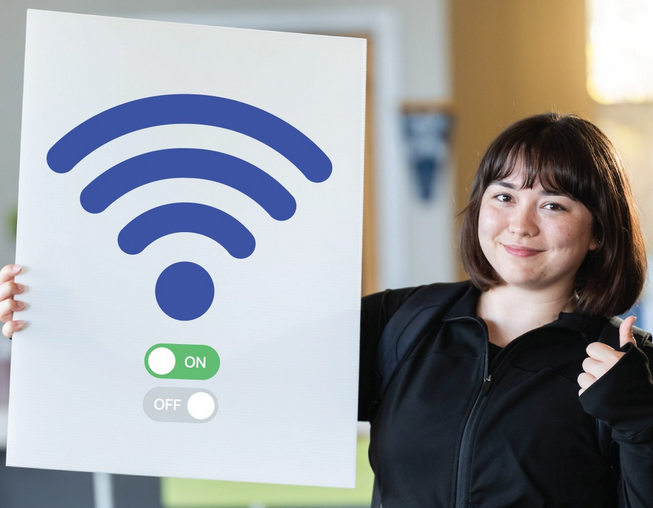
Mesa Campus WIFI


We now have a new Wi-Fi

network at Mesa!

MySDCCD Portal Assistance

Set up your

MySDCCD Account

SDCCD have launched a unified portal named "mySDCCD". This platform centralizes essential student information related to admissions, enrollment, financial aid, and other student services. 

password-computer image

Find your student ID and password

Need helping recalling your CSID (student ID number) or MySDCCD password?

Student Services Departments

Admissions

The Admissions Office is here to answer your questions regarding any of the following topics:


  • Registration information (adding/dropping classes, holds)
  • Residency Requirements
  • Student ID Card
  • And more!


Phone: (619) 388-2682

Email: SdMesaAdmissions@sdccd.edu

Location: I4-102

Classes are full?

Get on the waitlist


In the event that your desired class is already at capacity, you can still have a chance to enroll if you follow the steps linked below.

time-concepts-idea-with-close-up-watch-on-male-arm image

Course Permission Code Request for Courses That Have Already Started


If the course isn’t full but has started, contact the professor for a permission code. When contacting the professor, make sure to include the course title and 5 digit class number.

How to drop a class


Make sure to learn how to withdraw from a class before the Fall drop deadline passes.

Class Holds

Have a registration hold? Check your hold by logging into your MySDCCD account.

If you have an Admissions hold, please contact the Admissions office at 619-388-2682, email: sdmesaadmissions@sdccd.edu


If you have an Accounting hold, you can pay online via your MySDCCD portal or contact the Student Accounting Office at 619-388-2704, email: mestuact@sdccd.edu


If you have a Counseling hold, please contact the Counseling office at 619-388-2672, email: SdMesaFollowup@gmail.com

Counseling Services


Mesa College Counselors are available to meet with you in a variety of ways to assist in helping you achieve your academic goals.

Schedule a Counseling Appointment: Drop in vs. Appointment

Drop-in counseling sessions everyday. These 15 minute sessions are for:


  • Abbreviated Ed Plan (1 semester) 
  • Financial Aid Referrals
  • Academic Renewal Petitions


For drop-in counseling:

Phone: 619-388-2672

email: SdMesaFollowUp@gmail.com

or stop by room I4-303

60 minute appointments are available for more in-depth counseling sessions. Certain criteria must be me to schedule an appointment.


Services include:


  • Comprehensive educational planning
  • Financial aid appeals
  • Veterans ed plans


For counseling appointments:

Phone: 619-388-2672

or use the online appointment scheduler (E-SARS)

Financial Aid

The Financial Aid Office is here to answer your questions regarding any of the following topics:


  • Disbursement Dates
  • Aid Programs
  • Cost of attendance
  • Work Study


Phone: (619) 388-2817

Email: MesaAid@sdccd.edu

Location: I4-107

Mesa Department

Contact Directory


Use the Mesa Contact Directory to locate phone, email, and location to Student Service departments and support programs.

Mesa College Fall Hours

Student Services Hours

Library (LRC) Hours


Tutoring Hours

Campus Bookstore Hours


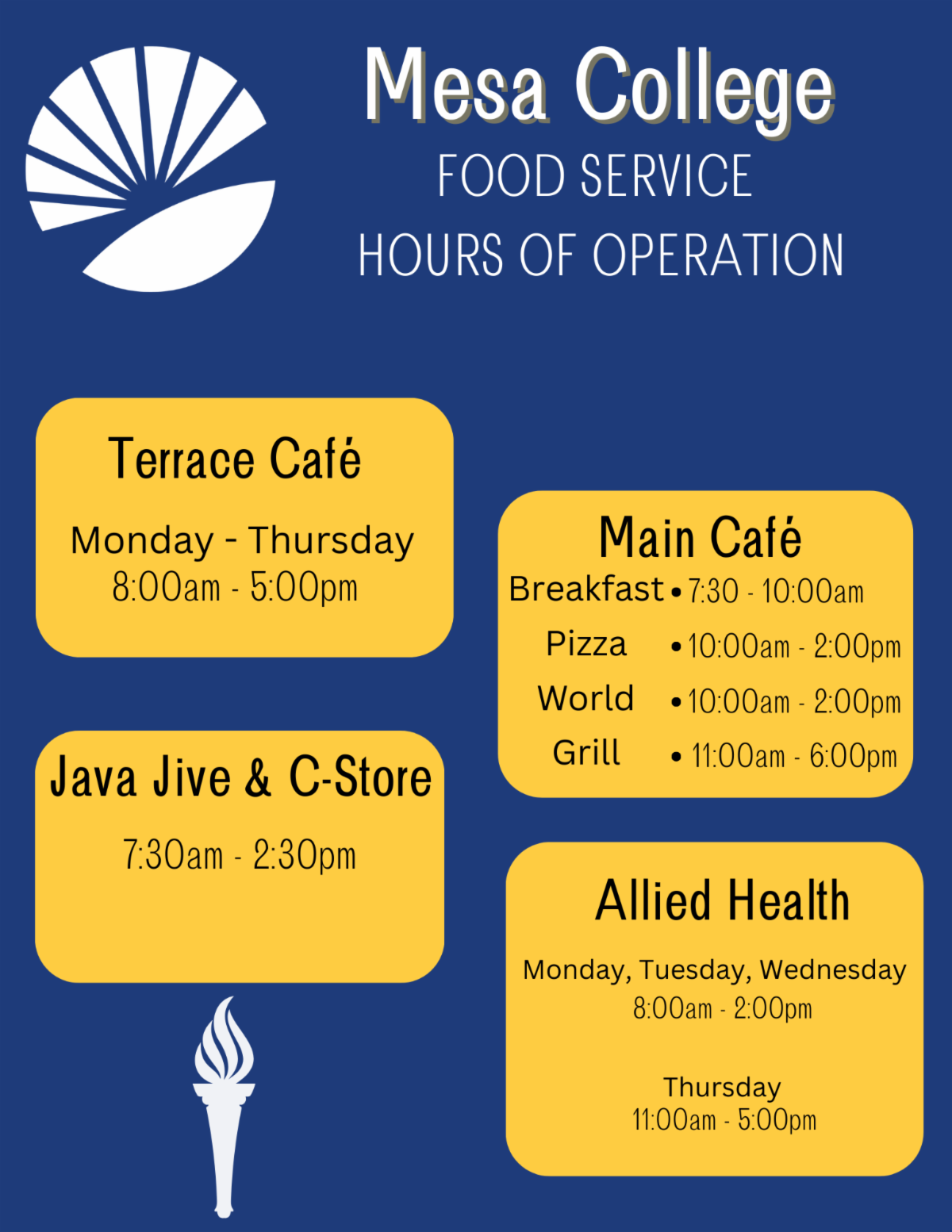
Food Service Hours

Technology Resources

Student Event Calendar

The Student Events Calendar provides Mesa students with a listing of upcoming campus events, programs, and opportunities.

Laptop Checkout

laptop_typing.jpg

The LRC is currently accepting requests for laptops/hotspots for use during the upcoming semester. To make a request, complete the laptop request form.

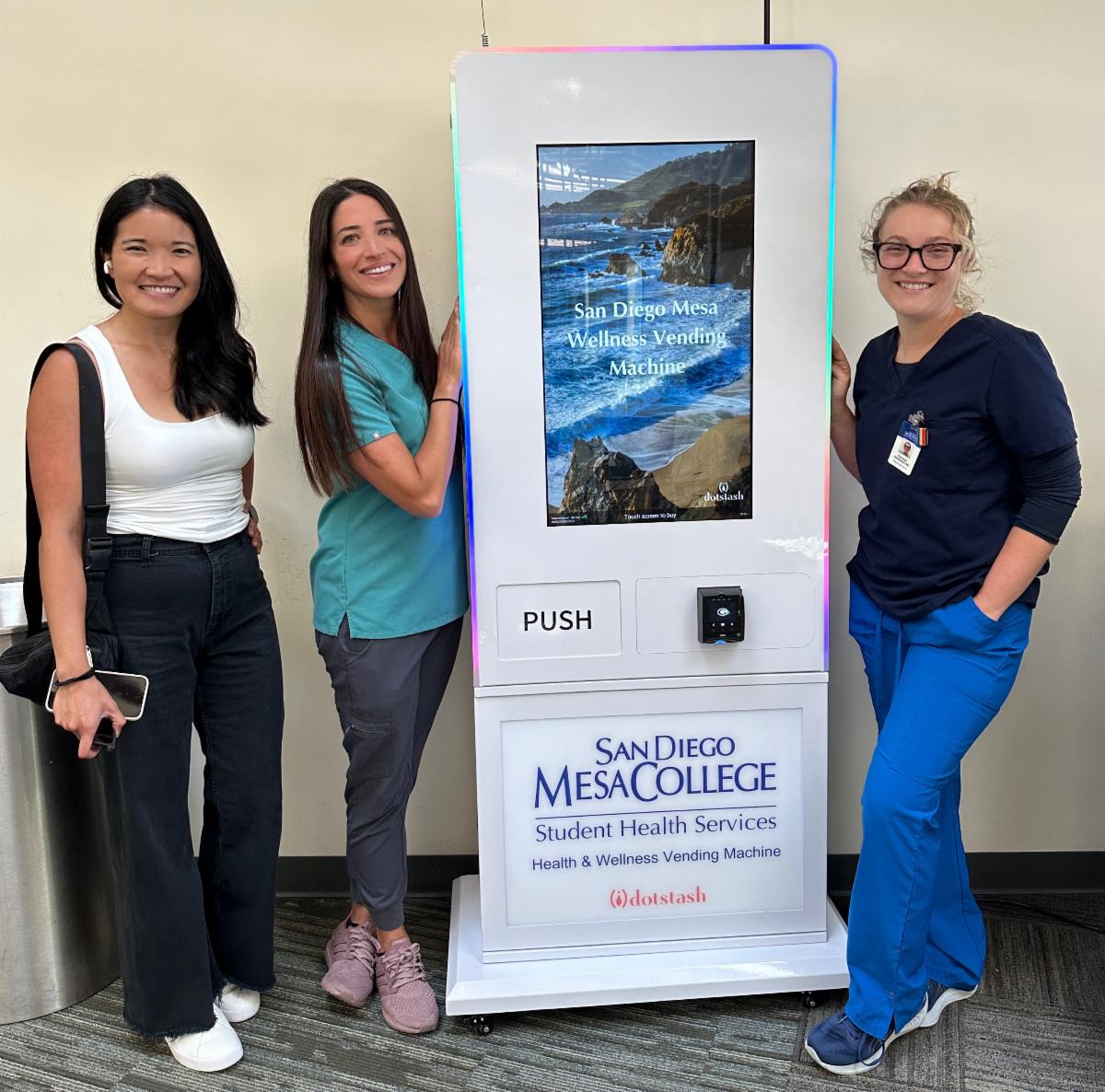
Health and Wellness Vending Machine

The vending machine dispenses such over-the-counter items as menstrual products, contraceptives, pain relievers, and pregnancy tests.


Location: 4th floor of the Student Services building

(I4-400)

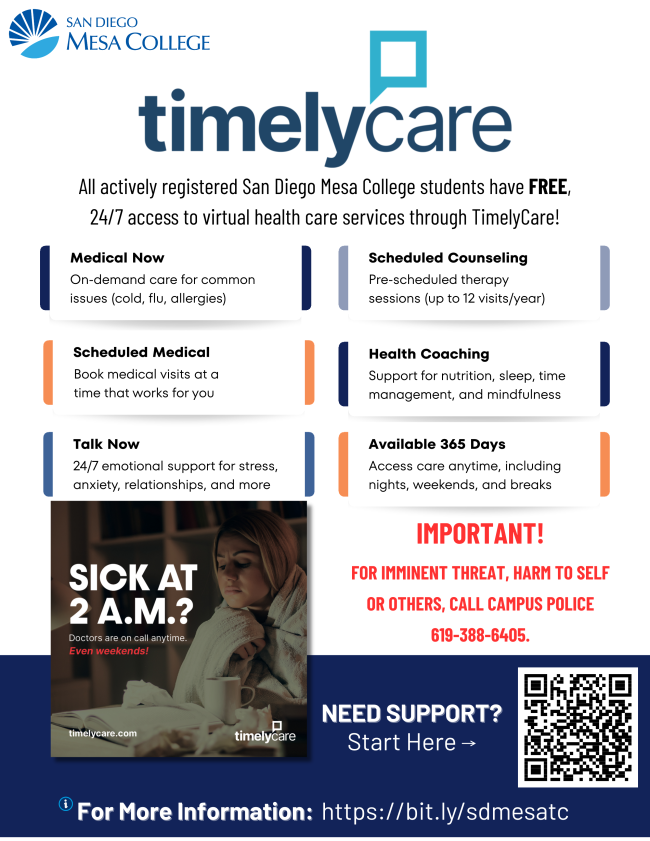
Timely Care

San Diego Mesa College students have FREE, 24/7 access to virtual care services with TimelyCare, a virtual health and well-being platform designed for college students. Students do not need insurance to access TimelyCare services. Learn more.

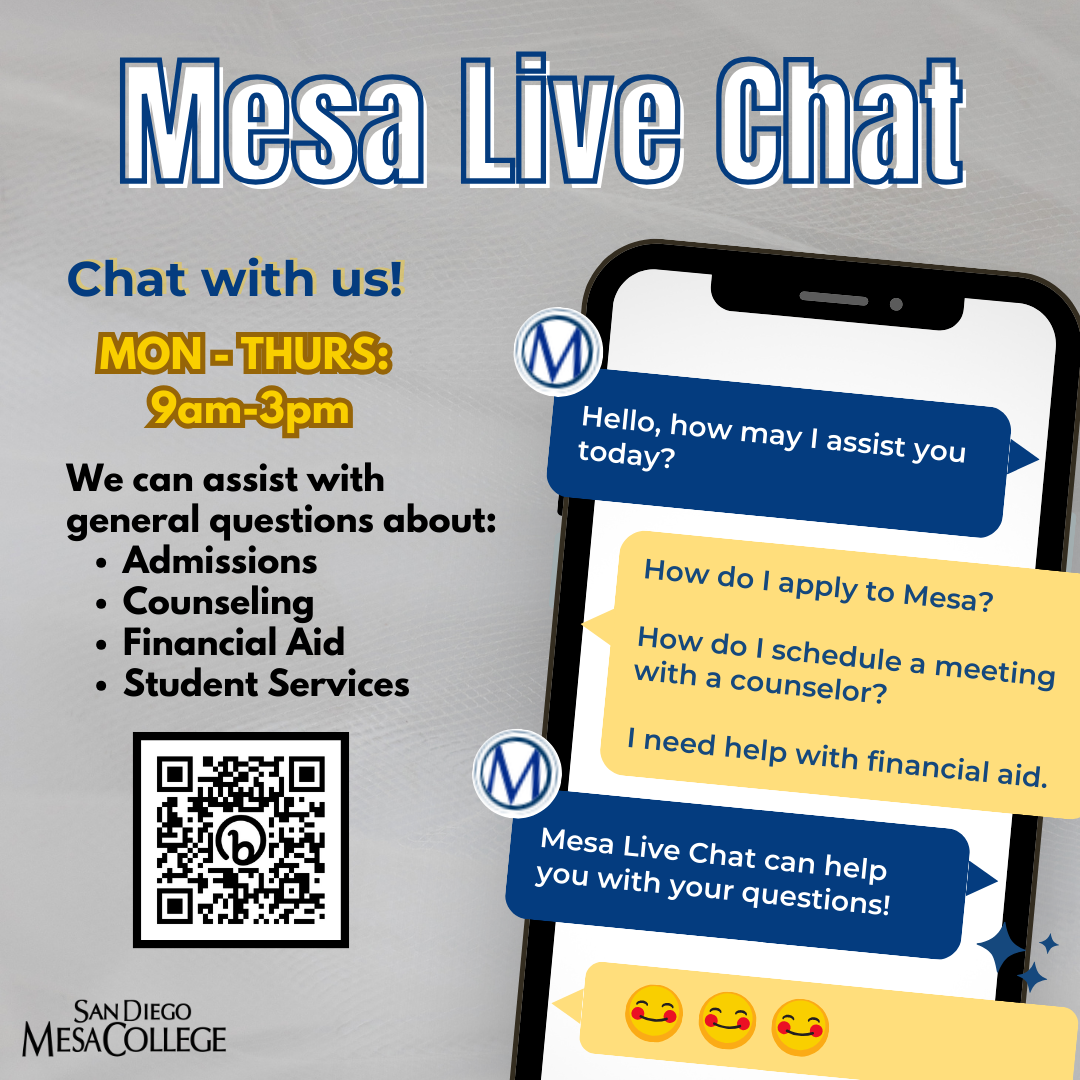
Live Chat Support

The Mesa College Live-Chat

service allows you to speak directly to Mesa Student Services staff.

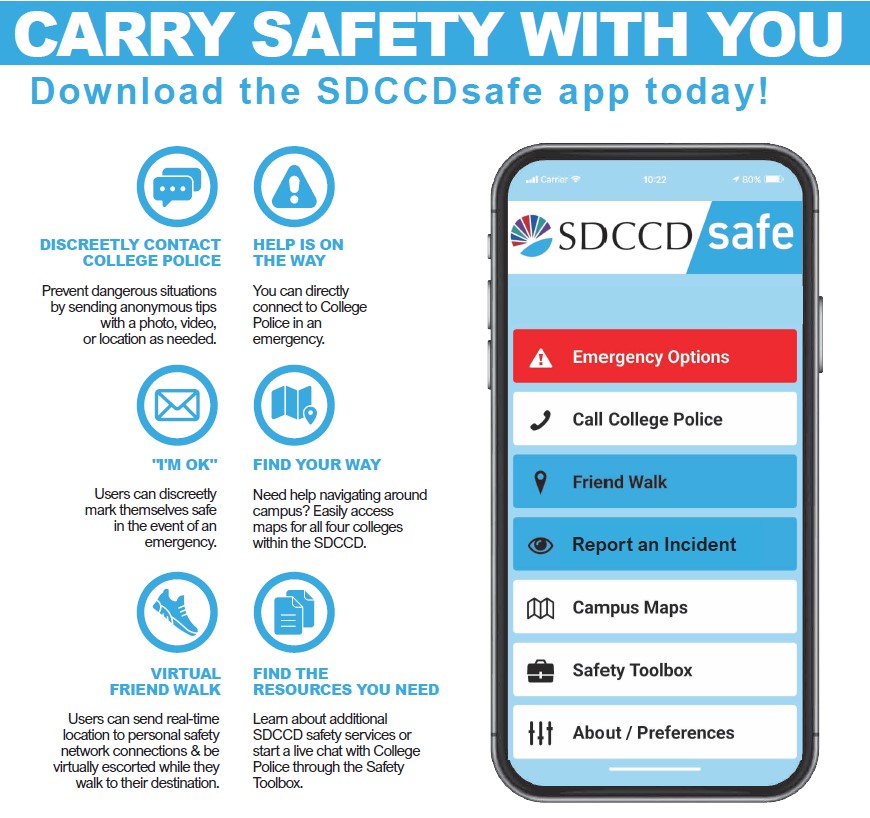
SDCCD Safe App

Stay connected and receive important notifications, communicate with College Police, and gain access to important Resources.

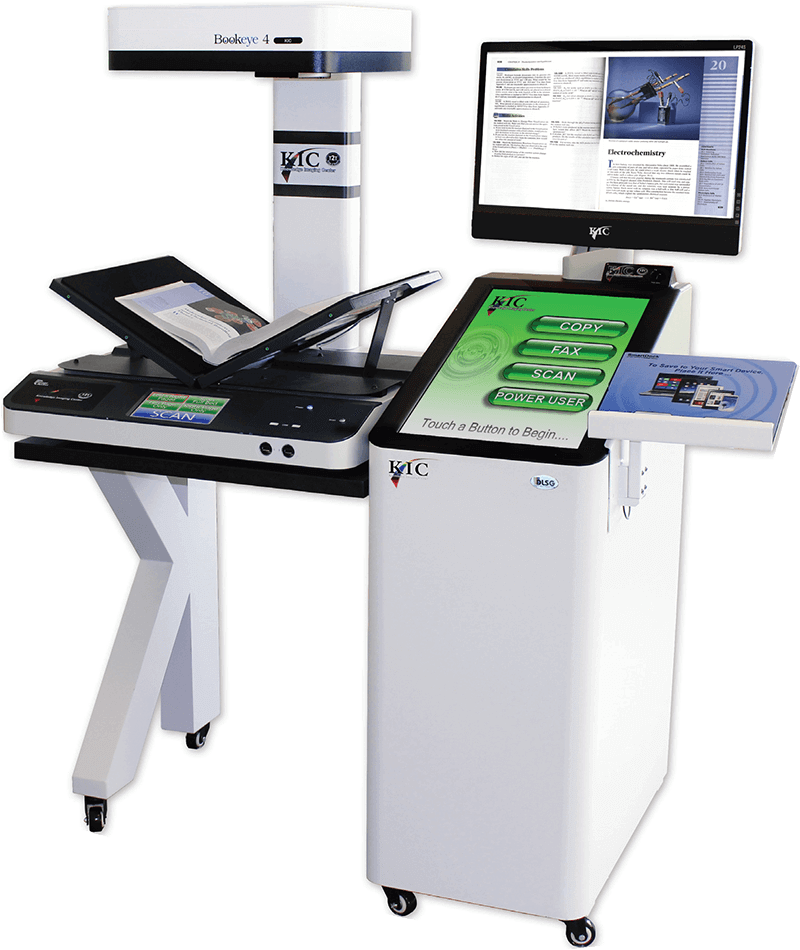
KIC Scanner

Use the KIC Scanner to make a copy of an assignment, pages from a book, or form and send a pdf to yourself.


KIC Scanner Tutorial Video


Visit the KIC Bookeye Guide for in-depth "how to" directions


Location: I4-400 (1st floor, next to Admissions office) and Learning Resource Center/Library (1st floor)

Pay-For-Print

Students can create a PaperCut print account, add funds to their print account using a credit card or PayPal and send print jobs from any device on or off campus.


Pay for Print Tutorial Video

Use Mesa Journeys to find support resources

and stay updated on events at Mesa!

View as Webpage

Instagram