WEBSITE UPDATES, TIPS & TRICKS
MARKETING DOWNLOADS: Did you know about this easy-to-use template?
Download product content (copy, specs, and images) into an Excel document by following these four simple steps:
- Login to your BuyersProducts.com account
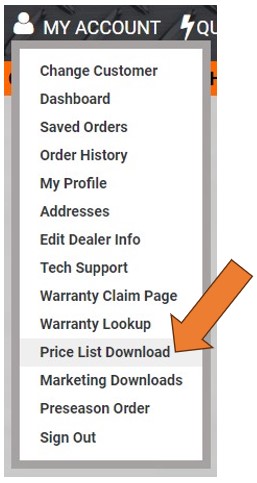
- Go to "My Account" menu at the top right, click "Marketing Downloads"
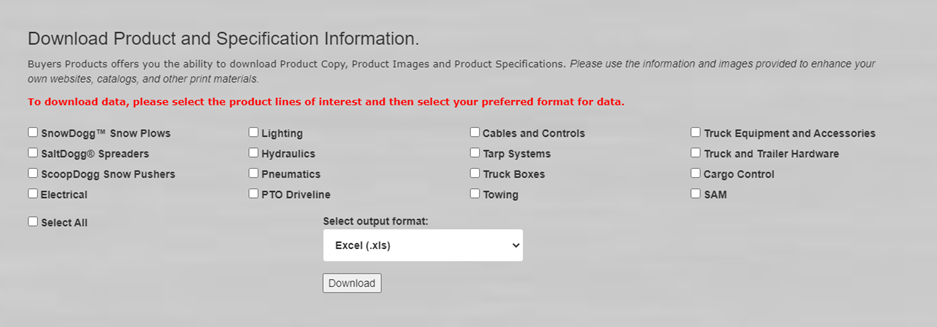
- On this page, scroll down (see screenshot below)
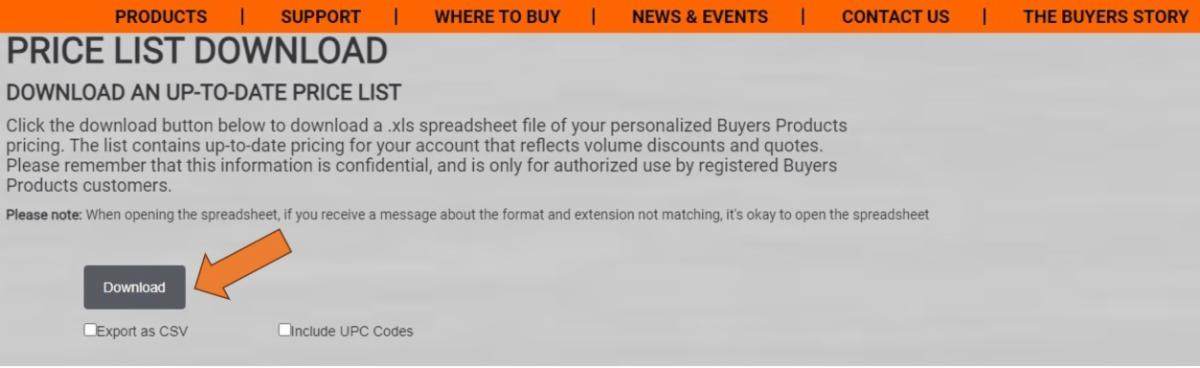
- Check the boxes for each category you'd like to download, choose the output format you'd prefer, and click "Download"