Citywide Upgrade


New Microsoft Entra ID MFA is Here!

New login system coming for everyone.

Migration must be completed by Sept. 30.

Team Richmond,


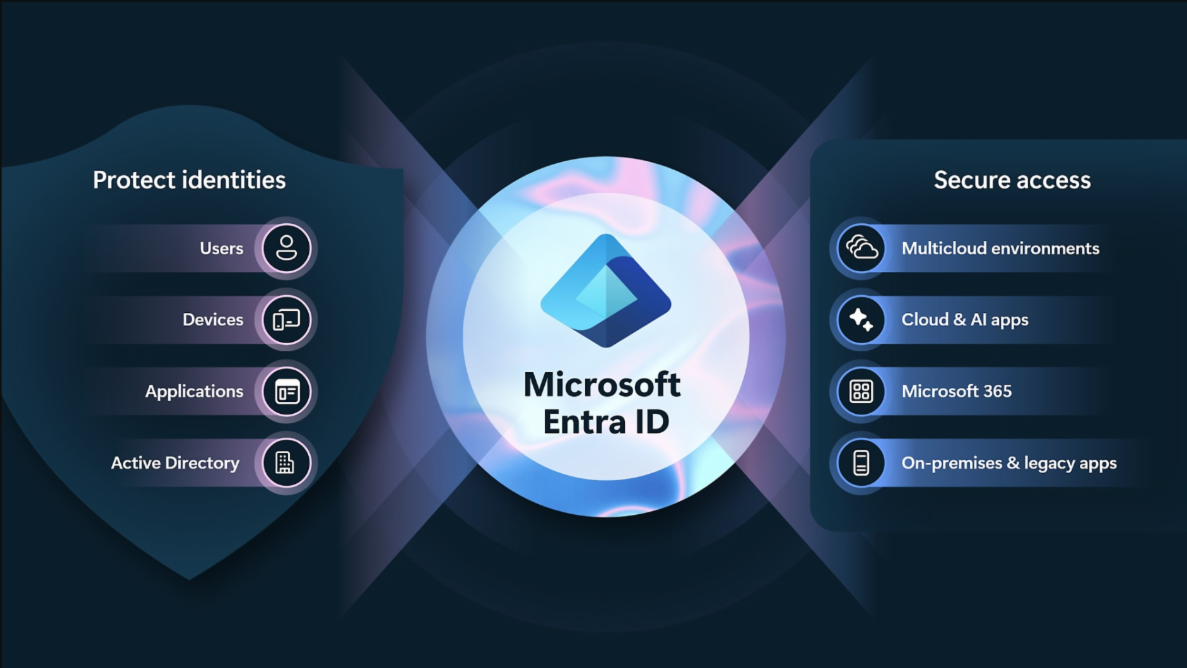
The Department of Information Technology (DIT) is rolling out a new, modern Multi-Factor Authentication (MFA) system using Microsoft Entra ID.


This upgrade will replace the current RSA token system for all City of Richmond users. All users must complete migration by Sept. 30, 2025.


Why This Matters.


This change enhances security, simplifies your login experience and saves the city money.


With Microsoft Entra ID, you’ll get:

  • Real-time risk-based login protection
  • Password-less sign-in options (SSO)
  • Streamlined registration
  • Better integration with Microsoft 365 tools

Who’s Affected

Every City of Richmond employee—yes, that’s you!


All city employees—across low, medium, and high-risk roles—will transition to this new system.

What You Need to Do


Register two authentication methods (primary and backup):


Best option: Microsoft Authenticator app on your city-issued or personal mobile phone


Other options:

  • City desk phone number
  • SMS to city-issued mobile device
  • Special-use cases (public safety) have additional options


No city mobile phone? Use your personal device or ask for alternate access codes. Specific iOS versions may not be compatible with Multifactor Authentication. Please contact the helpdesk for issues or questions.


How to Get Started


After logging into your Microsoft account, you’ll be prompted to:

  1. Download the Microsoft Authenticator app.
  2. Register your Microsoft 365 account.
  3. Or, choose an alternate method from the approved list.


Once registered, you’ll use your new method to access all services that previously required an RSA token.

For additional information, please review the resources below. For questions, contact DIT Helpdesk at (804) 646-6367.


City of Richmond | 900 East Broad Street | Richmond, VA 23219 US