|
Touch Registers
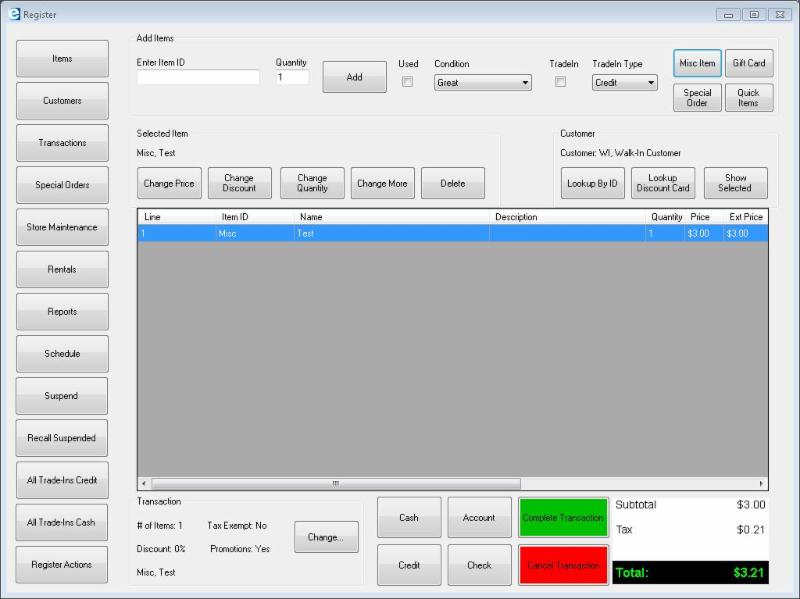
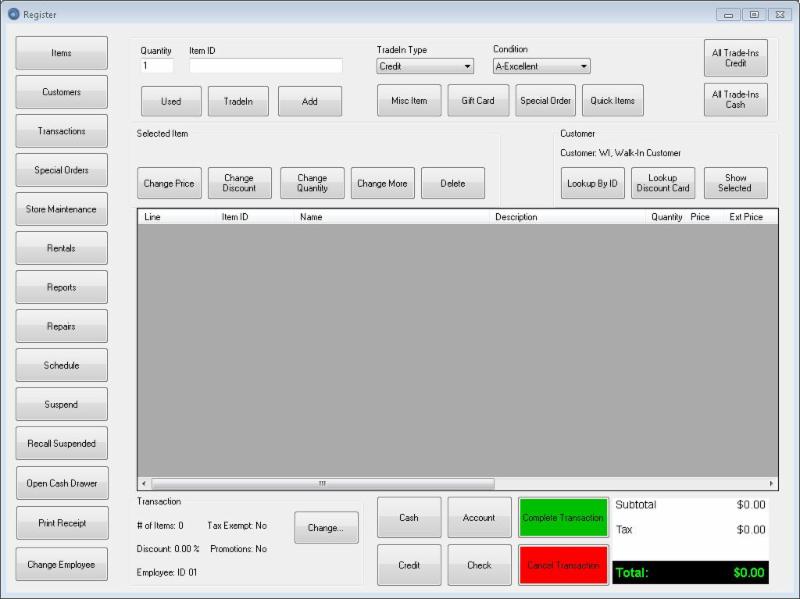
The above are meant for stores with massive inventories, where the majority of item selection is meant to be done via scanner. For stores that have a more limited inventory, or stores that have some items they frequently sell, one of our touch designs may be better.
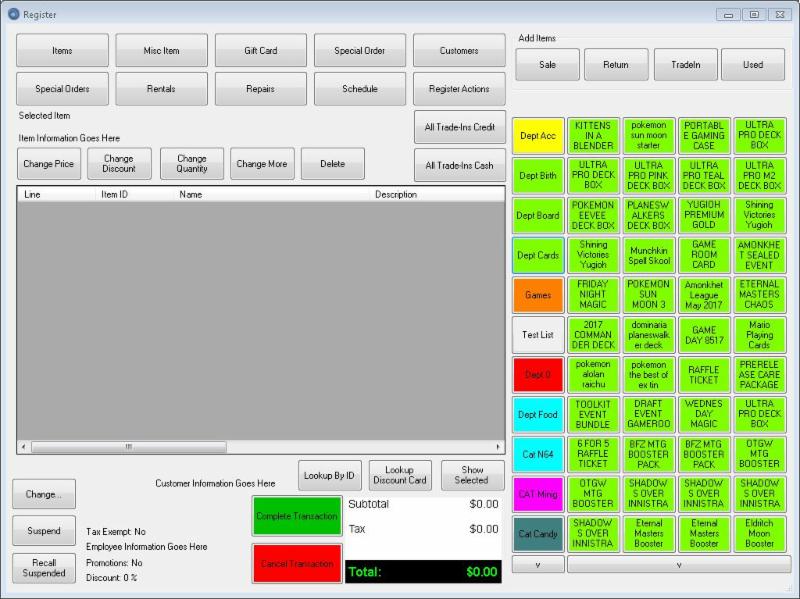
This first one is made for a touchscreen with a smaller resolution. For all of these touch designs, the buttons work with groups that you can set up. In this particular one, the column on the left lists the groups, and then the four other columns are the buttons in the group.
Groups can either be active items for a department or category, or a specific list of items you add if you're wanting to craft it with a more detailed eye.
Scrolling through items or groups that won't fit on the page can be done with the arrow buttons that will appear above and below the item and group buttons.
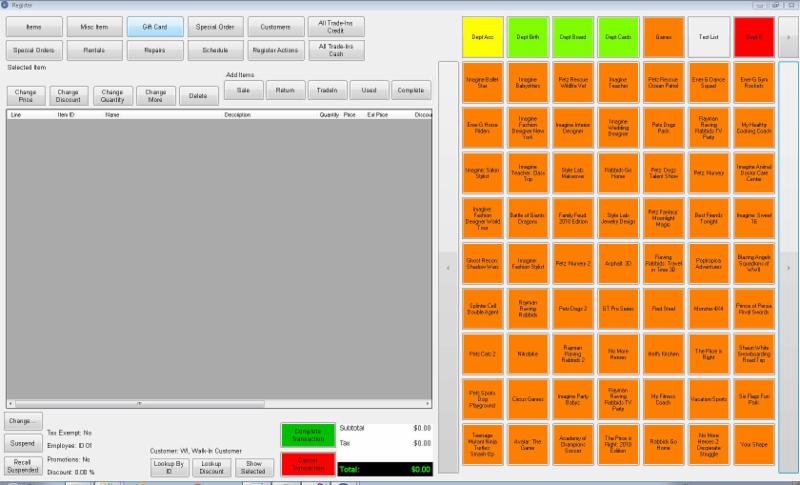
This design is for a touch monitor with a larger resolution. The touch buttons here are set considerably larger, and this particular layout is showing the touch buttons with the groups set in the top row, rather than the first column.
|