Dear Valued ARINCDirect Customers, 


Following up on our recent release of filing features, you can now also cancel a flight plan in the NextGen Flight Planning application. The Cancel option will appear in multiple places in the workflow:  


  • Leg List 
  • Leg Details 
  • Document Viewer 

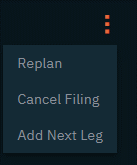
On the Leg List and Leg Details, the cancel option can be found beneath the three-dot action menu: 

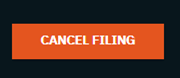
While on the Document viewer, you will find CANCEL FILING as an option with an action button in the lower left-hand corner of the page: 

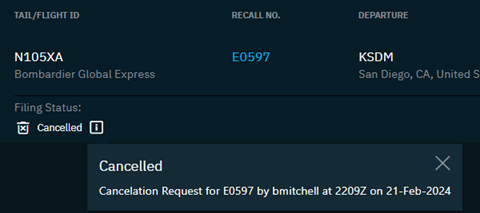
Once a flight plan has been cancelled, the filing status appearing on the Leg List and Leg Details will reflect a Cancelled status along with timestamp and username. 

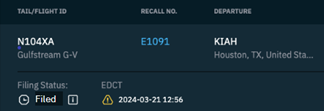
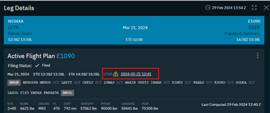
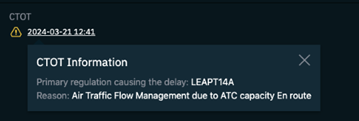
Also in this release is the display of EDCT or CTOT times that may be assigned to a filed flight plan. Look for this detail on the Leg List and Leg Details. Clicking on the CTOT hyperlink will provide more details as to the regulation or reason for delay: 

For more information, please review the Version 1.6.2 Release Notes


How to Access to NextGen Flight Planning 


Like other NextGen solutions we are developing, NextGen Flight Planning is only accessible on Izon. To access the new application, you must create or log into your Izon account. The tile for NextGen Flight Planning will be available to all flight planning subscribers automatically. See the Izon Setup Guide in the links at the end of this message if you do not yet have an Izon account. It’s easy to set up and FREE. 

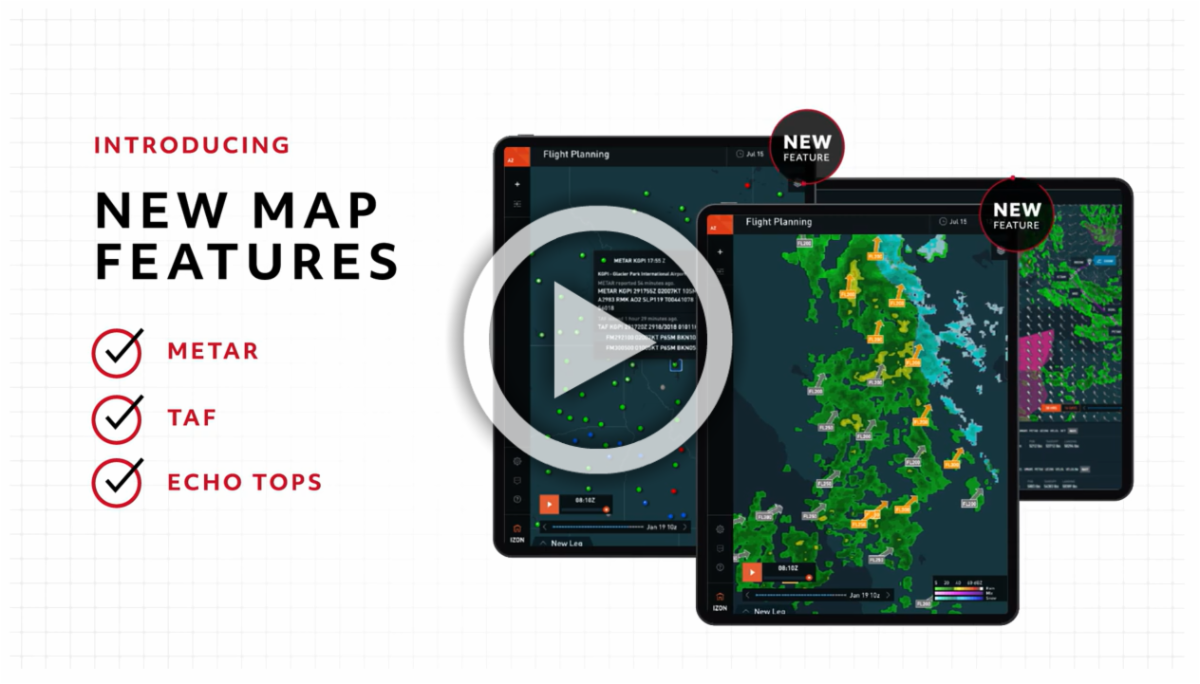
You can learn more about NextGen Flight Planning in the video below: 

Share your Feedback 


This is in BETA phase, and we really want to hear from you about the application, both feedback from using it and guidance about the features you’d most like to see incorporated next.  


If you have any questions or concerns, please contact us at 1-866-321-6060 (International: +1 410-266-2266), email flightops@arinc.com, or use the feedback icon located in the lower-left-hand menu of the NextGen Flight Planning application. Screenshots are always helpful when referring to specific features or scenarios in the application.   


Get Access   


Learn More 


As the backbone of the new Collins business aviation digital experience, the Izon dashboard will continue to expand as additional integrated solutions are brought online. From all of us at ARINCDirect, we want to thank you for your continued support as we rise above business as usual


Contact 24x7 Support
Navigate to Izon
Izon Setup Guide