We are excited to announce multiple improvements to the CIE Partner Community. These include updated layouts and processes when searching, creating and authorizing clients. Check out what you can expect from each of these functions below!
Client Search
What to expect:
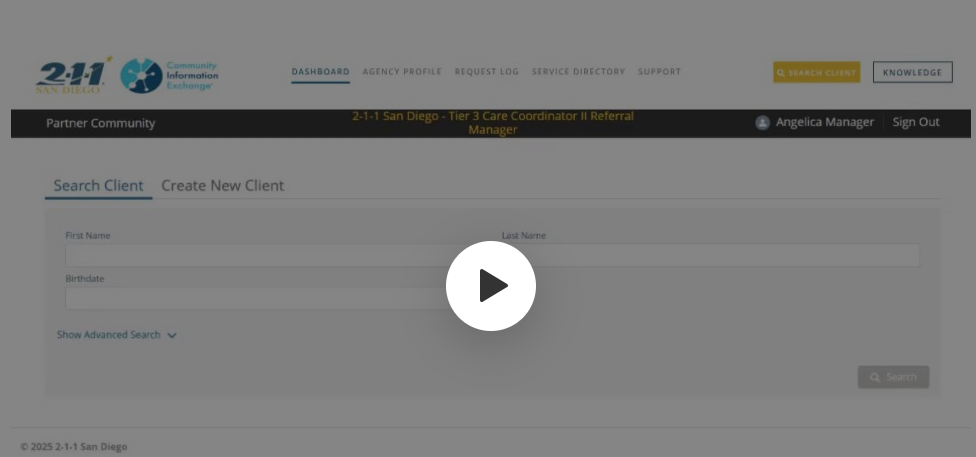
Simplified Search Client layout in its’ own tab (separate from Create New Client)
New “Advanced Search” options that includes: Medi-CAL CIN
Search results now include: Mobile, Home and Main Phone Number to increase possibility of client record match
Watch a Quick Tutorial Here
Creating New Clients
What to expect:
Separate “Create New Client” tab
Ability to create profiles for minors within two scenarios:
Parent and/or Guardian is present and able to provide consent
Healthcare provider is present and minor is over 13 yrs. old
Ability to authorize clients via: Verbal Attestation, Telephonic Recording, Paper Copy, or Digital Signature
Watch a Quick Tutorial Here
Privacy Tab (from Client Record)
What to expect:
Guided steps on how to complete each process:
New Authorization: used to upgrade a client from a social consent to authorization
Revoke: used for a client opting out of CIE
Renew: used to add a new authorization when the current one is reaching expiration
A Digital Signature method allows a client to sign an Authorization form electronically and in real-time
New CIE User Training (updated)
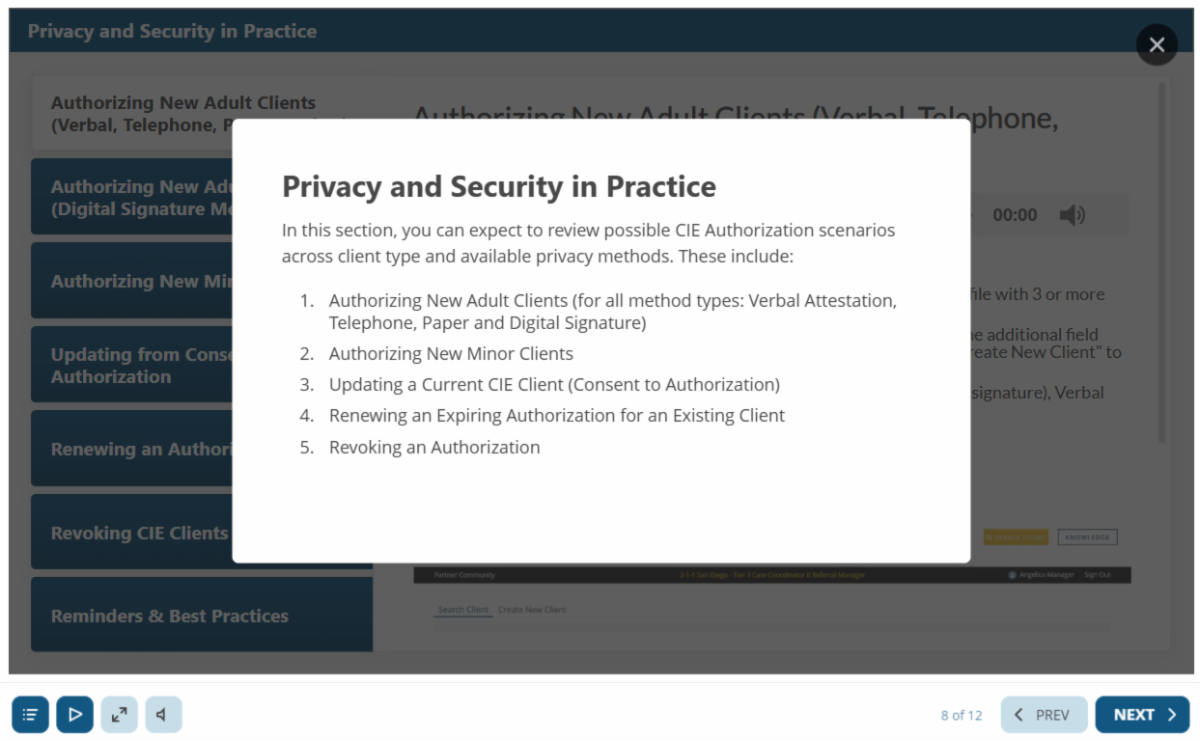
Revisit our interactive, self-paced training as it now includes a section for Privacy & Security in Practice (Section 5 when referencing the module outline)