|
As the cyclone season starts in Far North Queensland, it’s crucial to ensure that your business and digital signage are ready to withstand the challenges that come with severe weather. At eXdigital, we’re committed to helping you keep your signage functional and your business connected to customers, no matter the conditions.
Here are some steps to prepare your business and digital signage for the cyclone season:
1. Reinforce Physical Infrastructure
Cyclone-proofing your digital signage begins with its physical structure. Ensure all signage, whether mounted on walls, free-standing, or attached to poles, is securely fastened.
-
Inspect Signage Mounts: Conduct a full inspection of your signage mounts and hardware to ensure they are corrosion-resistant and can withstand strong winds.
-
Consider Wind-Rated Enclosures: If your signage is not already in wind-rated enclosures, now is the time to invest. These are designed to offer additional protection from wind, rain, and flying debris.
2. Backup Power Solutions
Power outages are common during cyclones, and ensuring your digital signage can continue functioning is essential.
-
Uninterruptible Power Supply (UPS): Install UPS systems for your signage to prevent sudden power cuts that may damage hardware or cause data loss.
3. Weatherproof Your Technology
Your digital displays need to be protected against rain, wind, and humidity.
-
IP-Rated Displays: Ensure your displays have appropriate IP (Ingress Protection) ratings, ideally IP65 or higher, to shield them from water and dust.
-
Seal Gaps and Openings: Make sure all gaps, connectors, and vents are properly sealed to prevent water ingress.
4. Have a Remote Management Plan
During a cyclone, getting physical access to your signage might be difficult or impossible. Remote management ensures your business can still communicate with customers.
-
Cloud-Based Signage Systems: Invest in cloud-based content management to allow you to update your signage remotely, keeping customers informed of closures, safety measures, or service changes during extreme weather.
-
Monitor Signage Health Remotely: Utilise software that monitors the performance and health of your displays, alerting you to any issues before they escalate.
5. Prepare an Emergency Communication Strategy
Your digital signage can serve as a crucial communication tool during emergencies.
-
Pre-Schedule Emergency Alerts: Configure templates in advance to display emergency alerts, cyclone warnings, and instructions on evacuation or safety protocols.
-
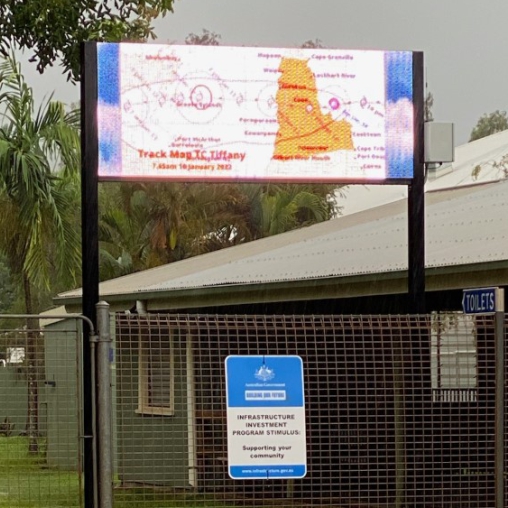
Coordinate with Local Authorities: Ensure your signage is ready to display important public information provided by government and emergency services.
6. Test and Train Your Team
Ensure that both your hardware and staff are ready to handle a cyclone scenario.
-
Run System Tests: Regularly test the functionality of your digital signage under simulated power outages or network disconnections to ensure everything works as intended.
-
Train Staff on Emergency Protocols: Make sure your team knows how to use digital signage for emergency communication and remote management during severe weather.
7. What to Do During a Cyclone
|