December 19, 2025

EAST HAPPENINGS

This Week's TowerTV Episode

In this episode:

  • Max and Leander anchor the episode.
  • Josemaria and Megan learn more about new classes students can sign up to take for the 2026-27 school year.
  • Evi and Trina show us the inner workings of the club Strings Ensemble
  • Richard and Sergio have fun with a cookie decorating contest
  • In hopes to raise awareness and money for a new track at Demetral Park that East students could use, Kingston and Sammy share a PSA on the community fundraiser.
  • Caleb and Alannah get to know some members of the Boys Swim Team
  • In the spirit of the holiday season, Miles and Alden ask students around the school about Holiday Movies for our Man-On-The-Street Piece.
  • Jane and Mercy test two teachers abilities to keep a straight face with their "Try Not to Laugh" challenge with science teachers Emma Watermolen and Mary Bridget Nowicki.
  • Closing out the episode, EJ and Libby take us underneath the theater for the announcements and to learn more about an East theater tradition.

Forward FC's Rally Girls Soccer donates to East

The Rally Girls Soccer Fund, Rally Madison FC's program designed to break down barriers and made soccer more accessible to all girls in the Madison community, made a $5,500 donation to Madison East High School Girls Soccer Program to provide each player a soccer ball as well as assist with uniform needs!


Head Coach Maggie Strader talks about what the donation means to East Girls Soccer.

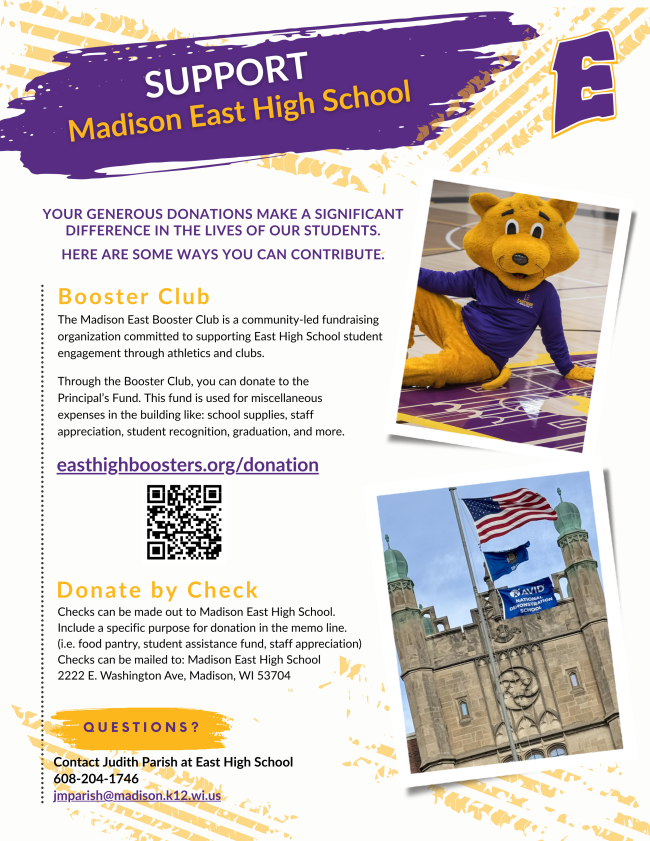
Support East With Online Donations

Purgolder Shoutouts

Check out the latest shoutouts, highlighting our our students and staff who embody What It Means To Be A Purgolder.

COMING UP

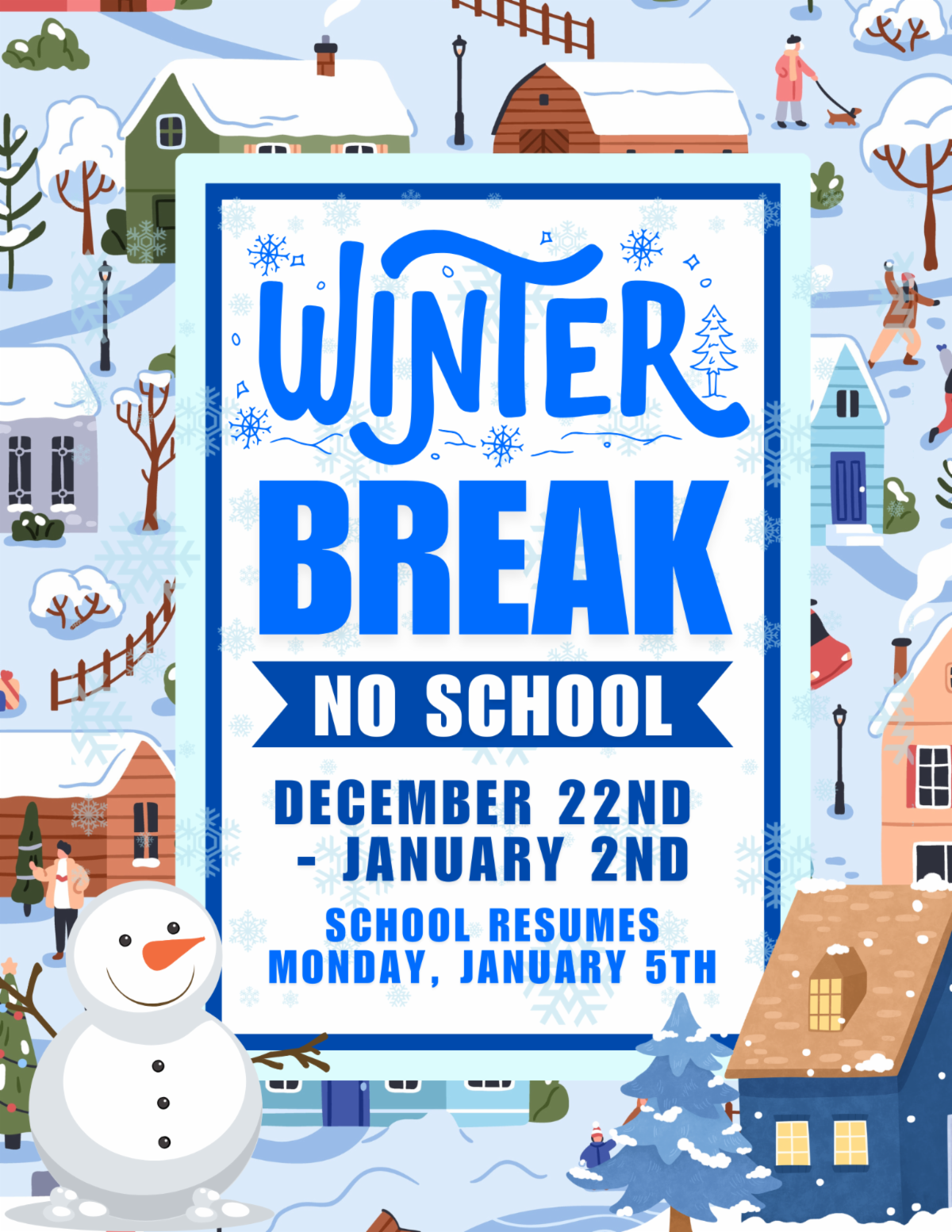
Winter Break Chromebook Information

Here are some reminders and tips for making sure chromebooks work after winter break:

  • Sign out of the chromebook, completely shut it down, and leave it turned off overnight at least 2 times during the break.
  • Unplug the chromebook some, especially if it is not being used- leaving it always plugged in can drain the battery.
  • Keep chromebooks inside as cold weather is hard on chromebooks and can damage them.
  • If the chromebook does not turn on, try a hard reset by following the steps below:
  1. Plug the chromebook into the charger- the charging light may not turn on and that is okay. 
  2. With one hand: push and hold the 'refresh' (circle arrow along the top row of keys) and keep holding it down 
  3. With the other hand: tap the power button 5 times (so refresh is pushed the whole time that you are tapping)
  4. Remove both hands. It will NOT turn on immediately. Let it sit for 3-4 minutes (you may want to set a timer) and it should turn itself back on so that you can log back in. 
  1. Turn off your Chromebook
  2. Press and hold Refresh + tap Power
  3. When your Chromebook starts up, release Refresh
QUICK LINKS & HELPFUL RESOURCES
 
MADISON EAST HIGH SCHOOL
 
Facebook  Twitter  Instagram