Save Bank Account Information in Online Insurance Center (OIC)

Your Penn National Insurance clients now have the option to save their bank account information in the Online Insurance Center (OIC).


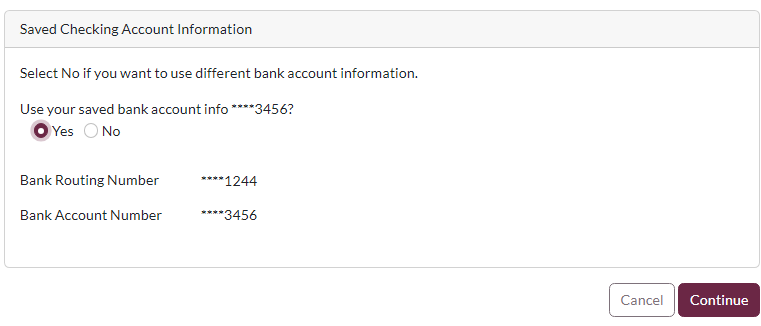
After they enter their bank account information on the Make a Payment page, they can check the box next to "Save Bank Account?" to store those details for future payments. 

To save a bank account, they will need to enable multi-factor authentication (MFA) on their OIC account, if they have not already done so.


After they save a bank account and enable MFA, they will have the option of using that bank account to make future payments.


Make sure your policyholders enroll in the Online Insurance Center (OIC)


Policyholders can register in the Online Insurance Center (OIC) on our website or you can start the registration for your clients.


In Policies & Accounts, you will see their status (Enrolled/Not Enrolled) under the Account Attributes. A link to enroll your clients will be in the self-service box on the right, across from the status. If the policyholder is already enrolled, no link will appear.


In Iowa and Wisconsin, Commercial Lines policyholders can create an OIC account. In Minnesota, Commercial Lines and Personal Lines policyholders can create an OIC account.

PennNationalInsurance.com | 800-766-2245