July, 2023

ServiceBox 10.6

We've made a series of upgrades to our Accounting Connector!


Feature List

There's now a list available inside your Accounting Connector to show you a history of what new features have been added with each release over time. For a step-by-step guide on

how to access the Feature List,

click below:

Feature List


Link Entity Feature in QB Desktop and Sage

In the event of an error

in the Quickbooks Desktop or Sage Accounting Connector,

the error message itself will

contain a link to the specific location in ServiceBox where the

incorrect information is stored,

for easy fixing.

Link Entities Feature
 

Link Entity Feature in

Quckbooks Online

We also offer the same Link Entity feature for easy error fixes in Quickbooks Online,

but the process is a tiny bit different...so here's an article with a step-by-step guide unique to Quickbooks Online.

Basic Work Order Filtering Options
 

Instant Help

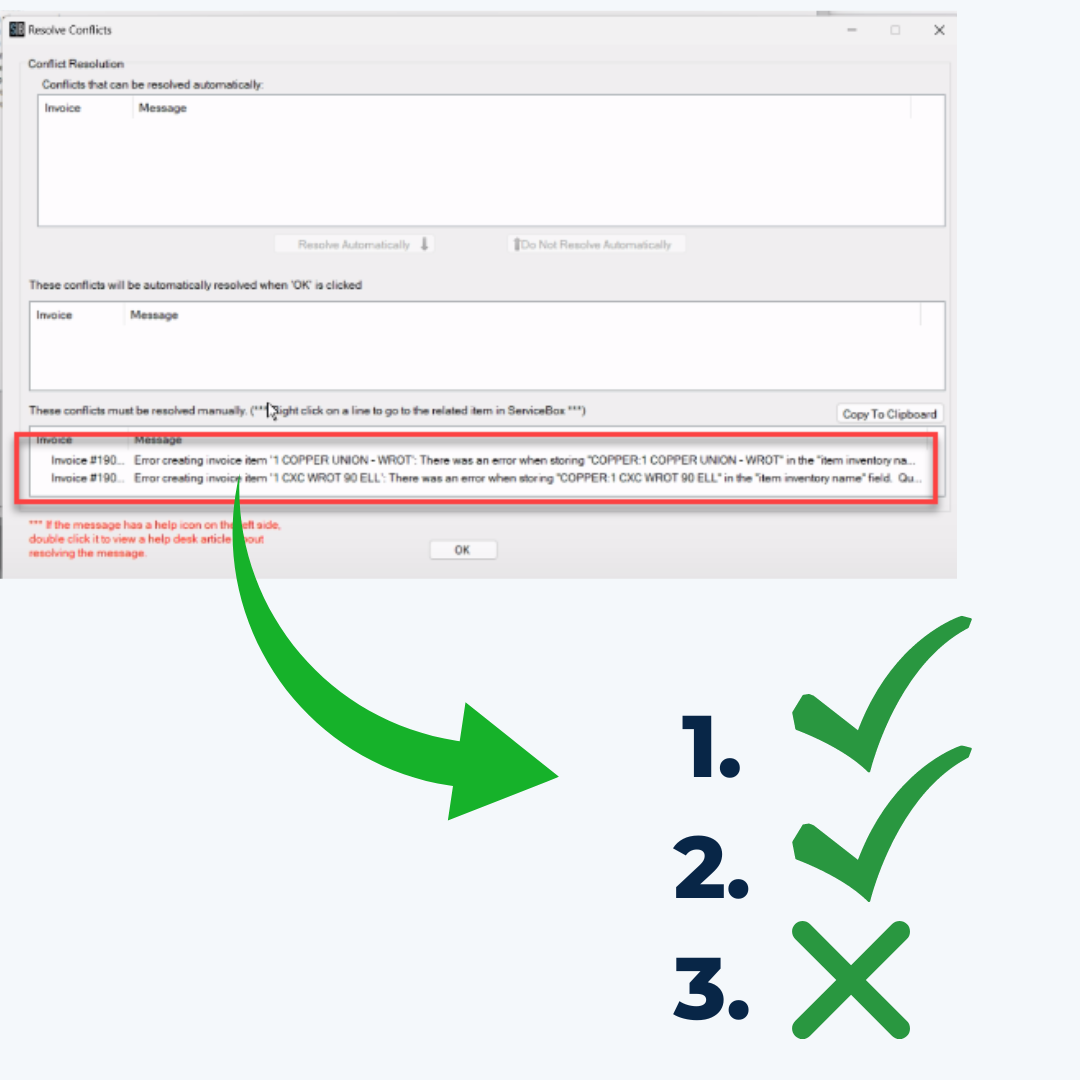
Now if you encounter an error message while running the Accounting Connector, the relevant help article pops up with the error message, so you don't have to go looking.

No more searching!

Click below for more info...

Instant Help


Refer A Friend

Last quarter we debuted a new 'Refer-a-Friend' button in the features column of your ServiceBox U.I., did you see it? It's an easy $250 if you suggest a friend to us and they sign up. Check out this 1 minute explainer video...


Referral Video


Bulk Message Copying

Sometimes changes in customer information will create validation errors. We've made it easier to copy these error messages in groups so they can easily be moved to Notepad, Word, etc., for easier reference while you adjust the data.


Bulk Message Copying


Connect with us

Facebook  Twitter  Instagram  Linkedin  


Phone: 888-727-4983

Email: sales@jobboxsoft.com

Website: www.getservicebox.com