Setup Autopay for your Membership Account Today!
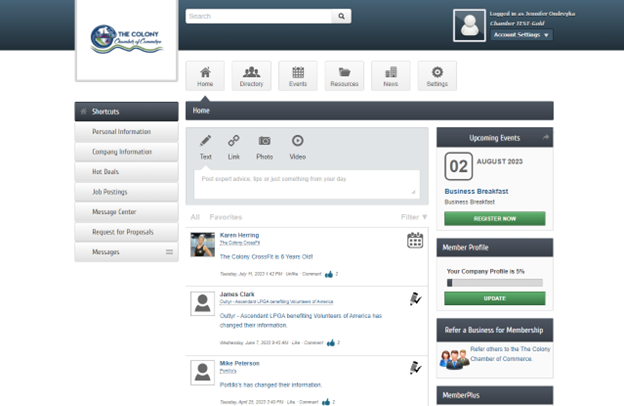
Step 1: Log into your membership portal here!
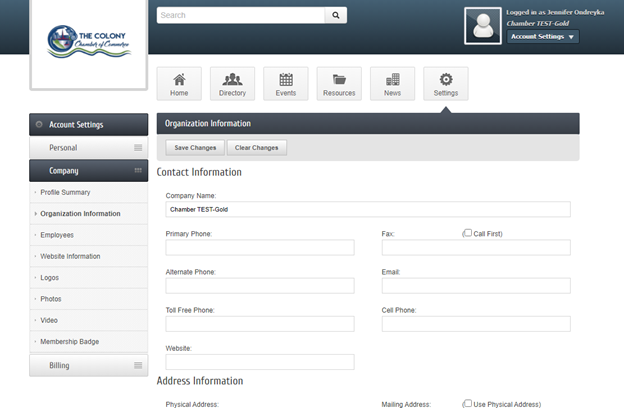
2.Click Company Information on the left side panel then select the last option- Billing.
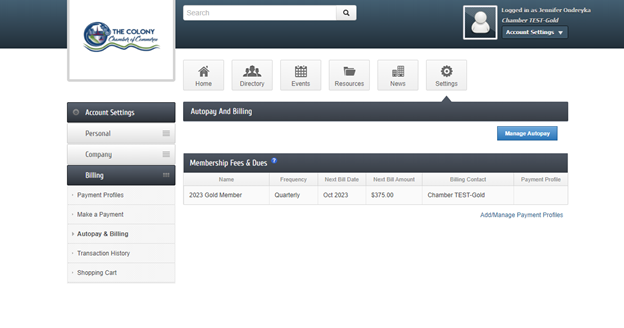
3.Select Autopay & Billing on the left panel then Manage Autopay (blue button).
4.From there you are able to fill in your credit card or banking information. Be sure to click "save" and you are all set!
Our staff is here to help! Please let us know if you have any questions!