Issue 51

June 11, 2026

Time to Read: 4 Minutes


-Hot Take-

One of the biggest lies in manufacturing is pretending the industry isn’t changing while the tech keeps getting cleaner, faster, and harder to ignore.

Joke of the Week

Q: Why did the machinist get detention?

A: Excessive chatter.

Ask a CAM Pro

Real shop problems. Answers from people who have been there.

How can I simulate large assemblies without slowing down the CAM software?


When you’re programming a big setup with multiple vises, fixtures, or subassemblies, simulation can crawl to a halt. Every solid model, stock calculation, collision check, and display update adds load to your system. The trick is finding the balance between realistic verification and smooth performance so you can still move fast without skipping safety checks.


Simplify your geometry first.

Start by removing unnecessary details from models that don’t affect machining. Threads, logos, fillets, and small chamfers eat up system resources but add nothing to collision detection. Save a “CAM-ready” version of each part that keeps only the critical geometry needed for toolpath accuracy.


Use lightweight fixtures and stock models.

Convert large or complex fixtures to simplified solids or low-resolution meshes. You don’t need every bolt and washer in simulation. Represent clamps, vises, and tombstones with simplified bounding shapes to maintain clearance checks without the performance hit.


Break the job into logical sections.

Simulate each setup or operation separately instead of trying to run the entire assembly at once. This makes it easier to isolate issues, reduces file size, and keeps refresh rates high. You can always merge the results later if you need a full process review.


Use stock models instead of full part bodies.

Once roughing or semi-finishing is complete, use an updated in-process stock model instead of repeatedly simulating all previous material removal. Simulating against stock drastically cuts the amount of data the software has to calculate, while still giving you accurate engagement and collision checks.


Adjust your display and tolerance settings.

In most CAM systems, you can lower visual accuracy and simulation tolerance without affecting final toolpath quality. For general visualization, slightly looser simulation tolerances are often sufficient, while tight-clearance work may require higher accuracy.. Higher resolution looks nice but slows everything down fast.


Turn off unnecessary simulation features.

Disable toolpath trails, material shading, or transparency effects if they’re not critical. Keep only what helps you catch collisions and verify motion. Most lag comes from rendering, not calculation.


Simulate posted code last.

Run your rough checks using toolpath simulation first, then switch to machine-level simulation once you’re ready for final verification. Machine-level or NC-code simulation is often more comprehensive but heavier on resources, so save it for final verification.


Upgrade strategically.

If you’re working with large assemblies regularly, invest in a strong CPU, adequate RAM, a fast SSD, and a dedicated graphics card optimized for CAD/CAM workloads. Even the best toolpaths crawl on weak hardware.


Bottom line:

Big assemblies don’t have to bog you down. Simplify what doesn’t matter, verify what does, and keep your simulation lean enough to move at the speed of production.


Have a programming question?


Send it in for the next edition of Ask a CAM Pro!

Weekly Poll

Choose from the answers below.

What is the hardest thing for shops to modernize?

View the results of last week's poll HERE.

From the Floor

The Toolpath That Stopped Launching Parts


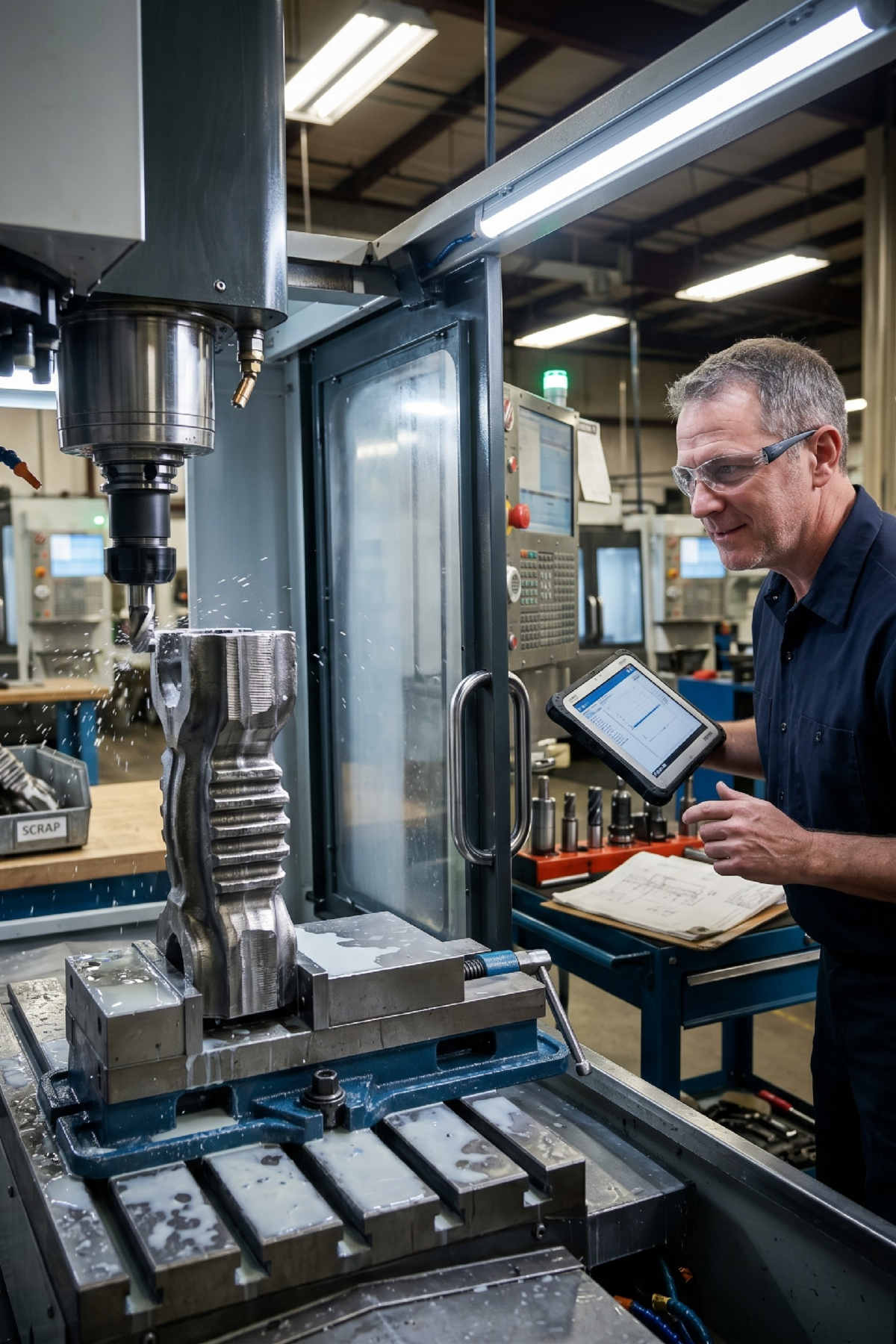
“We had a tough ribbed forging job, and we could not keep the part in the jaws. Every time we ran our usual VoluMill toolpath, the cycle time looked fine, but the scrap pile kept growing. The part kept shifting, and sometimes it would flat-out come loose.


Finally, we changed the strategy. Instead of loading the part sideways, we came at it from the top with a high-feed mill and ran an interpolation cycle that pushed the cutting force down into the jaws. It felt like a gamble at first, but it worked.


We stopped picking aluminum shrapnel out of the coolant tank, the tools lasted longer, and the cycle time stayed where it needed to be. Sometimes the fix is not a new tool. Sometimes it is changing how the toolpath attacks the part.”


-Machinist

CNC Underground: Afterhours

Caz, founder of CazTek Engineering & CazTek Precision, and Landon, Director of Strategic Growth, joined CNC Underground: Afterhours to break down what growth actually looks like when you’re scaling a manufacturing business in real time. This candid conversation unpacks the challenges and rewards of building the right team, empowering innovation, and balancing rapid expansion with smart execution.


Key Takeaways:

  • Hear why building a culture that encourages creative problem-solving and cross-industry thinking sets great teams apart.
  • Find out what breaks first when companies scale fast, and how to fix it through processes, hiring, and authentic leadership.
  • Get actionable lessons on balancing the push for speed with the discipline of accuracy in quoting, hiring, and delivering top-tier work.

Video of the Week (Powered by GibbsCAM)

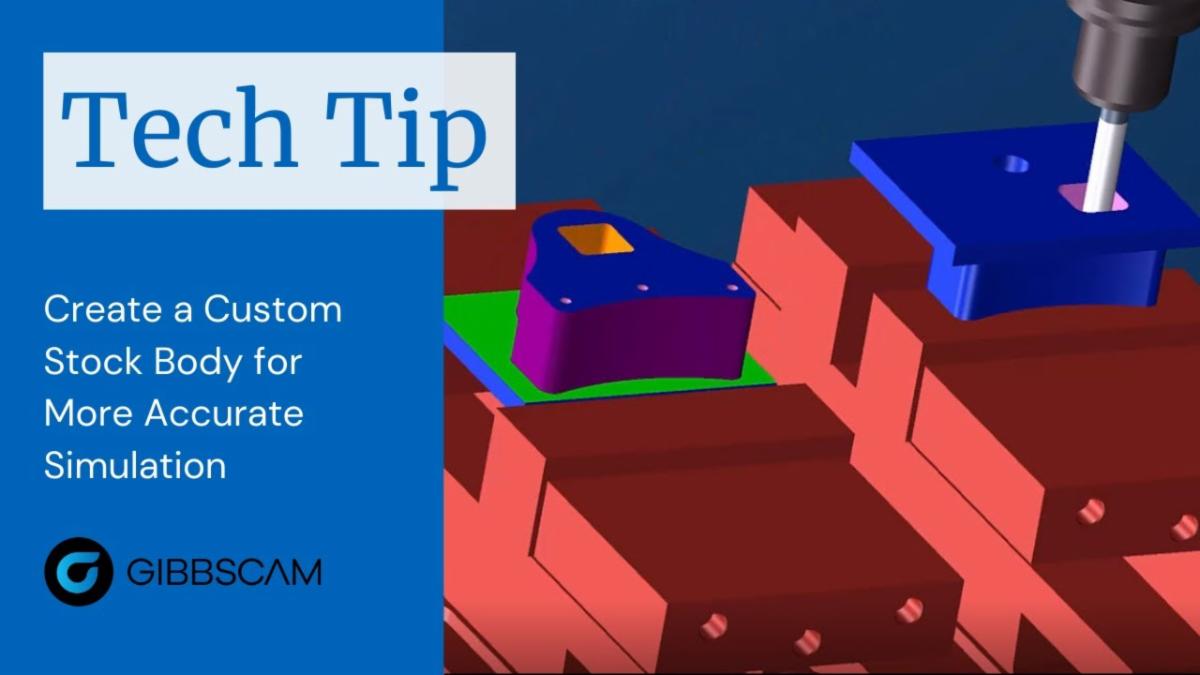
GibbsCAM Tech Tip:Create a Custom Stock Body for More Accurate Simulation: Learn how to create a faceted body from a cut part render in GibbsCAM to use as accurate stock for a second machining operation.

CAMedy Central

Industry Intel

The State of Reshoring

U.S. manufacturing reshoring has grown steadily since 2010 and what policy changes around workforce training, tariffs, and costs could bring even more machining and manufacturing jobs back to American soil.


ShopSabre's American-made CNC Machines Launch Companies, Big and Small, Into Automation

ShopSabre, a family-run Minnesota manufacturer that has been building American-made CNC routers, plasmas, and fiber lasers since 2001, supplying shops of all sizes with machines that boost production, reduce error, and keep work domestic.


Meet the Makera Z1: The $1,099 Desktop CNC Machine Designed to Be as Simple as Your 3D Printer

introduces the Makera Z1, a compact, AI-assisted desktop CNC machine aimed at makers and small shops who want professional carving capability without the steep learning curve of traditional CNC equipment.

Manufacturing Survey

Manufacturing policy is being shaped now. Shops should have a say.

Tariffs. Supplier risk. Federal policy shifts. The 2026 Reshoring Survey captures how manufacturers are actually responding and what's driving their decisions.


In 10 minutes, you'll be able to see exactly how your strategy compares to peers, and your input shapes data used by policymakers and economic developers across the country.


Take the survey → Get the full results.


Industry Growth (Open Jobs)

A few hot openings across the industry this week:


CNC Turning Setup/Operators - Precise Products Corporation - Minneapolis, MN


Lead CNC Swiss & Live Tooling Machinist/Turning - Midwest Automatic Products - Melrose, MN


CNC Machine Programmer Specialist - Vantage Machining LLC - Hills, IA


Process Engineer III - Twin City Fan Companies LTD - Aberdeen, SD


Production Setup Machinist - Sioux Manufacturing - Fort Totten, ND


Manufacturing Engineer - Brunel Energy - Albion, NE


Mechanical Engineer/CNC Programming Specialist - Bachman Machine Company


CNC Machinist (2nd Shift) - Natoma Manufacturing - Norton, KS

Trade Show & Event Radar

June 22-25

Automate

Chicago, IL

July 21

42nd Annual MPMA Open Golf Classic

Coon Rapids, MN

July 29-30

Advanced Manufacturing Expo

Grand Rapids, MI

Sept 5

Minnesota Manufactured Day - Minnesota State Fair

Falcon Heights, MN

Sept 14-19

IMTS

Chicago, IL

Oct 6-7

Top Shops Conference

Cleveland, OH

Oct 21-23

FABTECH

Las Vegas, NV

Oct 28-29

MD&M Midwest

Minneapolis, MN

Nov 11-13

Titans of CNC Boombastic Show

Flower Mound, TX

Did someone forward you this newsletter?

Subscribe to get your own copy every week.