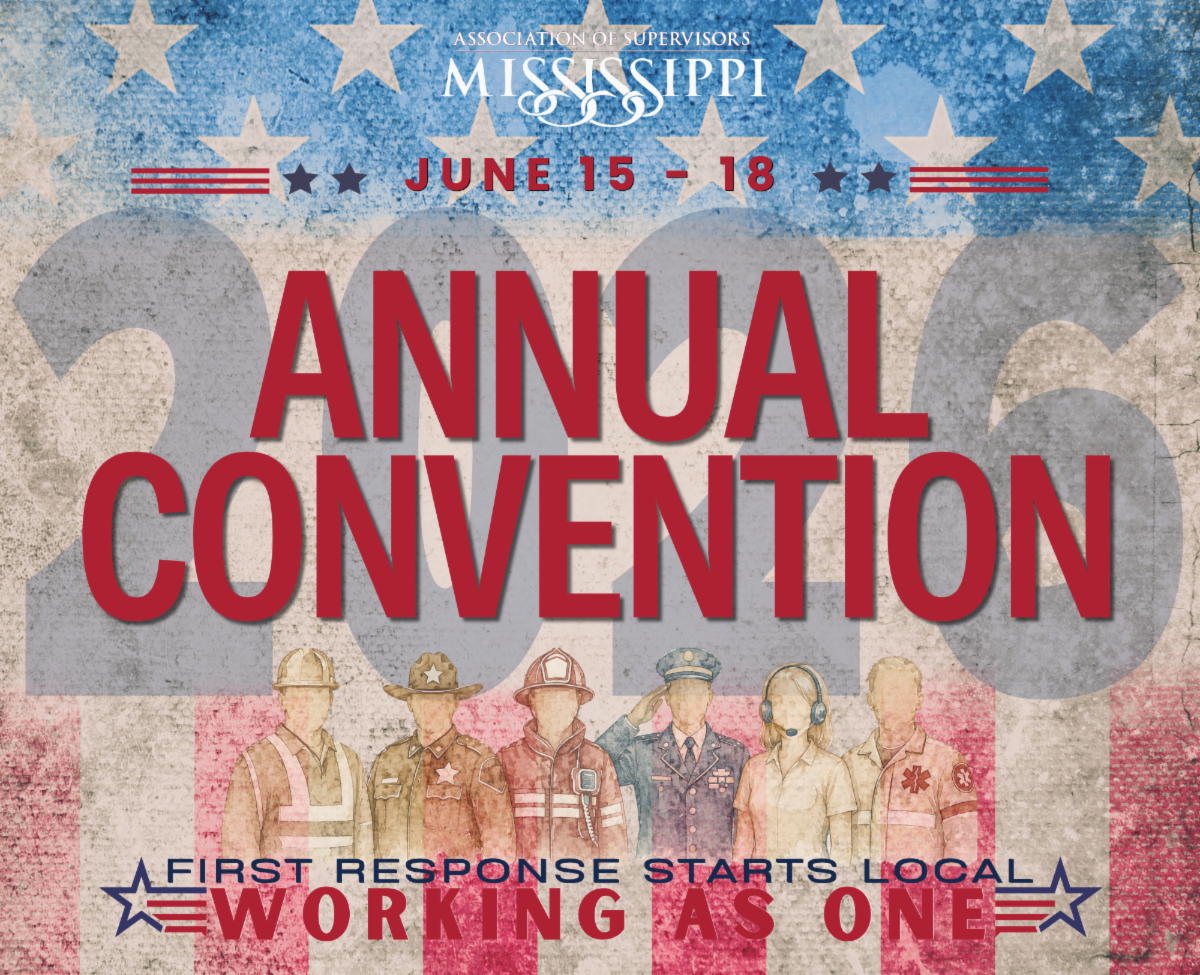
Expo Floorplan is Live

Submit Your Booth Preferences!


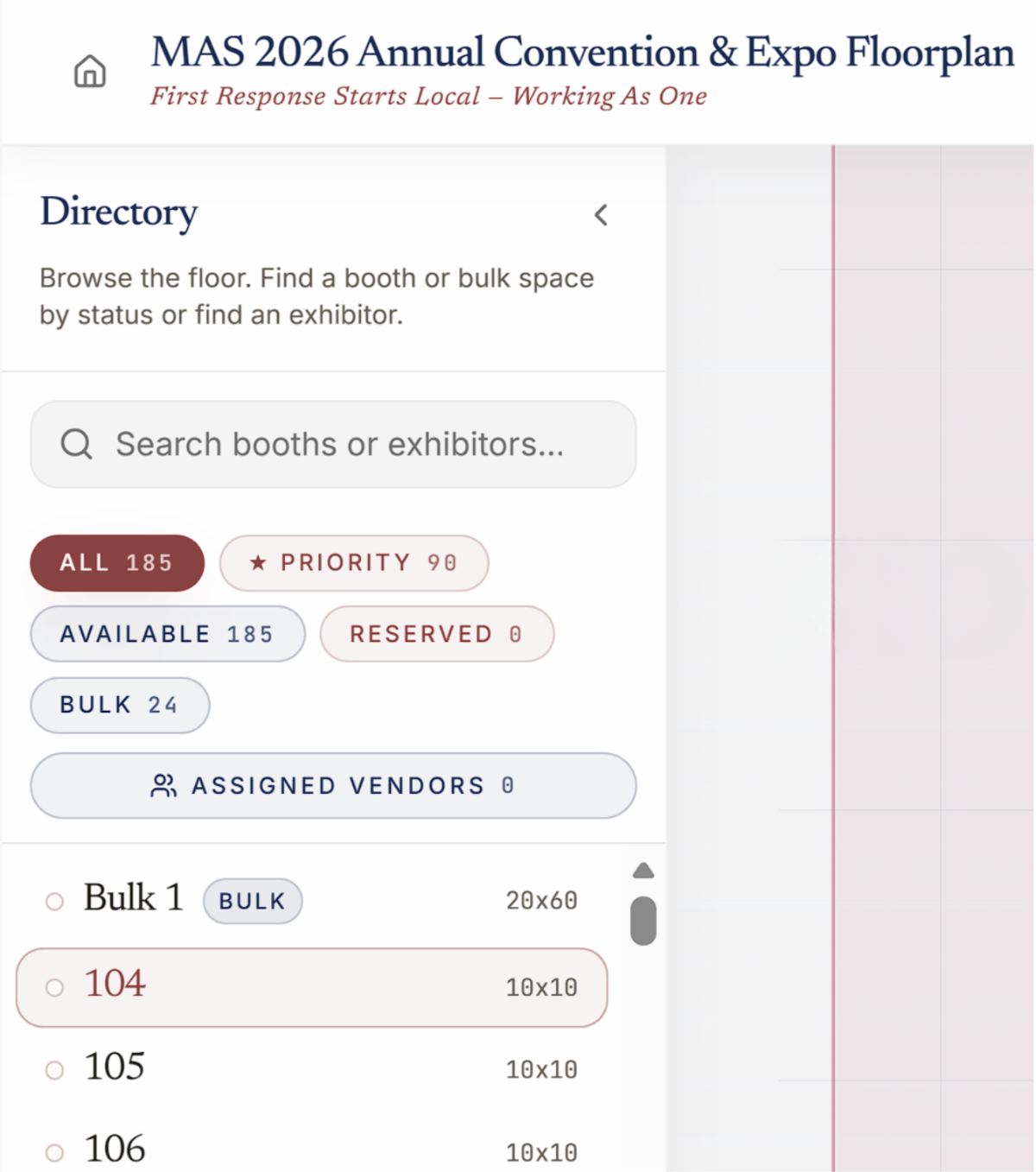
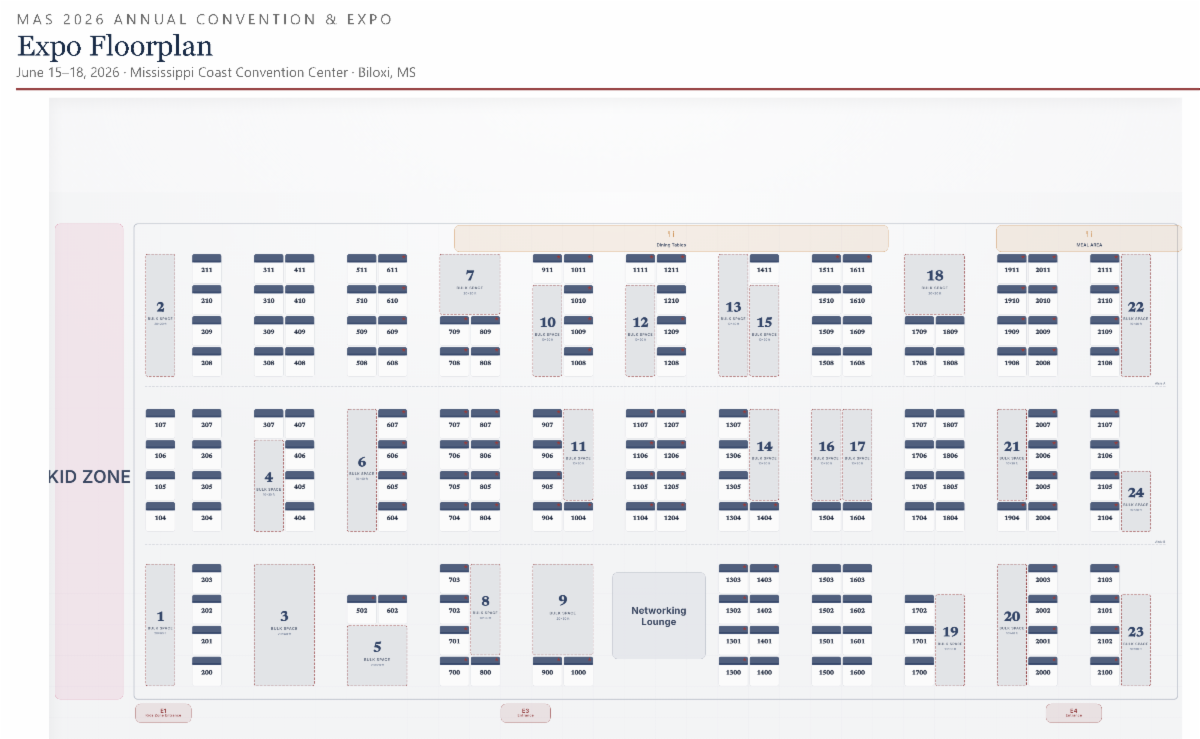
The Expo Hall floor plan is here! Use our interactive floor plan to browse available booths and bulk spaces, then submit your top preferences. MAS will review every submission and follow up by email with your final booth assignment.

➡️Continue reading below to access the floor plan and submit your preferences.

Expo Floor Plan

How to Submit Your Preferences

You have two ways to submit your booth/bulk preferences using the interactive floor plan.


Option 1 — Select Directly from the Floor Plan

From the homepage click 'Submit Booth Preferences' or "Floorplan' to open the interactive map.


  • On a computer, you can select multiple booths or bulk spaces by holding Shift and clicking each space.


  • On mobile, tap any booth or bulk number to open the preference form.


Option 2 — Use the Directory list

Open the Directory panel on the left side of the screen (on mobile, tap the arrow to open it).


  • View all booths and bulk spaces
  • Sort by Reserved or Available
  • Select any entry to open the preference form

Additional Helpful Tips

Completing Your Preference Submission

Completing Your Submission

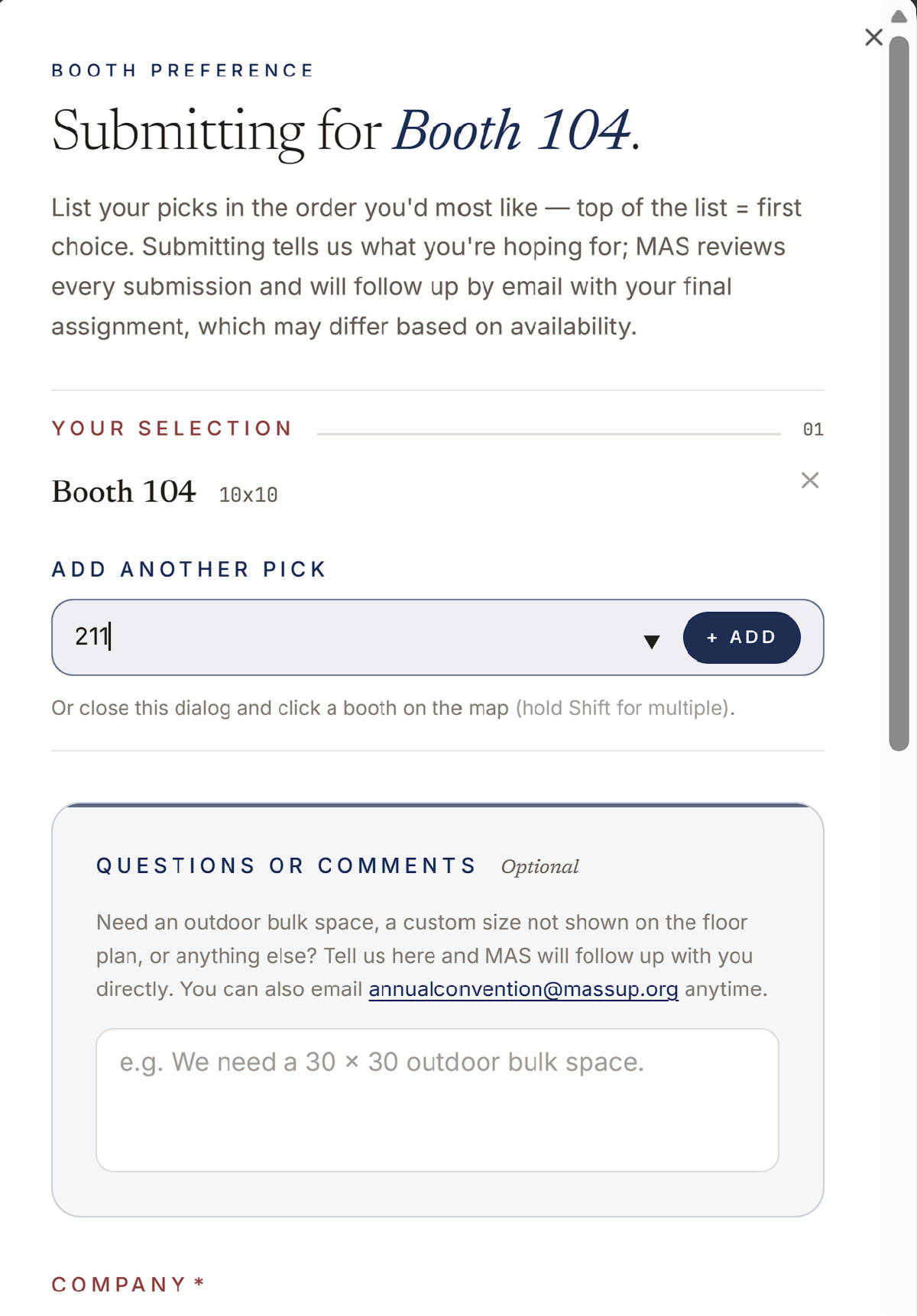
  • If you select only one space, you can manually enter additional booth or bulk numbers on the next screen.
  • Use the comments box for outdoor bulk space or custom dimensions.
  • You'll also see a checkbox to indicate whether you are the onsite contact.


Company & Staff Information (Optional)

You'll have the option to add company details such as your logo, website, social media and booth staff now or update everything later from your vendor profile.


All of this is optional and can be added later from your vendor profile.


When finished, click Submit.

Everything in One Place

Your Vendor Profile

Creating a vendor profile is not required to submit booth preferences, but we recommend it.

To create one, click Sign In, enter your email address, and you'll receive a magic link by email. Clicking that link logs you in — no password needed.


From your vendor profile, you can:

  • View your booth assignment once MAS has confirmed it
  • View the booth(s) or bulk space(s) you submitted as preferences
  • See any questions or comments you sent us
  • Add or update your company details, logo, and booth staff at any time
  • Access your booth QR code — the easiest way to exchange contact information with attendees during the show
  • Participate in the Booth Challenge, where members visit booths, scan QR codes, and vote in different categories

Your profile is auto-populated from your booth preference submission. If you need to change your booth selections, please email us at annualconvention@massup.org — we'll update them for you.


Your vendor profile also powers the lead capture feature at the show. When members scan your booth QR code, they can view your company details and booth staff — and share their contact information back with you.


The same QR code is how members vote during the Booth Challenge, with top booths revealed at the Grand Door Prize Drawing on Wednesday at 2:30 PM.

What Happens Next

Your Booth Assignments

MAS reviews every submission and will follow up by email with your final booth assignment.


Submitting your booth preferences does not reserve a booth — it lets our team know where you'd like to be. MAS assigns booths based on availability, preference order, and any applicable priority. County Partners and Premier Sponsors have first option on priority booths marked with a red star on the floor plan,


Once your booth is assigned:

  • You will receive a confirmation email with your assigned booth/bulk space
  • Your final booth/bulk space assignment will show in your vendor profile
  • Your company name and logo will appear on the floor plan at your assigned booth.
  • A booth QR code will appear at the bottom of your vendor profile.

Order Directly from CDS

Power & Booth Services

Electricity is not included with your booth.


You will receive the Exhibitor Service Kit from CDS (Convention & Display Services). Through CDS, you can order:


  • Electrical Service,
  • Extra Tables,
  • Extra Chairs,
  • Carpet,
  • Freight Handling,
  • Specialty Signage
  • and any other items needed for your booth setup.


CDS Contact:

Brooke Fuller — brooke@cds1958.com


All shipments must also be coordinated through CDS. Freight must arrive prepaid; collect shipments will be refused.

Coming Online at the Expo Show

Your QR Code & Booth Challenge

You will find your QR code on your company profile. Your QR code will appear on your company profile and will go live after MAS assigns your booth.


Your QR code is the easiest way to exchange contact information with attendees. Members can scan your code to view your company details and booth staff — and share their contact information back with you.


You can print your QR sign directly from your vendor profile in either 5 × 7 tabletop or 8.5 × 11 letter size — or open it on your phone so members can scan it without a printed sign.


Important: Your QR code is generated as soon as you create your profile, but it will only display your full profile details once MAS has approved your preference and assigned your booth.


Do not print or download your QR code until after MAS has assigned your booth.

New This Year!

Booth Challenge

Members will be encouraged to visit booths during the show, scan QR codes, and vote in different categories (not just booth décor). Top booths will be revealed at the Grand Door Prize Drawing on Wednesday at 2:30 PM.

Click the Button Below

Submit Your Booth & Bulk Preferences Here!

The Expo Hall floor plan is live! Browse the interactive floor plan and submit your booth and bulk preferences now using the button below!


Once MAS reviews your submission and assigns your booth, you'll receive a confirmation email with your final placement.

Convention At-A-Glance

Your Exhibitor Schedule

We've put together a full exhibitor schedule covering every key moment of your week in Biloxi — from Sunday, June 14 bulk move-in with CDS, through all the way through breakdown Wednesday, June 17.

Whats Ahead:

Full Tentative Agenda


View full schedule of events (tentative) below.


Please note, agenda times and activities are subject to change

Click the Button Below

Learn More About the Expo Show & Meeting

For additional details about the Convention and Expo or how to register, click below.

MAS Has a New Home!

The Mississippi Association of Supervisors (MAS) has moved to a new office location!


We are now located at:


7 Riverbend Place

Flowood, MS 39232.


Please update your records and use this address for mailed forms, payments, and correspondence.

Our main phone number remains the same:


Phone: 601.353.2741

Fax: 601.353.2749


We look forward to welcoming & serving you from our new office!