|
Potentially Useful Keyboard Shortcuts
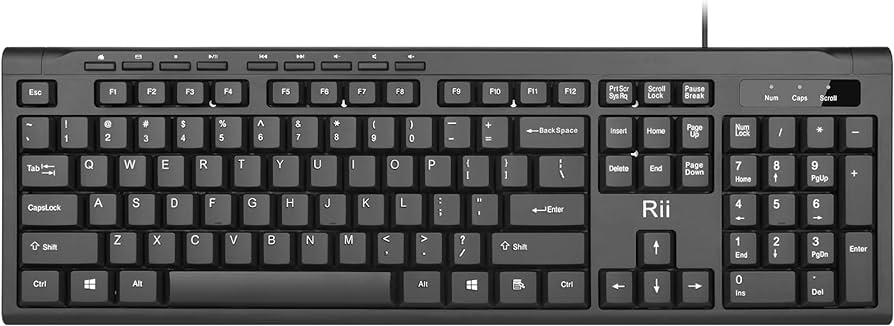
At this point, many users have heard of and probably used a keyboard shortcut or two. The ability to use shortcuts may be more difficult to some but for many learning to use them can help speed up some of the work they do and help them be more efficient in some of their work.
Shortcuts don't necessarily work within every program, but many are so common that they are programed to work in most applications that are frequently used by a typical user.
Some examples of shortcuts that may help you include:
1. Ctrl + C: Copy
2. Ctrl + X: Cut
3. Ctrl + V: Paste
4. Ctrl + Z: Undo
5. Ctrl + Y: Redo
6. Ctrl + S: Save
7. Ctrl + Shift + S: Save As
8. Ctrl + A: Select All
9. Ctrl + F: Find
10. Ctrl + P: Print
11. Ctrl + B: Bold
12. Ctrl + I: Italicize
13. Ctrl + U: Underline
14. Ctrl + N: New (document, file, etc.)
15. Ctrl + O: Open
16. Ctrl + W: Close
17. Ctrl + K: Insert Hyperlink
18. Alt + Tab: Switch between open applications
19. Ctrl + Shift + T: Reopen the last closed tab
20. Ctrl + Home: Move to the beginning of a document
21. Ctrl + End: Move to the end of a document
22. F5: Refresh
23. Ctrl + Shift + L: Lock PC
24. Ctrl + D: Bookmark current page (in web browsers)
25. Ctrl + T: Open a new tab (in web browsers)
It is also important to note that the above shortcuts are designed for Windows devices only.
Hopefully, one or two of these help you out in completing your work.
|