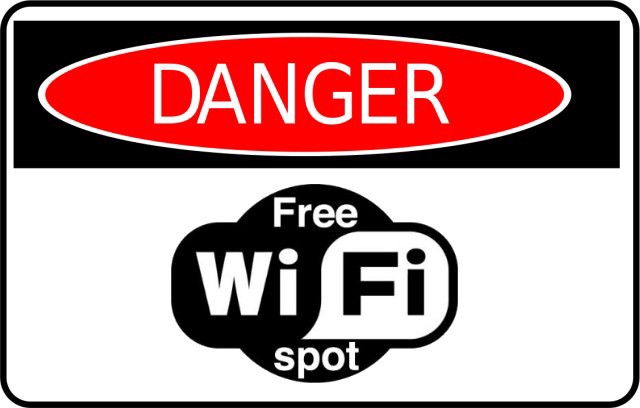
The Perils of Public WiFi
For many, places like Starbucks and their famous free WiFi can be a life saver. This is especially true in situations where there are power outages, there is no mobile data or the home network is down. Despite that, these public WiFi channels have an intrinsic threat associated with them because anyone can access them.
Threats Lurking
The open network setup can have dangers in them. Both can have access to the data your using if they know what they're doing and are really interested. The first is the organization running the wireless network. This would often be the company, places like Starbucks or Tim Horton's. These places are more reputable and have a clear motivation for the free access: they want you to stop in and buy food while you're using the network. A random public network with unknown motivation and origin may just have it there to access your data, so these should probably be avoided if at all possible.
The second threat would be those around you. This would take a bit more skill, but it is possible for those around you to gain access to your data. This could be a real issue if you are doing something like accessing medical records, banking data, etc. so these types of tasks should be avoided while on public networks.
It is also possible to mitigate risks from both threats through somewhat simple tasks. Using secure connections to sites (httpS) over unsecured (http) allows for a stronger security of connection, though is not a guaranteed solution. In a similar sense, use of a VPN can also do this but is more effective in securing the connection. Note: VPNs are covered in a previous edition of Tech Talk News accessible via our website. The final major form of protection is to avoid using tools like file sharing or data transfers.
Implementing Your Own WiFi
It can be possible to use a mobile hotspot with your phone to avoid public WiFi. That can get expensive quick however, and is not an ideal solution, particularly when you might need a secure connection frequently. This is why many businesses have both an internal WiFi and a "guest" connection.
The use of two separate WiFi networks allows for security for internal business while also providing a network for your guests to use. This wrinkle would leave a potential bad actor on the guest WiFi, where they would be unable to access any of the organizational data that might be available if they were on the internal WiFi. Guests should never be allowed on the internal network, so if they are to have WiFi, there should be a guest network. If this setup is of interest to you, call your IT providers to look into setting it up.
We strive to look out for the best interest of our customers and their procurement in the IT venue. Be it hardware, software or service related, we want to guide you in the most effective manner possible.