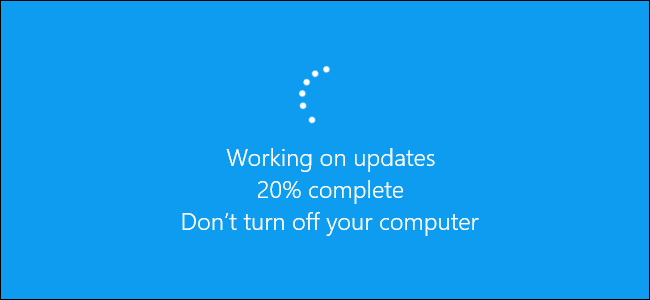
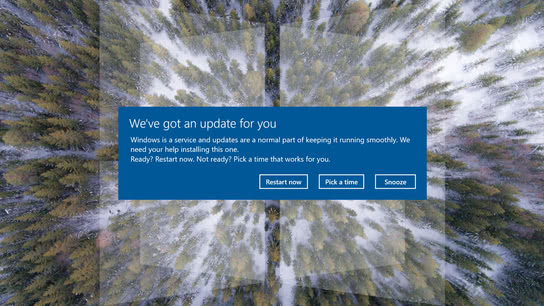
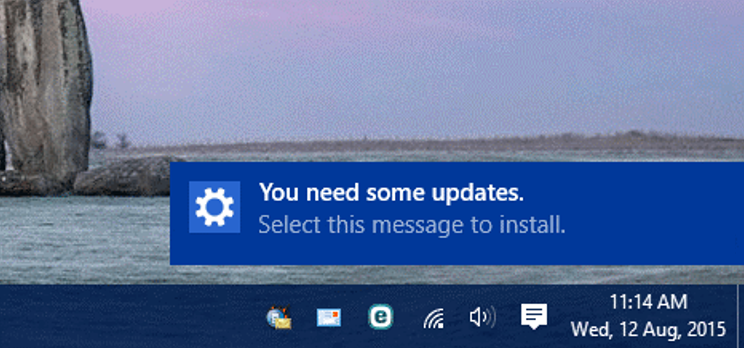
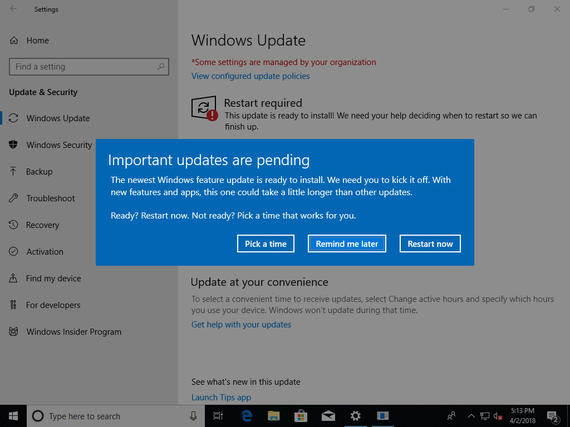
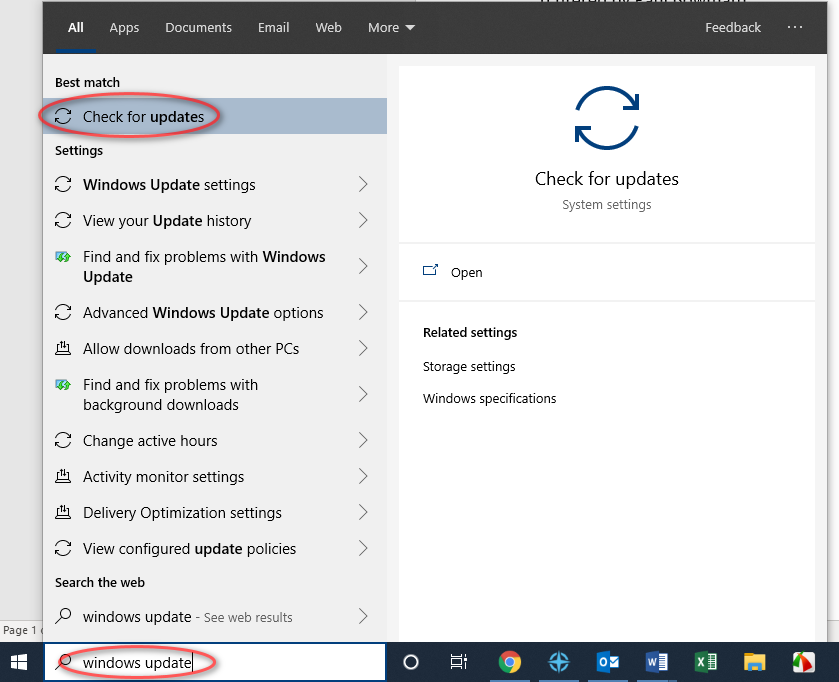
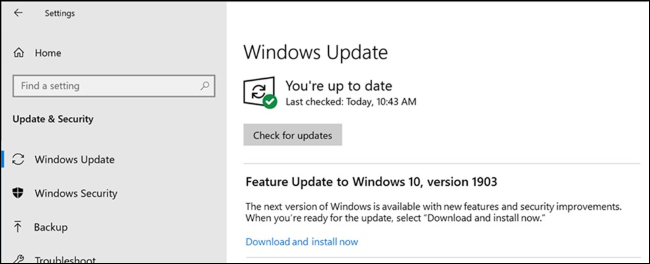
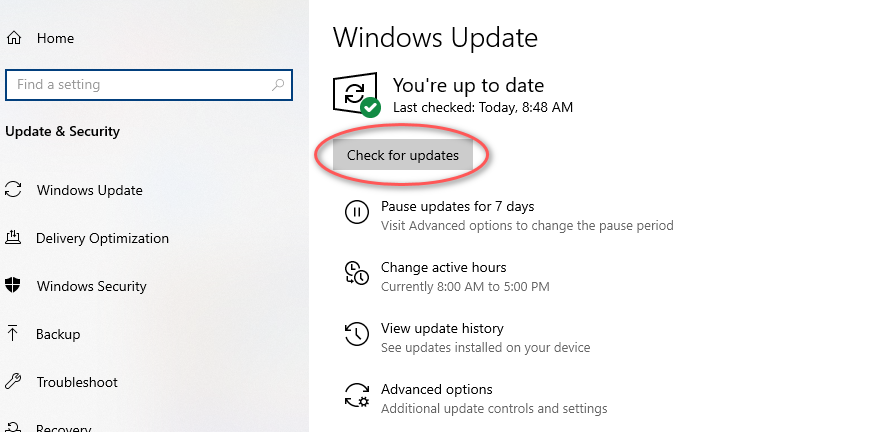
If you show no feature updates, a screen may come up saying that there are updates available. There should be a button that says download updates instead of the “Check for updates” button in the above image. These tend to be smaller updates and these can be downloaded in the background as you work on your computer. There are some updates that will require a restart to take effect, but the system will not restart until you tell it to do so.
Finally, you may have a screen that says you are up to date. This could also mean that the system has not checked for any updates recently, so clicking on the “Check for updates” button can verify this. If it finds an update, it will begin to download automatically.