Computer technology made easy with SeniorNet!


FSL SeniorNet is a program of Family Service League. Since 1999 FSL SeniorNet has been educating Long Islanders, fifty and over, in the use of technology: smartphones, tablets, laptops, and desktop computers.

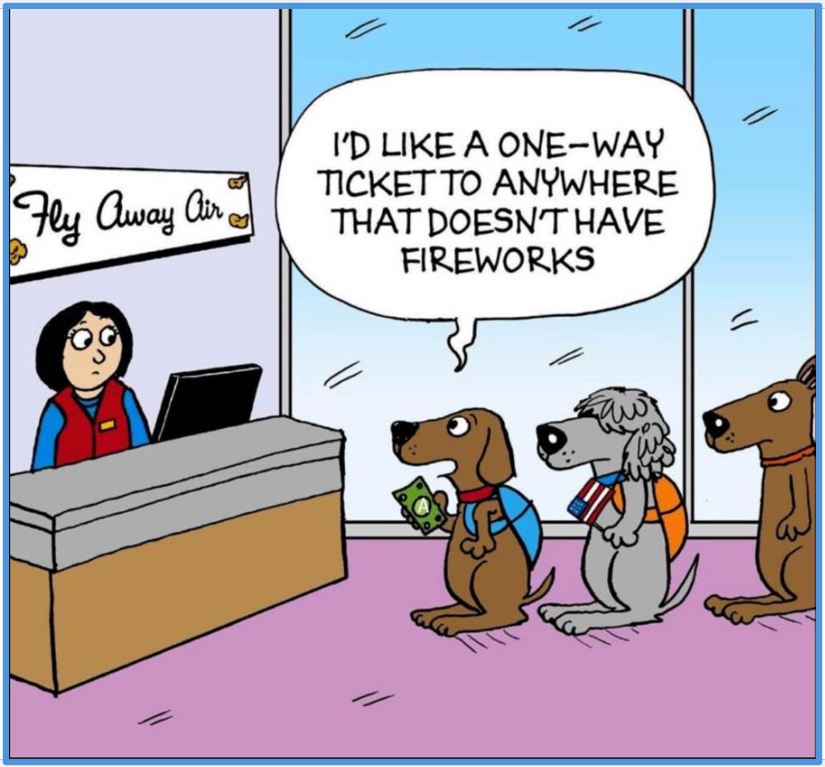
HAPPY FOURTH OF JULY WEEKEND!

Microsoft 365 or not ???


I just received an email from Microsoft advising me that my Microsoft 365 subscription was increasing: 365 Personal Classic (without Co-Pilot) went from $69.99 to $99.99 and 365 Personal (with Co-Pilot) went from $99.99 to $129.99.  


You can cancel Copilot in your 365 subscription to save $30 if you don't have any use for it. The change takes effect in your upcoming renewal, not immediately. A how-to is in our Tech Help Library here: https://www.seniornetli.org/help/techconnect/#winmac-anchor


If you want to save even more money, here's free alternatives to 365:


  • Google Workspace (was Google Suite) - Docs, Sheets, Slides. If you have a Gmail address then you have a Google Account - and these are free at docs.google.com, sheets.google.com, etc.


  • LibreOffice (I recommend this over its competitor OpenOffice*) This free program will look very familiar to Microsoft Office. Download here: libreoffice.org - be careful as this is a non-profit (Document Foundation) with a ".org" web address


  • Microsoft Office On-Line - This is a pared down version of Microsoft 365 with Word, Excel and PowerPoint for free with a Microsoft Account (or sign-in to create an account). You are locked into using this online and saving to Microsoft's Cloud - OneDrive. Start here: office.com


*LibreOffice is generally considered superior to OpenOffice due to more active development, better compatibility with newer Microsoft Office formats, and a more responsive community. While both are free and open-source office suites, LibreOffice has a larger user base, receives more frequent updates, and incorporates security patches and new features more rapidly.

SUMMER SEMESTER

REGISTER NOW!

Fun in the Sun,

Fun at the Beach,

Fun learning Tech.


Summer Semester Overview

for

Huntington Lab Classes

and

Bay Shore Annex Classes

HUNTINGTON LAB CLASSES

FSL SeniorNet at Family Service League, Olsten Family Center

790 Park Avenue, Huntington, NY 11743 1-631-470-6757

  • Mac Computer Advanced starts on July 7
  • iPhone: Getting Started starts on July 9
  • PC Computing Basics 1 starts on July 10
  • Windows 11: Advanced starts on July 15
  • Apple Watch: What You Want to Know starts on July 17
  • Exploring Files and Folders with Windows 11 starts on July 18
  • iPhone: What's Next starts on July 23
  • Chromebook: Basics and More starts on July 28
  • Android Phone starts on July 29
  • Mac Photos: Organizing Your Pictures starts on Aug 6
  • Microsoft Excel: For Beginners and Beyond starts on Aug 7
  • Artificial Intelligence: Hands On starts on Aug 11
  • PC Computing Basics 2 starts on Aug 20
  • Smartphone Photography - Online starts on Aug 26
  • Canva: An Introduction starts on Sept 11

BAY SHORE ANNEX

FSL SeniorNet at Family Service League, South Shore Iovino Family Center

1444 Fifth Avenue, Bay Shore, NY 11706 1-631-647-3100

  • Microsoft Excel: Basics starts on July 8
  • Chromebook: Basics and More starts on July 10
  • Exploring Files and Folders with Windows 11 starts on Aug 4
  • Artificial Intelligence: Hands On starts on Aug 5
  • Smartphone Photography - Online starts on Aug 26

FREE WEBINARS

  • Smartphone Photography on July 24
  • Researching Trusted Medical Information Online on August 14
  • Researching Trusted Medical Information Online on Sept 16
  • What is Artificial Intelligence and how will it affect me? on Sept 17
Facebook  Email  Web