Tech Tips: Uninstalling Adobe Flash and Upcoming Webinars
How to Uninstall Adobe Flash from
Your PC or Mac
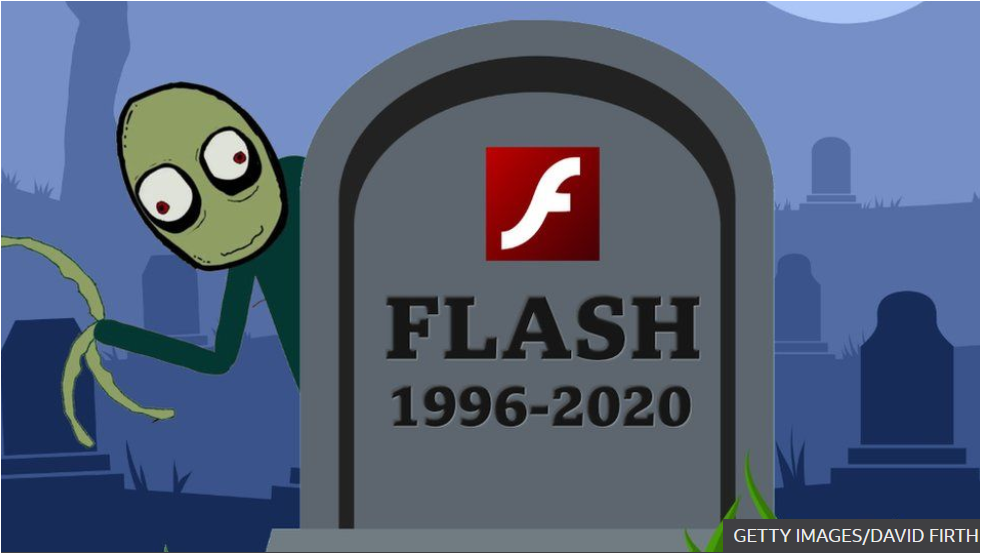
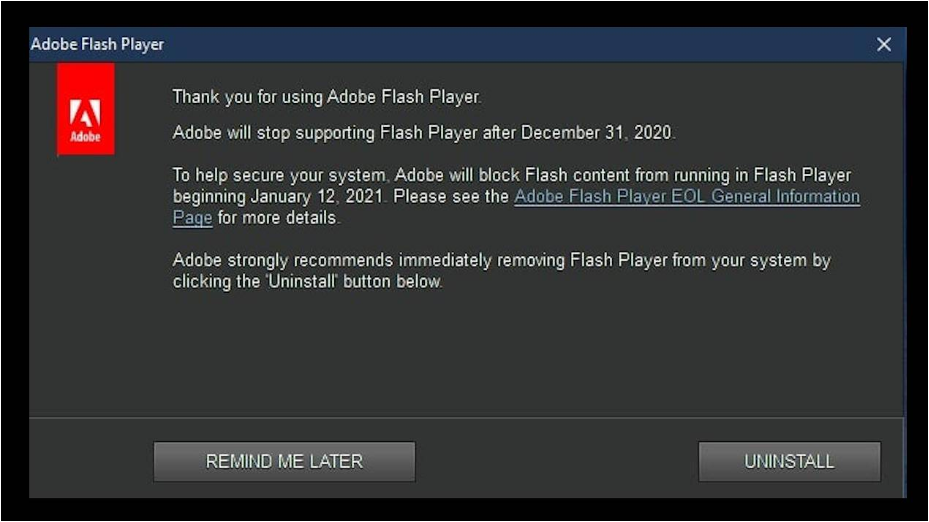
On December 31, 2020, Adobe formally stopped supporting Flash. Effective January 12, 2021, the Adobe Flash player and almost all Flash plugins will no longer even play flash content. That said, that doesn’t mean the Flash player and plugins will automatically become inactive and safe, which is why Adobe and Microsoft are taking extra steps to not be blamed for compromising computers.

Adobe has started popping up warnings on Windows 10 telling users about the deadlines and advising them to uninstall the Flash Player program. Even if unused, the software could still be exploited to gain remote access to a PC, especially if it no longer gets any security updates. Users are presented with only two options of uninstalling or being reminded about it later.

Microsoft, however, has already planned a more drastic measure that will automatically remove Flash for you. It will be rolling out an optional Windows update next year that does just that. That, however, only affects the Flash that Windows 10 itself installs and users will still have to uninstall other Flash players manually, presuming browser makers don’t do it for them either. (JC Torres, Slash Gear Dec 28, 2020)

Uninstall Flash Player on a Windows PC
Here is the link that Adobe has provided with instructions to uninstall Adobe Flash from your Windows PC
Uninstall Flash Player on a Mac
Here is the link that Adobe has provided with instructions to uninstall Adobe Flash from your Mac
Computer Donation / Refurbishment Program
The laptops and tablets we refurbish are donated to families in need through Family Service League. These donations are so valuable for families with several children, who have no equipment for their school work, except for their parent’s cell phone. They have also helped housebound disabled and elderly connect with their families. Click here to learn more.
Upcoming FREE Webinars
How to Host a Zoom Meeting
Wednesday, January 20 at 2 PM

You know how to join a Zoom meeting hosted by others. Now you want to learn how to host your own Zoom meeting! Join SeniorNet’s free webinar for a demonstration on how to create your own Zoom account and invite others to your scheduled meeting. Learn how to run that meeting using Zoom’s basic controls on your Windows PC, Mac, iPad, or Tablet. It’s really easy, and, it’s FREE! This is a prerequisite for Practical Screen Sharing in Zoom.

Click here to register for How to Host a Zoom Meeting
The Amazing iPhone
Thursday, January 21 at 2 PM

You must know by now that the Amazing iPhone is not just for making phone calls. It can be used as a camera, tape measure, magnifier, flashlight, SOS to use in emergencies, and as a translator to read a menu in a foreign country. You can even use your map app to find your car. Don’t know who’s singing a certain song? Ask Siri. Join SeniorNet’s free webinar to learn about so many amazing iPhone features.

Click here to register for The Amazing iPhone
Using the iPad or the iPhone as an e-Reader
Wednesday, January 27 at 2 PM

The iPad is a great device for reading books, magazines, and newspapers – in fact, in many ways it’s superior to traditional ink on paper. You’ll also learn how to download e-books and audiobooks from your library using Libby, the new app from Overdrive. Join SeniorNet’s free webinar to enjoy the ease of an e-reader right from your iPad or iPhone.

Presented in coordination with Cold Spring Harbor Public Library. (CSH)
Visit the CSH website for registration details.
2021 Winter Class & Webinar Schedules
Our classes teach how to use technology with individual attention and hands-on instruction for beginners to advanced students.
Our Winter class schedule
Registration Now Open!
View the Class Catalog for additional details on each class.
-----------------------------------
Our free webinars are class introductions where we show what can be done using today’s technology.
Our free Webinar schedule
Registration Now Open!
SeniorNet @ FSL website
Family Service League website