|
How do I avoid collisions in multi-axis machining?
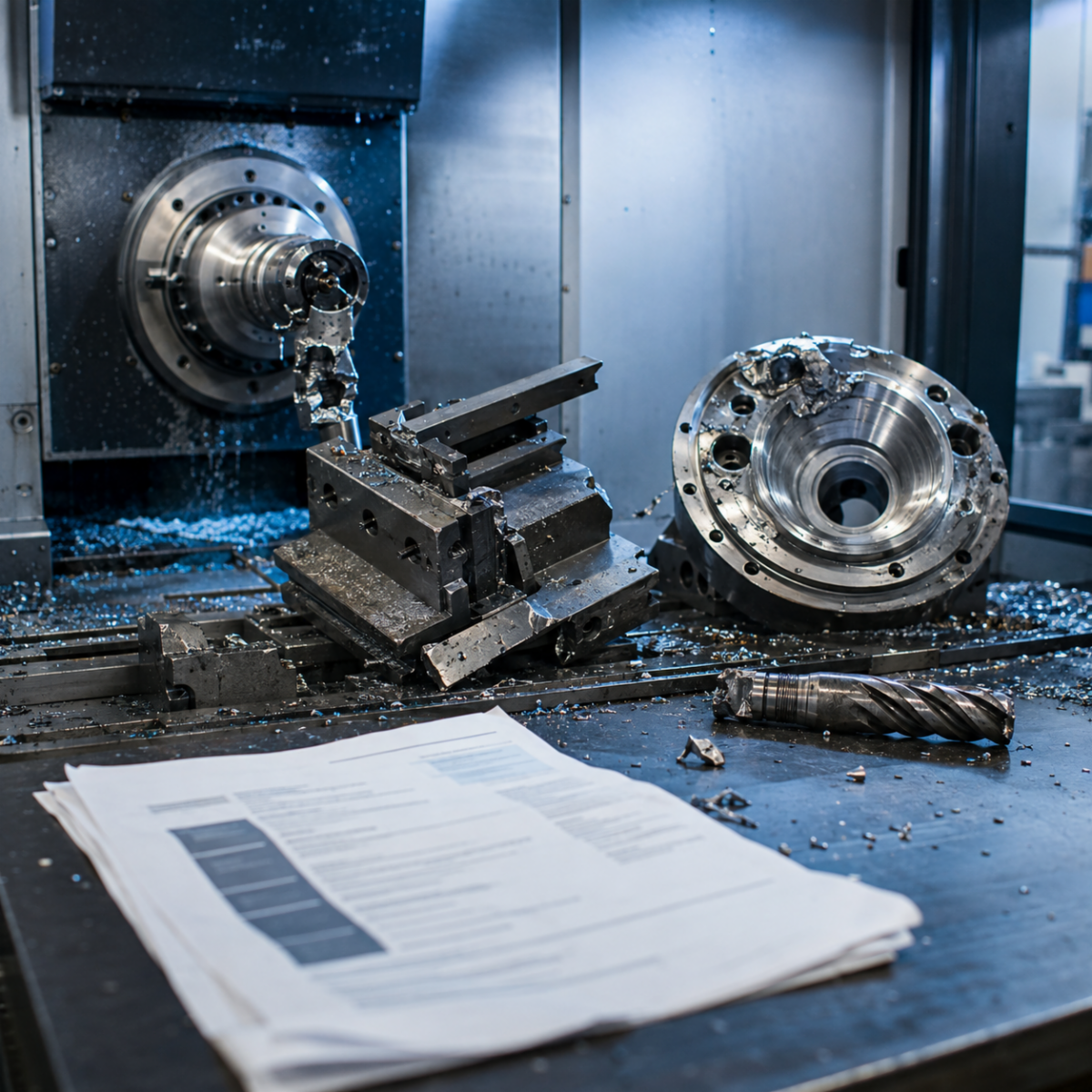
Collisions in multi-axis work rarely come from the toolpath itself; they come from everything around the toolpath that never got modeled. Avoiding them starts long before you post the program.
Model the whole assembly, not just the part.
Bring in your fixture, vise, clamps, subplate, and stock, not just the finished part geometry. A tool can clear the part perfectly and still hit a clamp or a fixture wall that was never in the simulation.
Don't forget the tool holder and shank.
Many crashes happen above the flute, not at it. Model your actual holder length and diameter, including collet nuts and extensions, so the simulation checks holder clearance in pockets and near walls, not just the cutting tool.
Simulate with real machine kinematics.
A generic toolpath simulation only checks tool-to-part contact. A machine simulation checks the whole kinematic chain, table, head, rotary axes, and cabling, against your actual machine envelope. For 4- and 5-axis work, this is not optional.
Build in safe retract and approach moves.
Program generous clearance planes and safe rapid moves between operations, especially after rotary repositioning. A tool that's clear at the start and end of a move can still sweep through material during the transition if the path between positions isn't controlled.
Watch for axis limits and singularities.
Rotary axes can run out of travel or spin unexpectedly fast near a singularity to maintain tool orientation. Check your simulation for axis limit warnings and review any point where the rotary axis moves abruptly.
Prove out in stages.
Run the program in simulation, then dry run at the machine with offsets backed off, then run with reduced feed and a single-block override for the first pass. Layered prove-out catches what any single check might miss.
Bottom line:
Collisions get avoided in the setup, not the toolpath. Model everything that's really in the work envelope, simulate with real kinematics, and prove the program out in stages before you trust it at full speed.
Have a programming question?
Send it in for the next edition of Ask a CAM Pro!
|