June 12th, 2025

Time to Read: 5 Minutes


CAM Joke of the Week

Why did the roughing pass go to therapy?

It had too many unresolved depths.

Industry Intel


Florida Governor DeSantis Highlights $36M Economic Boost from Wakulla Factory Deal - Governor Ron DeSantis unveiled a transformative deal that brings over half a billion dollars in investment and more than 500 body armor manufacturing jobs to Wakulla County.

High-Speed CNC Machining Powers Up EV Battery Component Production in 2025 - A new wave of high-speed CNC machining, capable of boosting production rates by up to 40% compared to traditional methods, is emerging in 2025 to meet surging demand for precision EV battery components .

Tariffs Alone Won’t Bring U.S. Manufacturing Home—Here’s What We Really Need - In this June 10 Forbes piece, Ethan Karp argues that reshoring American manufacturing requires more than tariffs—it demands long-term investments in technology, workforce development, infrastructure, and industrial strategy to sustain domestic competitiveness .

Industry Growth (Open Jobs)

A few hot openings across the industry this week:


CNC Swiss Programmer - ARCH Medical - Minneapolis, MN


CNC Lathe Machinist Setup/Operator - Century Tool - Rogers, MN


CNC Machinist - United Machine Company - Wichita, KS


NC Programmer - Dynamic N/C, LLC. - Rose Hill, KS


CNC Programmer - Addman Engineering - Wright City, MO


Precision Machinist - Sanders Metal Products Inc - Fargo, ND

CAM TIP OF THE WEEK (Powered by GibbsCAM)


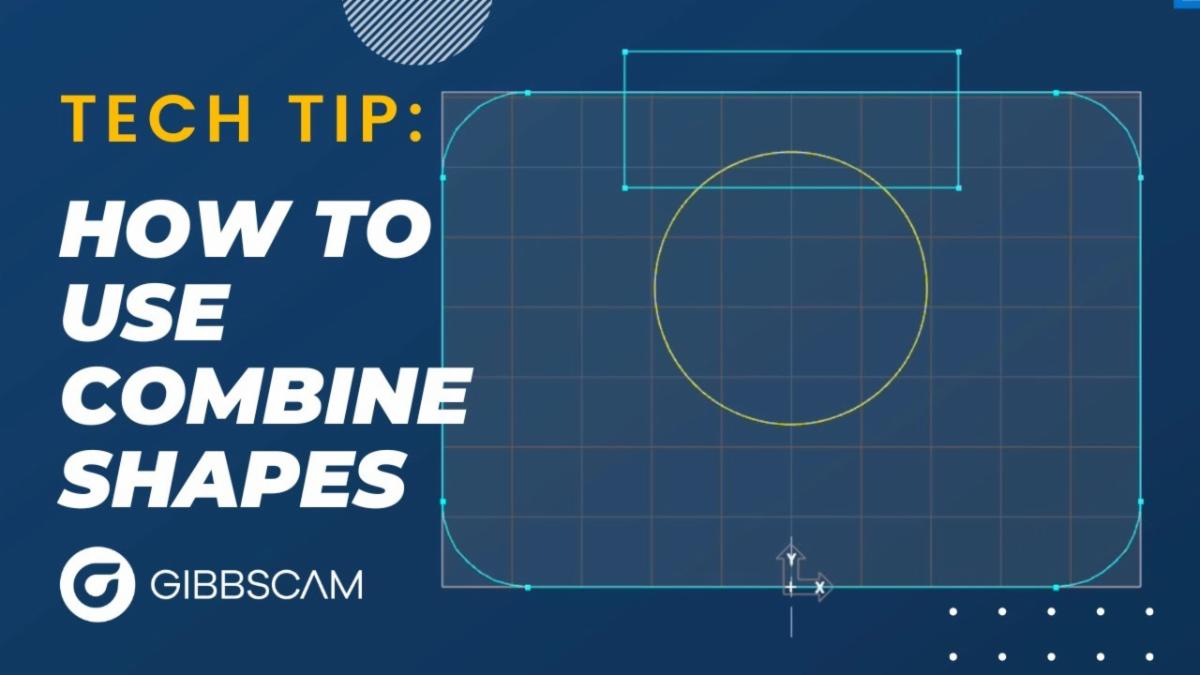
🔧 Tech Tip of the Week: Combine Shapes Like a Pro

Tired of trimming, untrimming, and reconnecting geometry like it’s a full-time job?This week’s Tech Tip video shows you how to use the Combine Shapes tool in GibbsCAM to add, subtract, and intersect geometry—fast.


You’ll learn how to:

  • Subtract one shape from another (without a million clicks)
  • Add geometry cleanly—no manual cleanup
  • Trim inside, outside, or slice geometry into usable pieces in seconds


If you’re still wrestling with trimming lines by hand, this is your sign to stop.

Click below and see how Combine Shapes makes geometry edits fast, clean, and easy.


Featured Trainings and Events


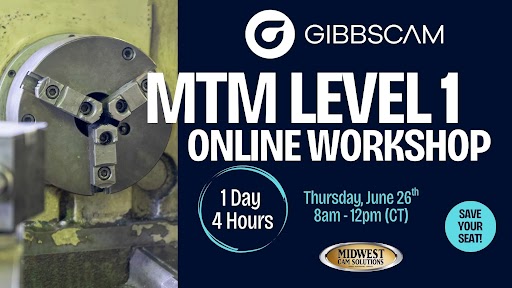
Live, Online GibbsCAM MTM Level 1 Coure

Date: Thursday, June 26th - 8am to 12pm (CST)

Learning Objectives:

By the end of the workshop, participants will be able to:

  • Understand the basics of MTM and how GibbsCAM handles multi-flow operations
  • Set up a two-spindle, single-turret machine environment in GibbsCAM
  • Program basic turning and milling operations
  • Perform a part transfer from main to sub spindle
  • Simulate and verify the full machining process using built-in tools


Trade Show & Event Radar

Date

Show

Location

Aug 6-7, 2025

Advanced Manufacturing Expo

Grand Rapids, MI

Sept 8-11, 2025

Fabtech

Chicago, IL

Oct 7-9, 2025

Westec

Anaheim, CA

Oct 19-21, 2025

Wichita Industrial Trade Show

Wichita, KS

Oct 21-22, 2025

MD&M Midwest -Advanced Manufacturing Minneapolis

Minneapolis, MN

Ask a CAM Pro

Q: How can I speed up my post-processing workflow?

Don Casanova

Applications Engineer


Post-processing should be the easiest part of your programming process. If you’re waiting around, clicking through endless prompts, or cleaning up G-code manually, something’s off. The goal is to get from toolpath to proven code fast, without sacrificing control or accuracy.


Start by checking your default settings. Many programmers waste time manually setting options every time they post, like file name format, machine selection, coolant settings, or NC output locations.

Set up a post configuration that matches your most common job. Save it. Use it. You should be able to hit "Post" and know the result will land in the right folder with the right settings, every time.


Next, clean up your operation list. Sloppy sequencing slows everything down. If your ops are out of order or full of outdated tools, the post may stall, or worse, spit out errors. Group similar tools together to minimize tool changes. Eliminate leftover operations from older setups. Use naming conventions and folders (if your CAM system supports it) to keep things tidy and make debugging easier.


Then take a hard look at your post-processor itself. A bloated or overly customized post can become a liability. Long waits, clunky prompts, or manual code edits are all signs something’s wrong. If you’re still editing M-codes, spindle ramps, or tool call-outs by hand, that’s a job for your post developer. Trim the fat and automate what’s consistent. Ask your CAM reseller if they offer post audits. They’ll often find small changes that make a big difference.


You can also use process templates or toolpath macros to speed things up before you even get to posting. These save commonly used cutting strategies and let you reapply them with minimal effort, keeping your code consistent and clean from the start.


Lastly, don’t forget about version control and backups. Use a structured file system or PDM tool to manage revisions. Nothing kills speed like having to retrace your steps because someone overwrote the wrong file.


The best post-processing workflows are like muscle memory: simple, fast, and mistake-proof. Spend a little time setting it up right, and you’ll get it back tenfold in every job you run.


Have a programming question? Send it in for the next edition of Ask a CAM Pro!


CAMedy Central