Issue 50

June 4, 2026

Time to Read: 5 minutes


-Hot Take-

If your shop's best processes live in one guy's head, you're not a manufacturer, you're a hostage.

Joke of the Week

Q: Why did the programmer hate camping?

A: Too many bugs outside the software.

Ask a CAM Pro

Real shop problems. Answers from people who have been there.

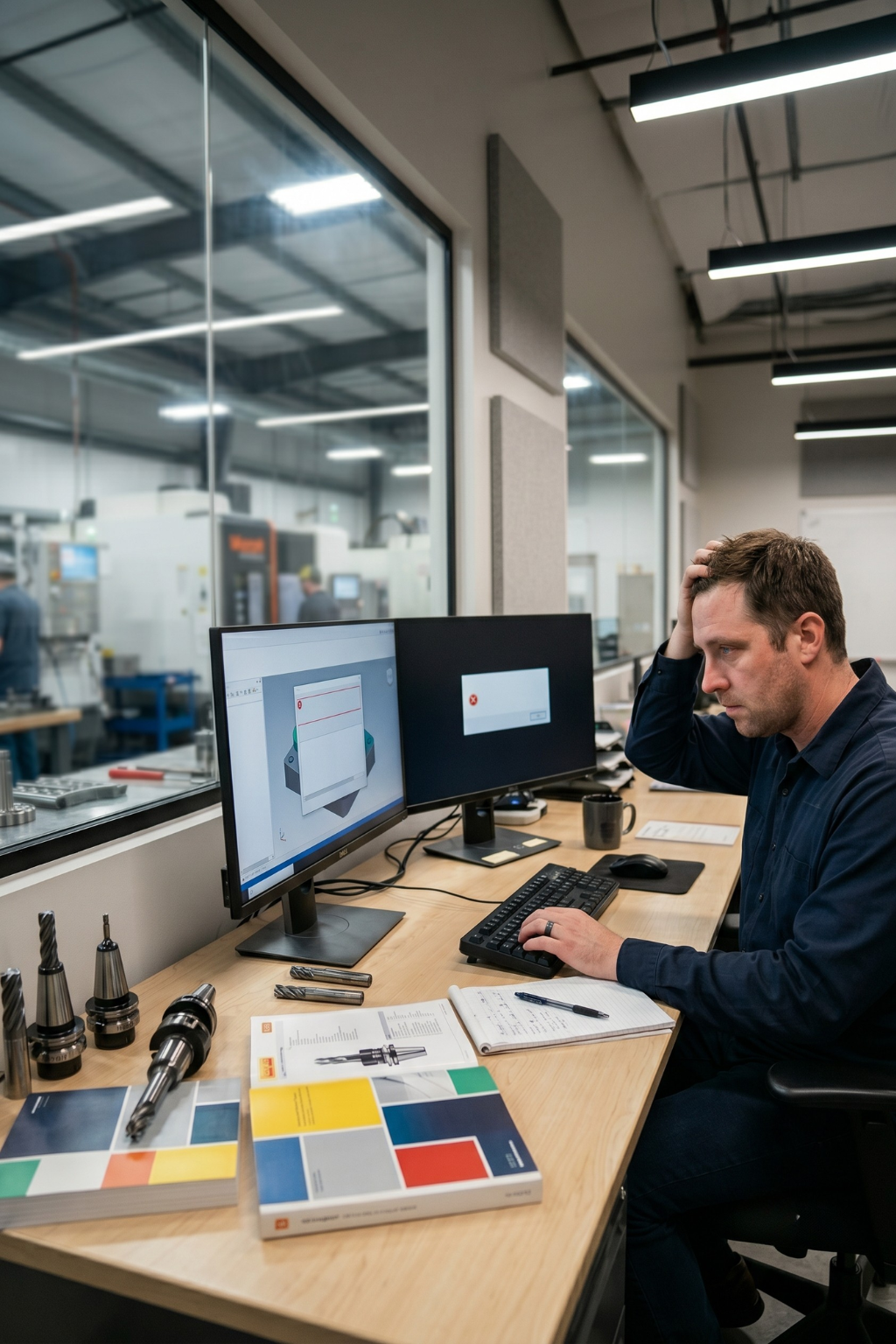
How do I set up accurate stock models for verification?


Accurate stock models are the backbone of good simulation. If your stock isn’t right, your verification results won’t mean much. You’ll either see collisions that don’t exist or miss ones that do. Getting stock models set up correctly keeps your toolpaths safe, predictable, and true to real cutting conditions.


Start from reality, not assumptions.

Always base your stock on the actual starting material. That could be a bar, plate, casting, or a near-net shape from a previous operation. Import the real stock model or measure it and create a solid that matches the true size and orientation. Guessing “close enough” dimensions is how simulation lies to you.


Use your CAD model for castings and forgings.

If you’re working with complex pre-forms, pull in the casting or forging model as your starting stock. In high-value applications, scan data can also be used to capture actual material variation. That additional detail can improve roughing, rest machining, and stock-aware toolpaths by reducing air cutting and improving material awareness.


Align your stock to the same coordinate system as your setup.

Double-check that the stock model lines up perfectly with your work offset and machine coordinate system. Even a small shift in X, Y, or Z can cause false collisions, missed material, or inaccurate verification results. Take the time to confirm stock position before programming anything.


Carry stock forward between operations.

Use “in-process stock” or rest material options in your CAM system to update the model after each operation. This gives the next toolpath an accurate starting point and ensures your roughing, semi-finishing, and finishing toolpaths only cut where material remains.


Simplify without losing accuracy.

If your system starts to lag, simplify unnecessary details in the stock model while preserving geometry that affects tool engagement, material removal, and collision detection. Keep enough detail to accurately represent the remaining material without overloading the system.


Include fixtures and jaws when relevant.

In verification, import your soft jaws, vises, or clamps as separate bodies. Set them as “non-cutting” objects so the simulation checks clearance but doesn’t remove material. This extra step prevents those ugly surprises where the holder or shank tags a jaw.


Verify from the stock, not just the part.

When you run your simulation, ensure material removal is being calculated from the current stock model while comparing the result to the finished part. This provides realistic tool engagement, accurate stock updates, and a clear view of any remaining material before the next operation.


Save and reuse verified stock states.

After each major operation, save your verified stock model. That way, if you have to reprogram later, you can start exactly where you left off without re-simulating everything from scratch.


Understand how your software updates stock.

Different CAM and verification systems use different methods to represent remaining material, including solid, mesh, STL, and voxel-based stock models. Understanding how your system handles stock updates can help you balance simulation accuracy and performance, especially on complex multi-axis parts.


Bottom line:

Your stock model is your truth in CAM. Keep it aligned, updated, and grounded in real-world geometry, and your verification will be worth trusting.


Have a programming question?


Send it in for the next edition of Ask a CAM Pro!

Weekly Poll

Choose from the answers below.

(Keep scrolling to see last week's poll results.)

What causes the most expensive mistakes in a CNC shop?

View the results of last week's poll HERE.

From the Floor


The Great Tool Library Blackout


“One afternoon, another programmer and I were cleaning up the tool library, adding models, updating details, and trying to get everything organized. We both hit save at nearly the same time, and just like that, the whole library disappeared.


Forty minutes of work was gone in an instant. We had to slow down, retrace our steps, and rebuild it piece by piece. If you’ve ever lost a file or a tool library, you know the feeling. It puts the fear of data loss right in your gut.


That day was a good reminder that in a shop, backing things up is not optional. It is self-defense.”


– CNC Programmer

Video of the Week (Powered by GibbsCAM)

Tech Tip: Creating Rotary Toolpaths on Solid Models

Learn how to use the Profiler’s Cylinder Slice Profile mode to create polar and cylindrical rotary toolpaths on a solid model without extracting or unwrapping geometry. 

CAMedy Central

Industry Intel

America’s Muddled Factory Recovery

U.S. manufacturing surveys show a rebound, with the ISM manufacturing index hitting a four-year high in May, but Axios notes the recovery is clouded by tariffs, fuel costs, supply-chain disruption, stockpiling, and weak factory payroll data.


The 4-in-1 Machinist: How Unrealistic Hiring Is Burning Out Your Best Talent

Shops are not just facing a talent shortage, they are creating burnout by expecting one machinist to program, set up, run, troubleshoot, train, and hold production together instead of building better processes, documentation, and standard work. 


Out With the Old, In With the New: GibbsCAM Rebuilds 3D Machining Engine GibbsCAM has rebuilt its 3D machining engine, adding tools like 2.5-axis deburring to improve surface finish, tolerances, and part-to-ship speed, with more updates expected in the 2027 release. 

Manufacturing Survey

Manufacturing policy is being shaped now. Shops should have a say.

Tariffs. Supplier risk. Federal policy shifts. The 2026 Reshoring Survey captures how manufacturers are actually responding and what's driving their decisions.


In 10 minutes, you'll be able to see exactly how your strategy compares to peers, and your input shapes data used by policymakers and economic developers across the country.


Take the survey → Get the full results.

Industry Growth (Open Jobs)

A few hot openings across the industry this week:


CNC Swiss Operator & Programmer - Insty-bit - Eden Prairie, MN


CNC Manufacturing Engineer - TEAM Industries - Bagley, MN


CNC Manufacturing Engineer/Programmer - DW Products - Cedar Rapids, IA


Manufacturing Engineer - Manitou Group - Madison, SD


Mold Maker/Machinist - ComDel Innovation - Wahpeton, ND


Machinist/Tool & Die - Phillips Manufacturing - Omaha, NE


Machinist I - StandardAero - Kansas City, MO


CNC Machinist - The Bradbury Company - Moundridge, KS

Trade Show & Event Radar

Date

Show

Location

June 22-25

Automate

Chicago, IL

July 21

42nd Annual MPMA Open Golf Classic

Coon Rapids, MN

July 29-30

Advanced Manufacturing Expo

Grand Rapids, MI

Sept 5

Minnesota Manufactured Day - Minnesota State Fair

Falcon Heights, MN

Sept 14-19

IMTS

Chicago, IL

Oct 6-7

Top Shops Conference

Cleveland, OH

Oct 21-23

FABTECH

Las Vegas, NV

Oct 28-29

MD&M Midwest

Minneapolis, MN

Nov 11-13

Titans of CNC Boombastic Show

Flower Mound, TX

Did someone forward you this newsletter?

Subscribe to get your own copy every week.