EMS Room Scheduling System
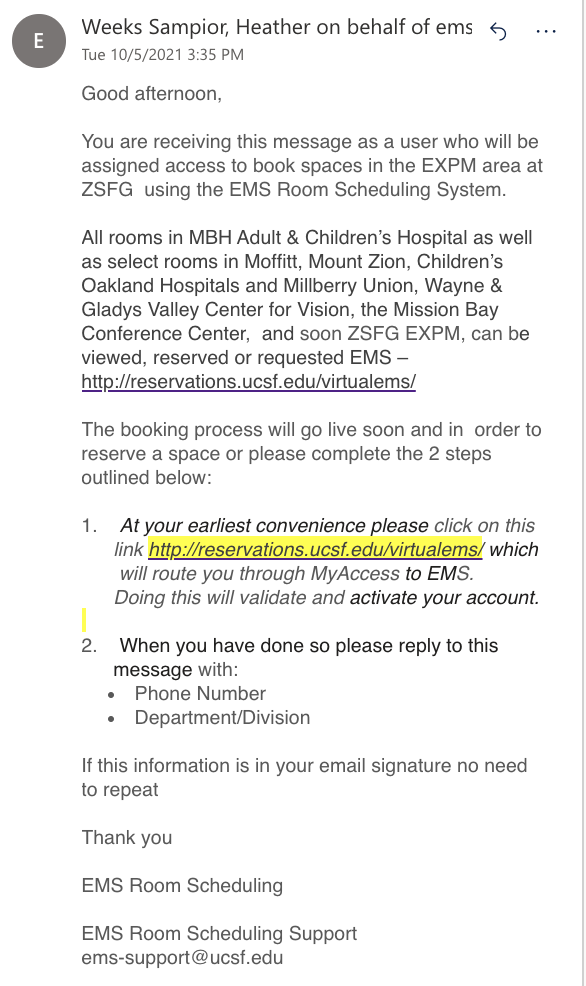
The Collaboration Room 501, Oval Office 601, and Lactation Room 627 reservations have been moved to UCSF Event Management System (EMS). You all received an enrollment email from EMS with the instructions to get started in their system.
Please click the link to visit their website at http://reservations.ucsf.edu/virtualems/ and respond to their email with your work phone number and Department/Division.
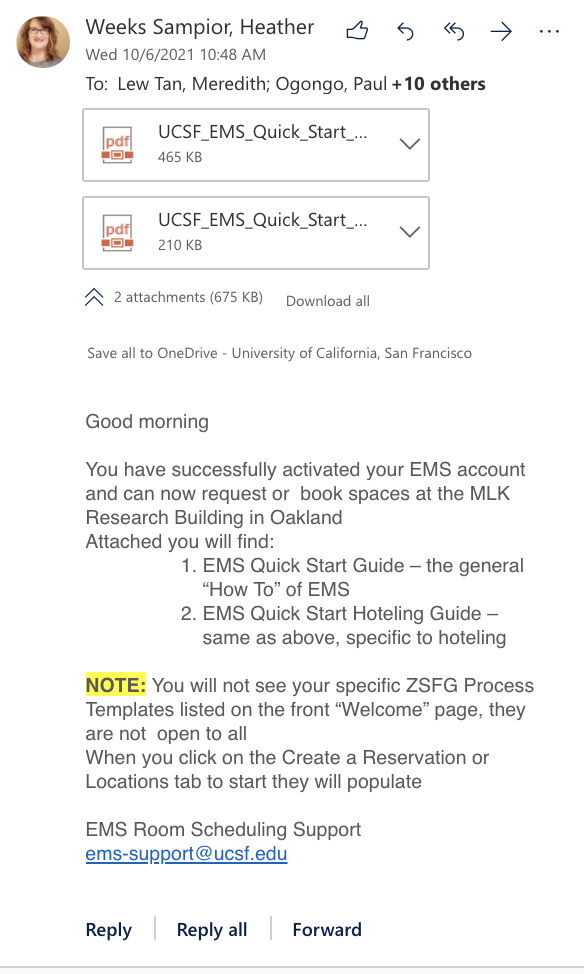
After submission, you will receive an enrollment confirmation email and quick start guide. For additional instruction on creating reservations in EMS, please watch this tutorial made by Justin.
The booking process has gone live for room 501, 601, and 627. If this goes well, we will work on moving the 505 Conference Room reservations to EMS. For now, the process to request the room 505 is the same. You can follow the link to access the 505 Conference Room Request Form.
These rooms will be blocked from reservations 11:30 AM-1:30 PM for lunch.
|