Updating Your i-SIGMA Member Portal

Good Afternoon Kelly,


Last month, i-SIGMA implemented a new i-SIGMA member portal. If you have not yet already logged in, make sure you set up your new account (even if you had credentials in the old portal).Then, take a look around!

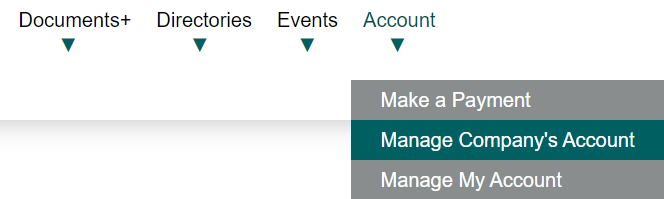
Due to the new portal implementation, the i-SIGMA directory will be switching platforms beginning in February. To ensure that your company is displayed in the directory online correctly, make sure you go to your "Account" tab and go to "Manage Company's Account'.

Access Your New Member Portal Now

Updating Your Company's Account is Easy! Follow These Steps:

  1. Set Up Your New Account
  2. Go to Account > Manage Company's Account
  3. Update Your Company's Contact Info and Logo!
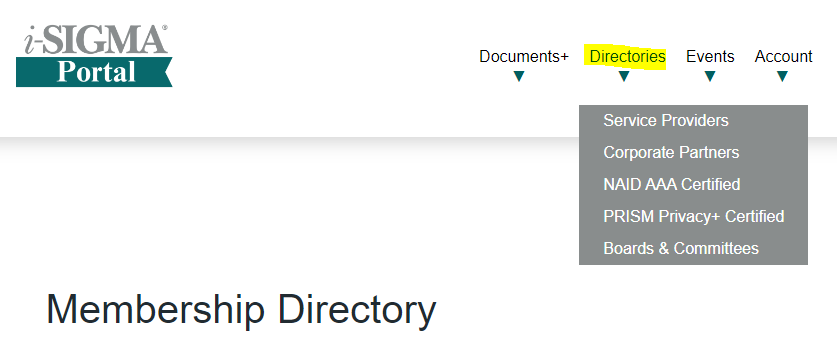
  4. Review your company info in the Current Directories.

If you have any questions, please reach out to the i-SIGMA Membership Team at membership@isigmaonline.org or 602-788-6243.