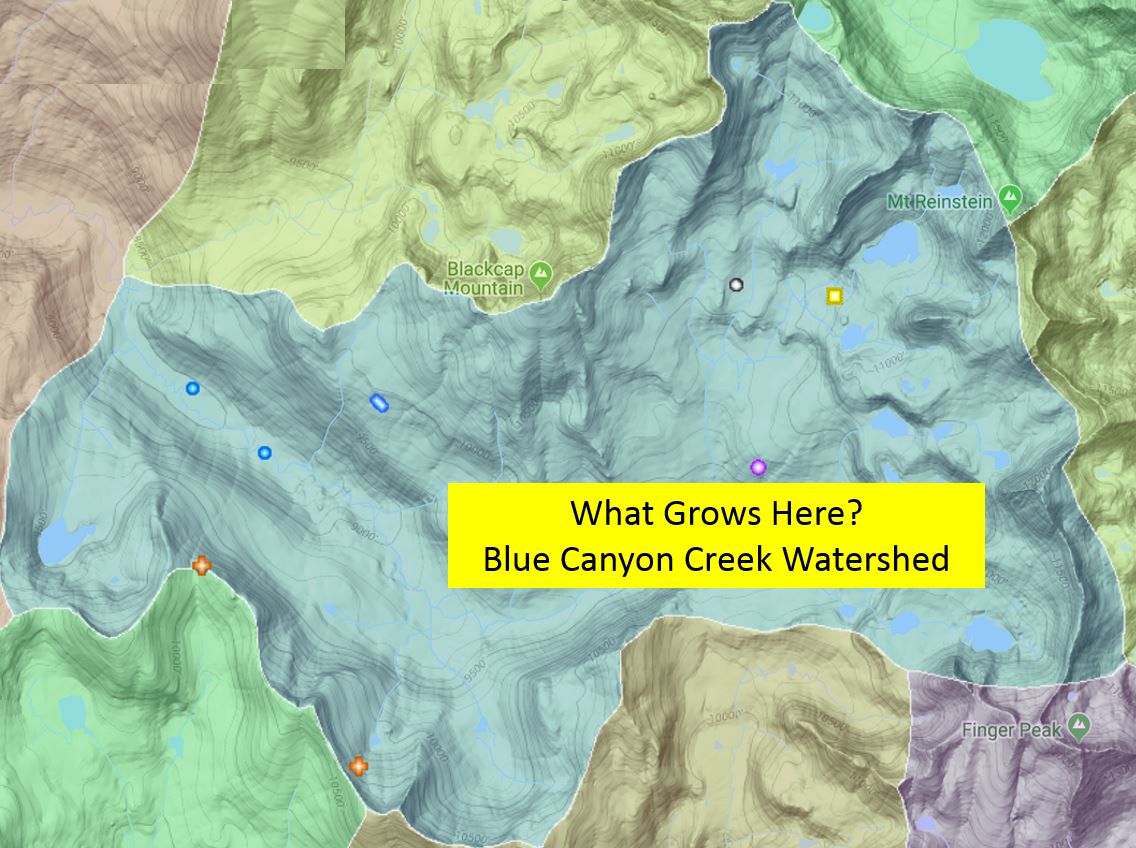
Calflora's What Grows Here? shows which plants grow at a particular location. Click on this icon to see a video showing the new features .

For instance, you may type in a location name to move the map to find what plants you might come across at any given location. Then, create an illustrated plant list of your search results under TOOLS.

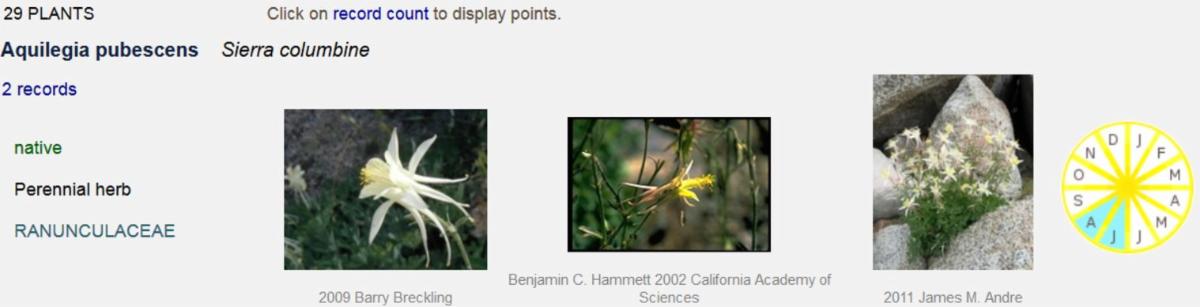
You may also draw a polygon around an area or use Map Layers to specify your area of interest. What Grows Here results show the scientific name, common name, 3 photos, and a bloom wheel.

See the species location on the map by clicking on the number of records; you You can also assign colored icons to the various plants.

LAYERS above every map
Find " LAYERS " above every Calflora map. Turn on California Protected Area layer, or CPAD, and note that the pastel areas are all protected. Click on one to search for species in that area.

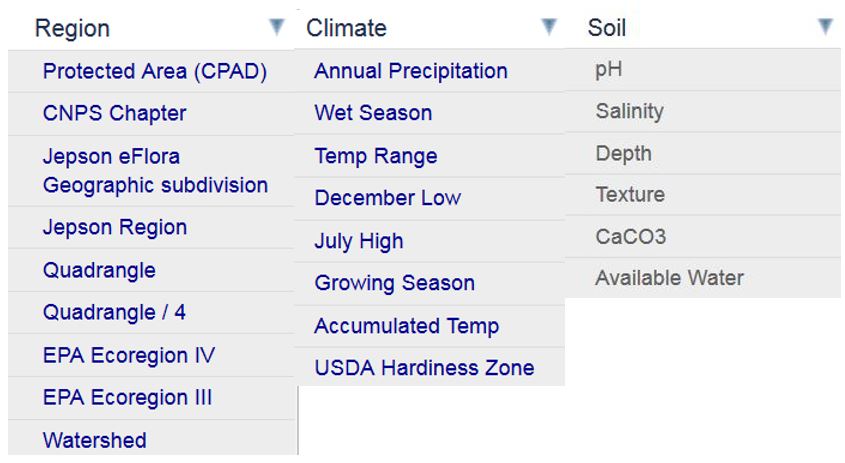
Press the toggle in the upper right to see the map in full screen mode. Try other layers e.g., ecoregions, watersheds, or Jepson regions.

Reply to this email with any questions, and we hope you enjoy these new features!
Calflora 1700 Shattuck Avenue #198 Berkeley, CA 94709
(510) 883-3148 spprt@calflora.org www.calflora.org