We've Made It Faster and Easier

to Access Your Essential Information!

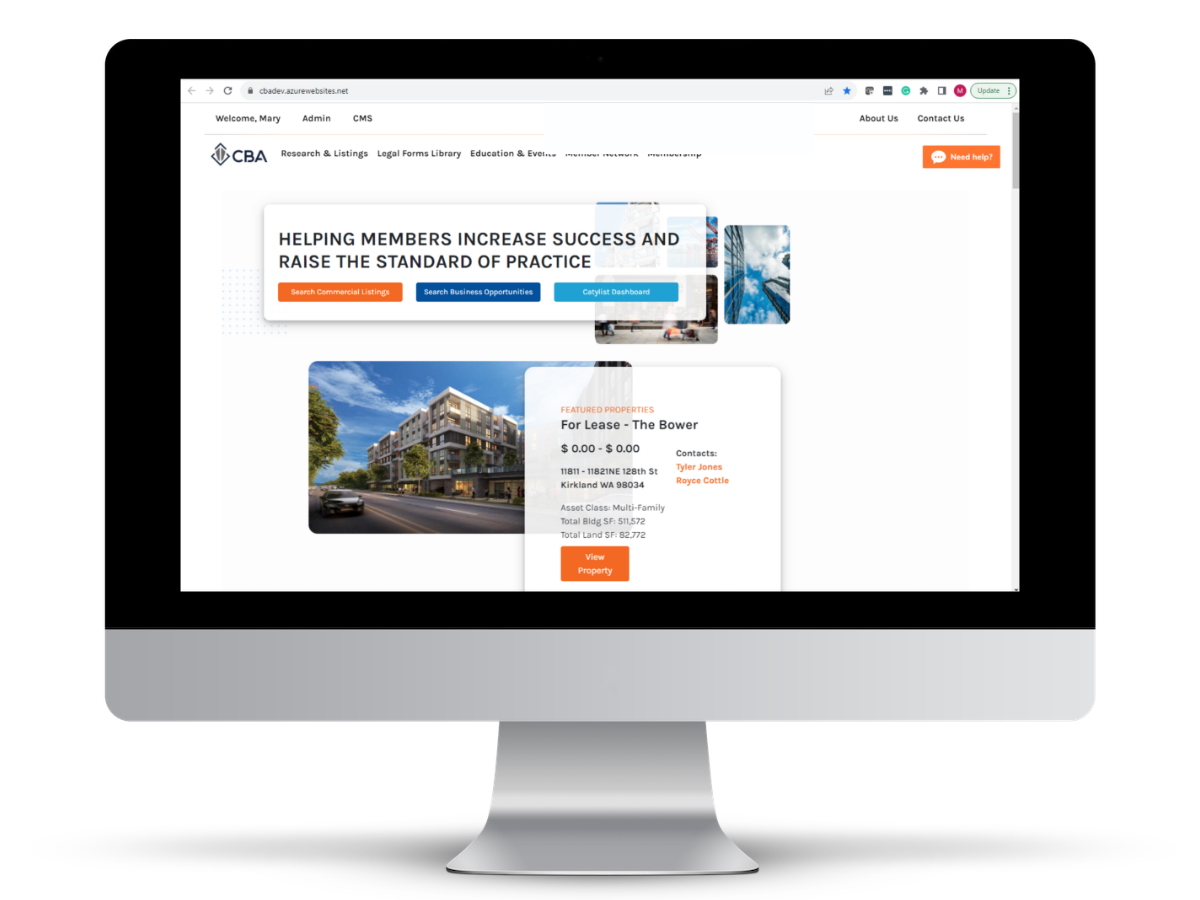
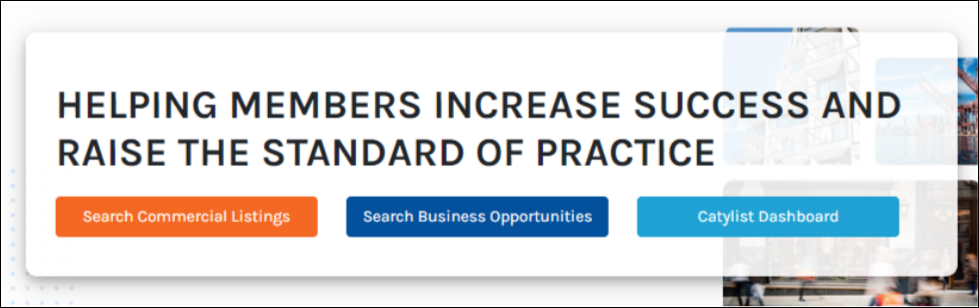
To improve your member experience, we've added a “Catylist Dashboard” button to the CBA home page: 

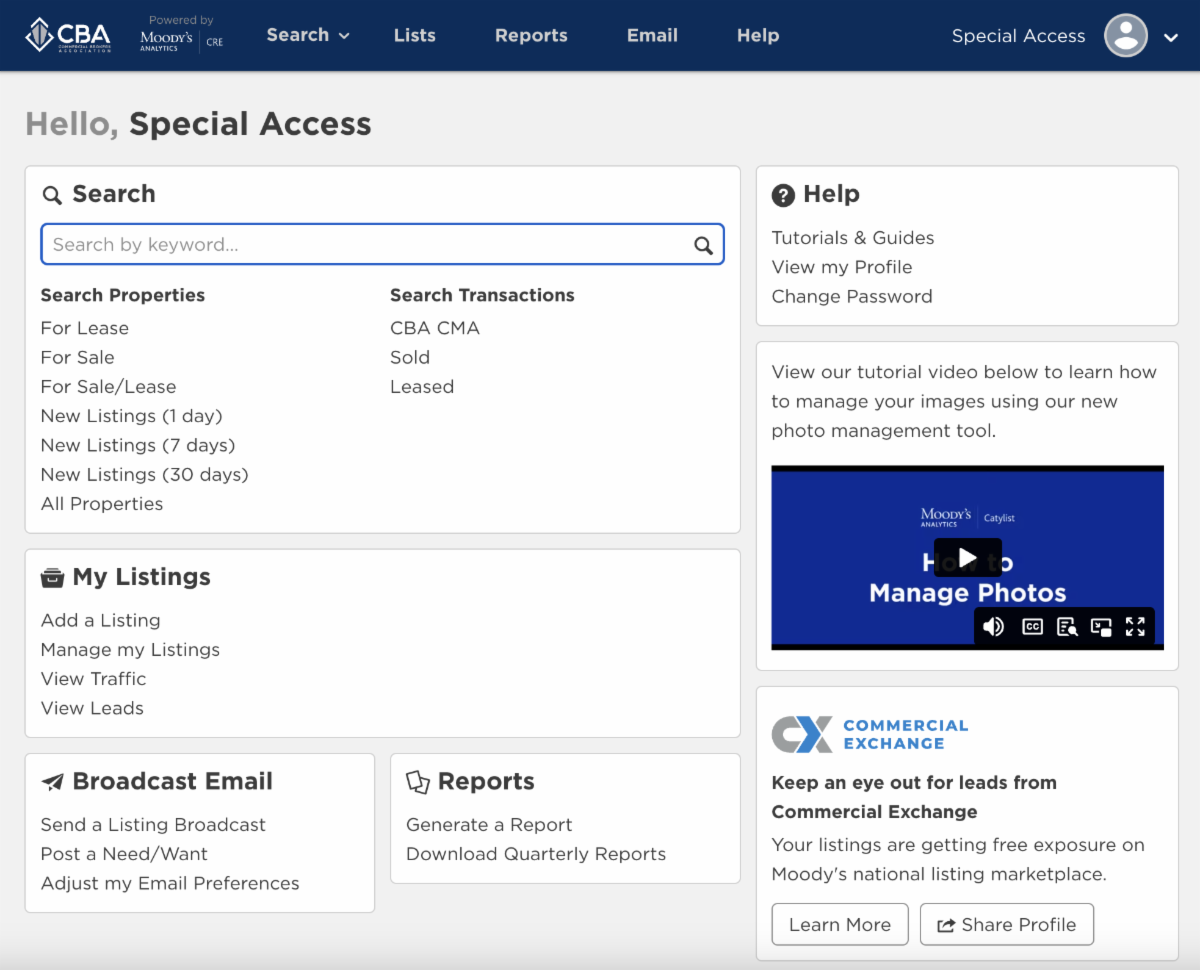
When you click "Catylist Dashboard" you can immediately access your saved searches and reports, as well as view and edit your listings, traffic, and leads. Going directly to the Catylist Dashboard also gives you easier access to New Listings (1, 7, and 30 days).

You can still search by clicking “Search Commercial Listings” on the CBA home page.

Need help using our search platform or navigating all of the tools and resources available on the CBA website? We provide monthly live website webinar training.


TOPICS COVERED INCLUDE:


Listings Management


  • Inputting, Managing, Viewing, Verifying, and Promoting Your Listings
  • Updating Your Profile
  • Sending and Receiving Broadcast Emails
  • Using Our Need/Want Feature


Searching & Reporting 


  • Performing a Search 
  • Managing Your Search Results
  • Creating Reports
  • Creating Lists
  • Saving Your Search
  • Setting Up Your Email Alerts (Previously Called "Hot Sheets")
REGISTER NOW

If you are unable to attend a training webinar, please watch our training video.

We're Here For You!

If you have any questions, please don't hesitate to reach out to us at (425) 820-3348 or email us at research@commercialmls.com.


Best Regards,


The CBA Team

Facebook  Instagram  LinkedIn  Twitter  YouTube