This month we will discuss the primary differences between, and functions of, the "view order", "change order", and "Display Order" in WebTrack. Each option is vastly different and you will want to select the appropriate one when viewing or making changes to your orders. Here is a quick break down of these options!
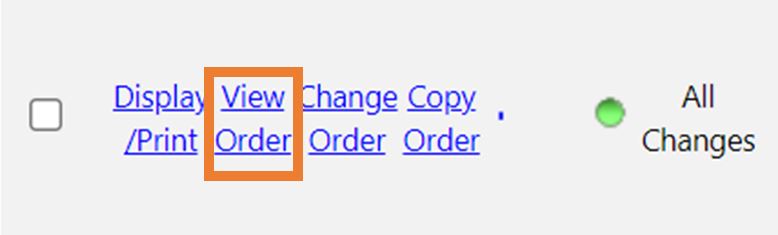
View order
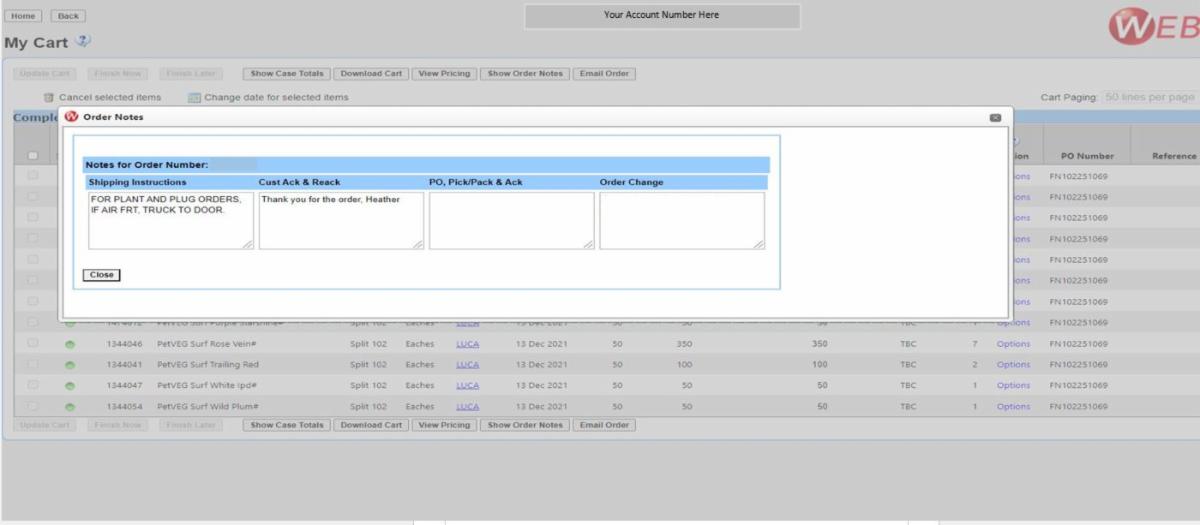
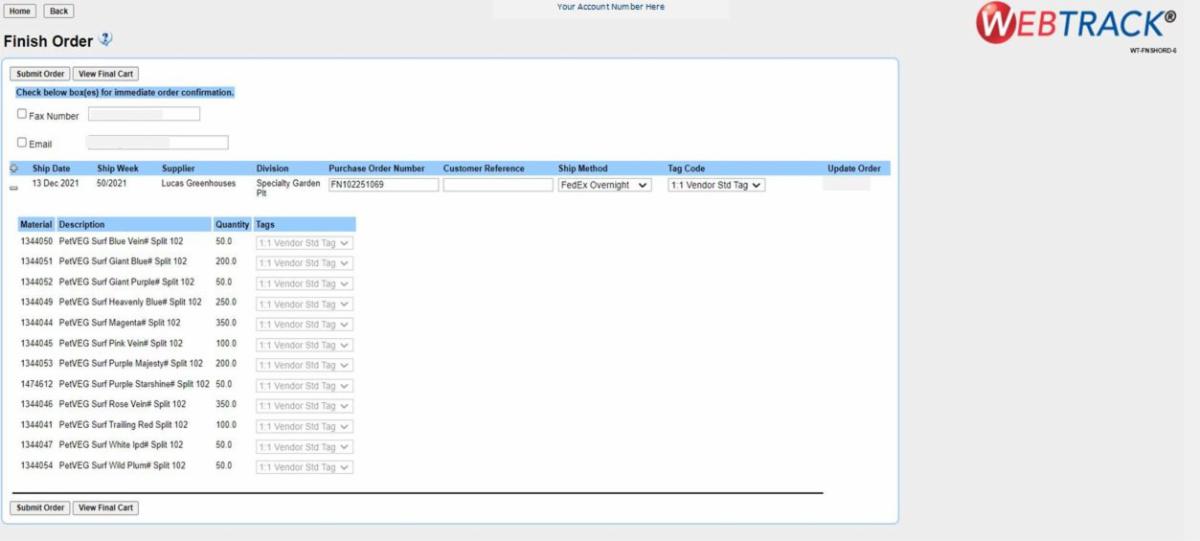
Select "View Order" if you want a quick view of all the information on an existing order, but not make any edits/changes to the order. You can view the following information using this function:
View items in the cart
View ship date
View purchase order (PO)
View tag ratios
View boxing
View pricing
Download/email the cart
View supplier terms
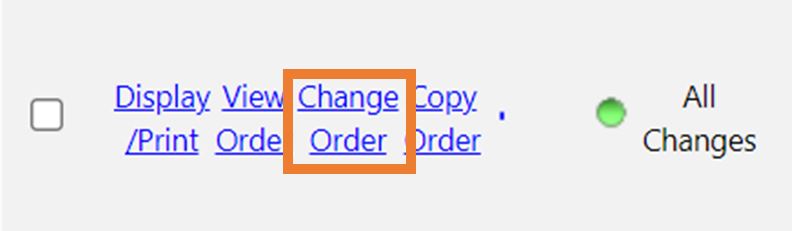
Change order
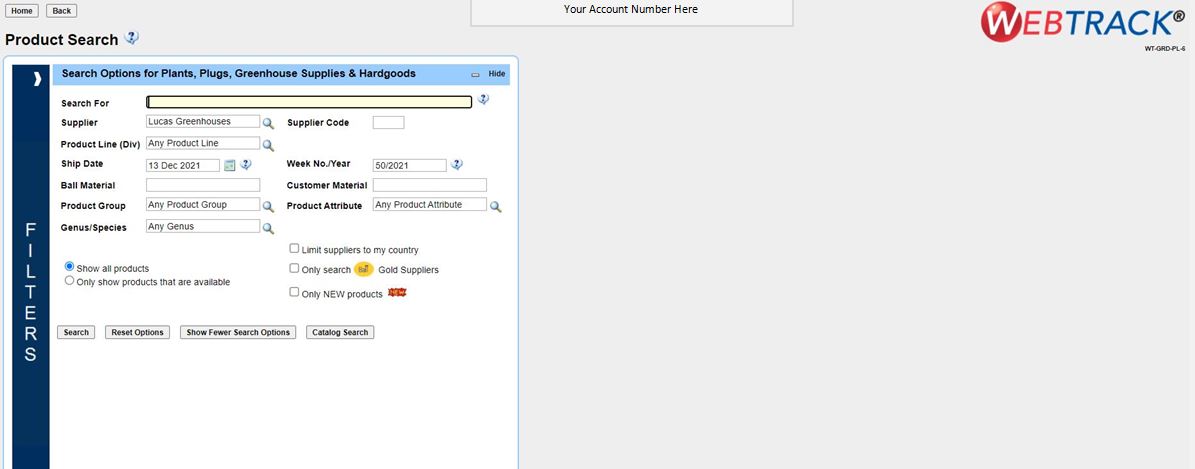
Select "Change Order" if you want to make changes to your order. You can make the following types of changes to existing/completed orders using this function:
Add/cancel items from the order
Adjustments to tags
Change/add/delete payment type
Adjust ship date
Adjust shipping
Add/edit purchase order (PO) on the order
Download the cart
Email the order
View supplier terms
View/link to item culture
Adding items to your cart
Editing other items on the order
Display/print
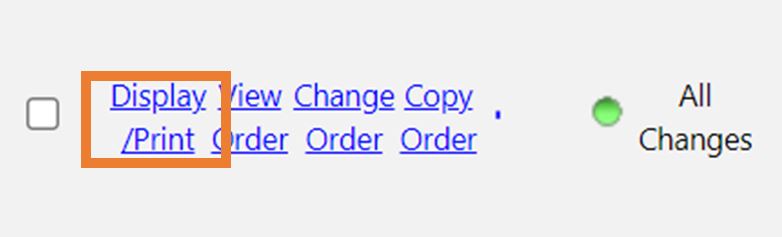
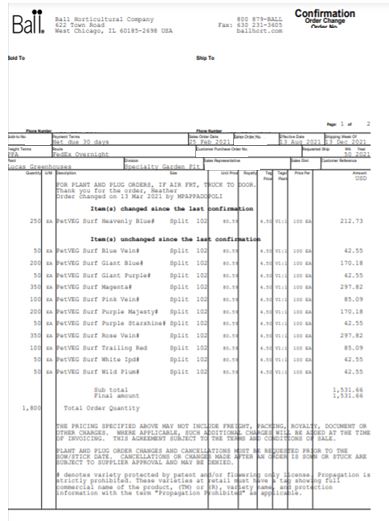
Select "Display/Print" if you would like to view or download a copy of your order acknowledgment.
Always remember, we are here to help you! Our expertise is sourcing your material. If you can't find something you must have... give us a call!