chrJune 5th, 2025

Time to Read: 5 Minutes


CAM Joke of the Week --

Why did the 5-axis programmer get promoted?...

Because they always knew how to approach things from every angle.

Management said their career had great tilt potential.

Industry Intel


Which States Are Most Concerned About America's Manufacturing Crisis? - U.S. states are ranked by search interest in manufacturing, highlighting regional concerns over tariffs, labor, and supply chain challenges.

AI Revolutionizes Manufacturing: Enhancing Efficiency, Quality, and Sustainability - This article shows how AI is reshaping manufacturing through better quality control, predictive maintenance, and smarter supply chains.

Carrier Commits $1 Billion to U.S. Manufacturing, Creating 4,000 Jobs - Carrier Global Corporation is investing $1 billion over five years to expand its U.S. manufacturing footprint, aiming to create 4,000 jobs, including 1,000 service technician roles, and to train over 100,000 professionals in climate solutions.

Industry Growth (Open Jobs)

A few hot openings across the industry this week:


CNC Programmer/Machinist - SRG - White Bear Lake, MN


CNC Programmer/Machinist - Air-Lake Machine & Welding - Lakeville, MN


CNC Machinist -Weekend Day Shift - Youngers and Sons Manufacturing Co Inc - Wichita, KS


CNC Machine Operator - SJ Machine, Inc - Fargo, ND


CNC Machinist/Programmer - PMCO - Gladstone, MO

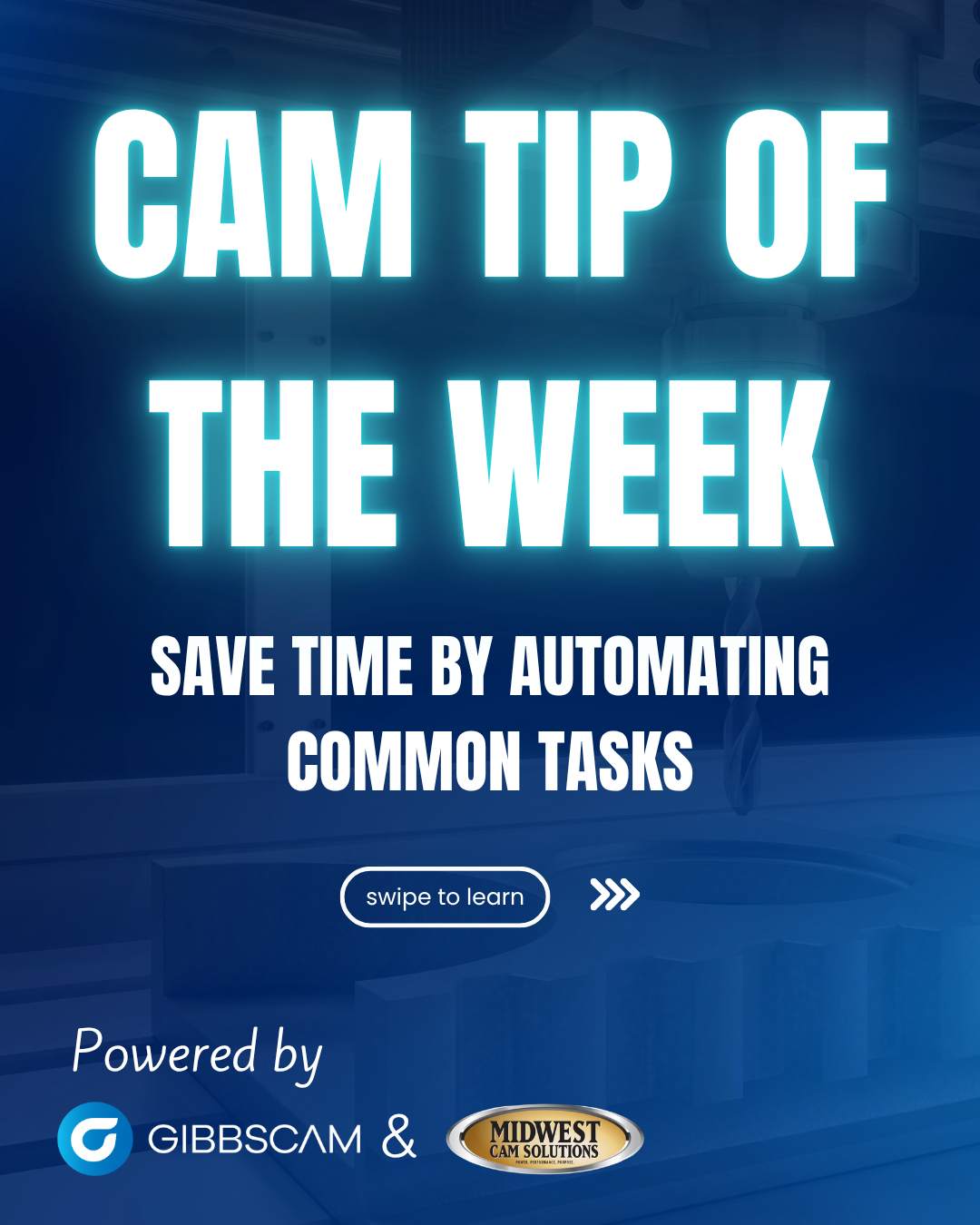
CAM TIP OF THE WEEK (Powered by GibbsCAM)


🛠 Tech Tip: Save Time by Automating Common GIbbsCAM Tasks

Tired of Repeating the Same GibbsCAM Steps?

If programming the same holes, pockets, or tool setups over and over is eating up your time, this tech tip is for you. Learn how to automate repetitive tasks in GibbsCAM using Macros, Tool Lists, and Process Lists, and cut programming time down to seconds.


Trade Show & Event Radar

Date

Show

Location

Aug 6-7, 2025

Advanced Manufacturing Expo

Grand Rapids, MI

Sept 8-11, 2025

Fabtech

Chicago, IL

Oct 7-9, 2025

Westec

Anaheim, CA

Oct 19-21, 2025

Wichita Industrial Trade Show

Wichita, KS

Oct 21-22, 2025

MD&M Midwest -Advanced Manufacturing Minneapolis

Minneapolis, MN

Ask a CAM Pro

Q: How do I compensate for machine backlash in programming?

Tim Tzril

Applications Engineer

First off, it’s important to know that backlash is a mechanical issue. It’s the small amount of play or lag that happens when your machine changes direction...usually because of wear in the ball screws or drive system. You can’t fix backlash in your CAM software, but you can program in a way that helps reduce its impact.


Many CNC machines have backlash compensation settings at the control level.

That’s where the real adjustment happens, an offset gets applied when an axis reverses direction. But even with those settings dialed in, your toolpath strategy still matters.


When programming in GibbsCAM (or any CAM system), try to avoid toolpaths that change direction frequently, especially during finishing. If you’re cleaning up a pocket or contour, stick to a one-way climb cut rather than a zigzag pattern. A consistent, single-direction cut helps maintain even tool pressure and avoids the “slip” that can show up when the machine reverses.


Lead-in and lead-out moves can also make a big difference. They help ease the tool into the material instead of hitting the wall head-on right as the machine changes direction. That soft entry and exit helps protect part accuracy—especially if your machine isn’t as tight as it used to be.


If you’re seeing signs of backlash—things like overshooting corners, poor surface finishes, or inconsistent bore sizes—it might be time to check your machine’s backlash settings and schedule some maintenance. CAM can’t fix mechanical issues, but with smart programming, you can stay one step ahead of them.


CAMedy Central