October 2025 l Workday Update l Building FGCU's Future Together

FGCU horizontal full color logo with Workday logo

Today's newsletter is 600 words... a 3.4-minute read.

Your Data, Our Priority: How Workday Keeps Us Safe

Orange Cybersecurity shield with a metal silver W shield on top of it

October is Cybersecurity Awareness Month!

In this issue, we're spotlighting how Workday helps protect your personal and institutional data every day. From secure logins to role-based access, Workday is built with higher education security in mind - so you can focus on your work, knowing your information is safe.

Workday Finance & HR Spotlight

Breaking it Down: Top 3 Security Features in Workday

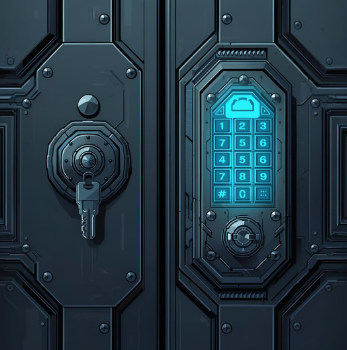
Dark metal blue door with two locks pictured one with key lock and one with a keypad

MFA = Two steps to unlock your Workday account. One password, one confirmation.

Multi-Factor Authentication (MFA)


A security step that helps protect your Workday account by requiring two things to log in: your password and a quick confirmation via Duo. Even if someone knows your password, they can't get in without the second step - keeping your personal and university data safe.

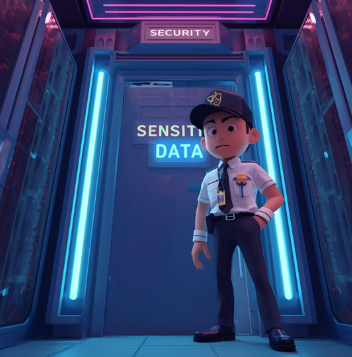
Security guard standing in front of a door labeled Sensitive Data to represent role based access control

RBAC = your digital bouncer - only letting the right people in.


Role-Based Access Control (RBAC)


A way the university manages who can see or do what in Workday. Instead of giving everyone the same access RBAC assigns permissions based on your job role - so staff, faculty, and students only see the tools and data relevant to their responsibilities, helping keep sensitive information secure and organized.

Blue neon 3D lock with binary code swirling around it

Encryption = Your data, locked and scrambled - until it's safely delivered.

Encryption

x

Is a way Workday keeps your data safe by turning it into a secret code while it's being stored or sent. This means that even if someone tries to intercept your information, like your pay details or personal records, they won't be able to read it without the proper access, helping protect your privacy and the university's data.

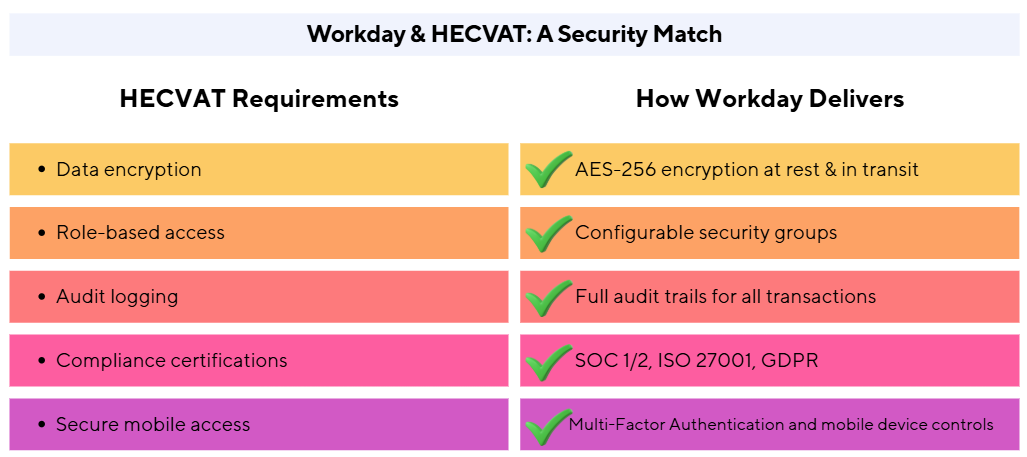
How Workday Aligns with HECVAT Standards


Why This Matters to You

Did you know that Workday already meets many of the security expectations outlined in the Higher Education Community Vendor Assessment Tool (HECVAT)? That means when we use Workday, we're working within a system that's designed to meet the same rigorous standards we expect from any new software or subscription service.


Here's how Workday stacks up:

  • Data Protection: Encryption in transit and at rest keeps sensitive information secure.
  • Access Control: Role-based permissions ensure only the right people see the right data.
  • Auditability: Every action is logged, supporting transparency and accountability.
  • Compliance: Workday meets global standards like SOC 2 and ISO 27001 - key benchmarks in HECVAT assessments.
Workday and HECVAT a security match comparison table showing how workday delivers HECVAT requirements

Secure Your Spend: Scan Smart with Workday Mobile

Frantic career woman in a blue suit with a red scarf chasing and grabbing a receipt surrounding by a multitude of receipts

The Receipt That Got Away


When you forget to scan your receipt and it disappears into the void.


Protect the nest - one receipt at a time.

Scanning receipts with the Workday mobile app isn't just a time saver, it's a cybersecurity win. Paper receipts can be lost, copied, or even misused. But when you scan and submit through Workday, your data is encrypted, stored securely, and only accessible to the right people. It's fast, secure, and helps protect the university's financial data - one snap at a time.


Not sure how to scan with the app? It's easier than taking a selfie, and way more secure. Check out the video demo (1:54) or job aid, and start scanning smarter today!

Workday Job Aid Updates

Light blue background with white security shield with a light blue dollar sign on top of it

Update! Request Security Assignment - Finance & Payroll


This job aid covers the process for requesting security using the Request Security Assignment task for role-based security groups for Finance and Payroll roles in Workday.

Light blue background with a white people icon on top with a light blue cybersecurity shield on top of the person's body

Request Security Assignment - HCM


This job aid covers the process for requesting security using the Request Security Assignment task for role-based security groups for HR roles in Workday.

Access the January 2025 edition to review the details of this newly added process to Workday.

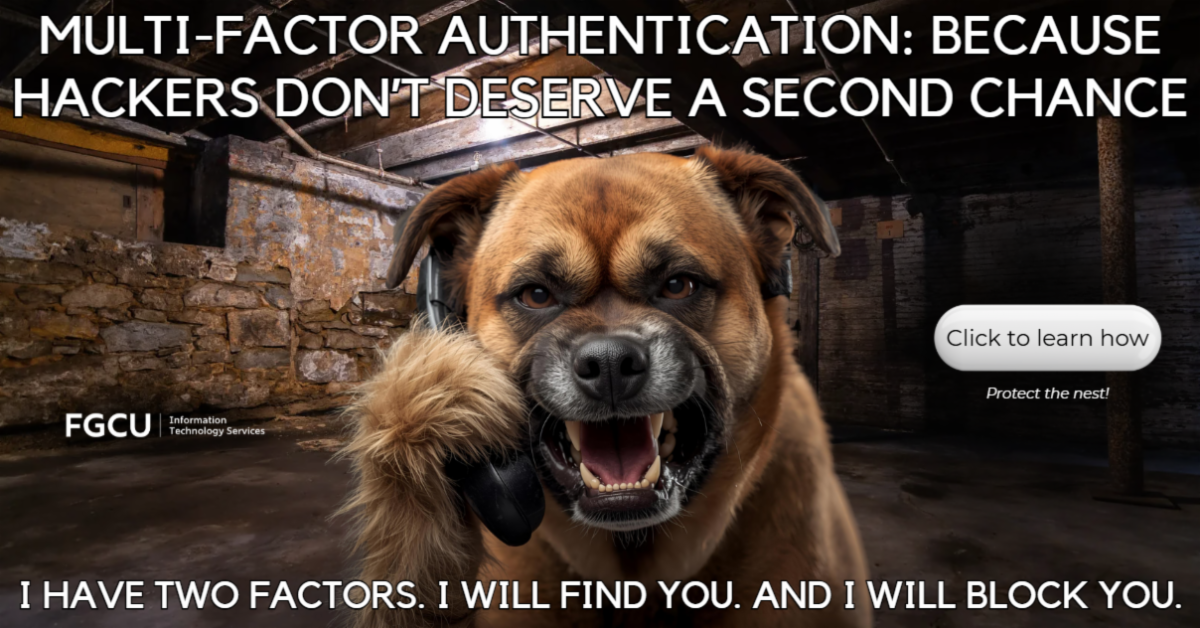
multifactor authentication because hackers dont deserve a second chance i have two factors i will find you and i will block you click to learn how protect the nest

Just in Time Updates & Reminders!

3 Things You Can Do to Keep Your Workday Account Safe


1) Turn on Multi-Factor Authentication (MFA)

Add an extra layer of protection to your login - just like locking your front door and setting the alarm.


2) Be Mindful of Email Links

Never click on Workday links from unexpected emails. Instead, go directly to the FGCU Workday portal to log in securely.


3) Log Out When You're Done

Especially on shared or public devices - logging out helps prevent unauthorized access to your account.


4) Bonus! Use Your FGCU Credentials Only on Official Workday Links

Always access Workday through the official FGCU Workday portal or trusted bookmarks. This helps prevent phishing and ensures your login is protected by university-managed security protocols.

Don't forget these handy resources on the FGCU website...


Sick in bed? Don't forget you can ask for time off via the mobile app!


Workday is a cloud-based system, you can access it from any device with an Internet connection by using the Workday Mobile App. 

Download it from the app store on your device.

Questions:  Have a general Workday-related question or want to see a topic covered in a future newsletter? Use the Workday Contact Us form.

How beneficial is the Workday newsletter to you? (1 sec. click)
1-star        2-stars        3-stars        4-stars        5-stars

Need to Report a Workday Issue?

Contact the University Help Desk:

helpdesk@fgcu.edu or 239.590.1188

Be your own help desk, click to visit the Knowledge Base

FGCU ITS Logo image

Empowering the University Community to achieve new digital possibilities