Maech. 2026

Apple Users Club Newsletter

Please click underscored text for Newsletter detail.

#80

March 2026 Newsletter Topics


World Backup Day 3/31/2026


Do Yourself a Favor:

;

Learn How To Back-up Your iPhone or iPad

Learn How To Back-up Your Mac


Mac Computers

Update Older macOS Versions

iPhone & iPad

Add iMessage and FaceTime to older iPhones

Apple Products

Important Software Updates

Wearables

Apple Watch Security Settings

Services & Help

Apple Support App

macOS 26.3.1 Released - OK to Update

iOS 26.3.1 Released - OK to Update

FaceTime Fixes

Wrist Flick Your Watch

Contact Apple Support

New MacBook Air Released

Common iPhone Myths

How to Switch from 1Password to Apple Passwords

Apple Launches AirTag 2

Today at Apple (Park City)

New MacBook Pro & Max Released

New iPhone 17e Released

Why It's Important to Report Spam

Best Apple Watch (2026)

YouTube video

All Products - US Based Phone Support

Compare MacBook Air & NEW MODEL MacBook Neo

New iPad Air Released

More Security in Safari

Connect to a Satellite with Your Ultra 3

Apple YouTube

Apple Users Club Calendar Items

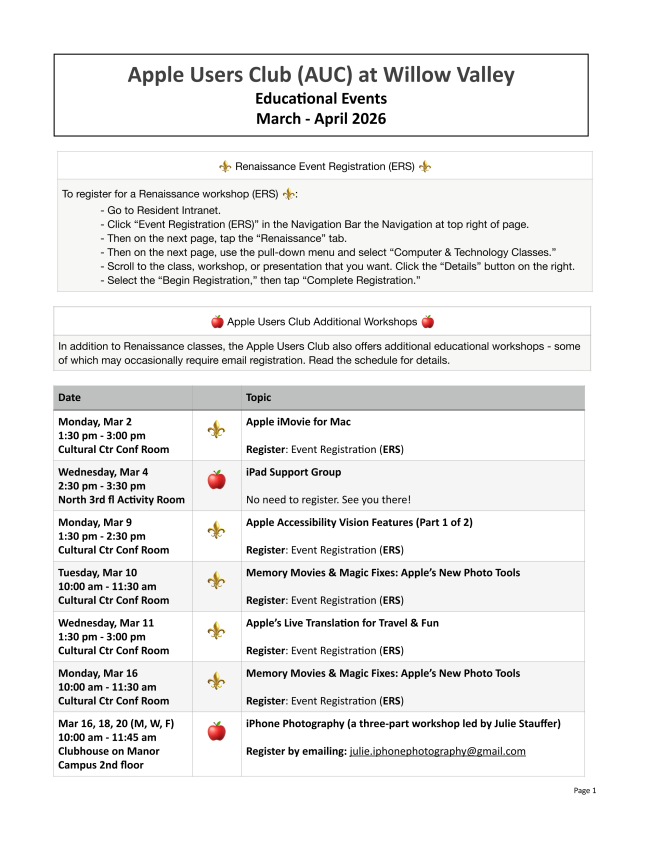
March and April Education Schedule


Here's your opportunity to review the Club's outstanding education offerings for March and April 2026.


You might want to sign-up quickly for those sessions requiring sign-up, as they fill up fast!


Click Here for Your Copy!


March 24, 2026 - Shelly Hitz, Willow Valley Information Technology

You're invited to attend an Apple Users Club informative session with Shelly Hitz, Willow Valley Director of IT.


Spring Run Auditorium

2:00 p.m. - 3:00 p.m.


Audience question period included


April 28, 2026 - Tony Glinski, Invited Guest Speaker: Apple Specialist

Apple Specialist Tony Glinski returns to Willow Valley to explore various ways of backing-up your Apple devices, one of the best ways to avoid data loss and accidental problems.


Spring Run Auditorium

2:00 p.m. - 3:30 p.m.


Audience question period included


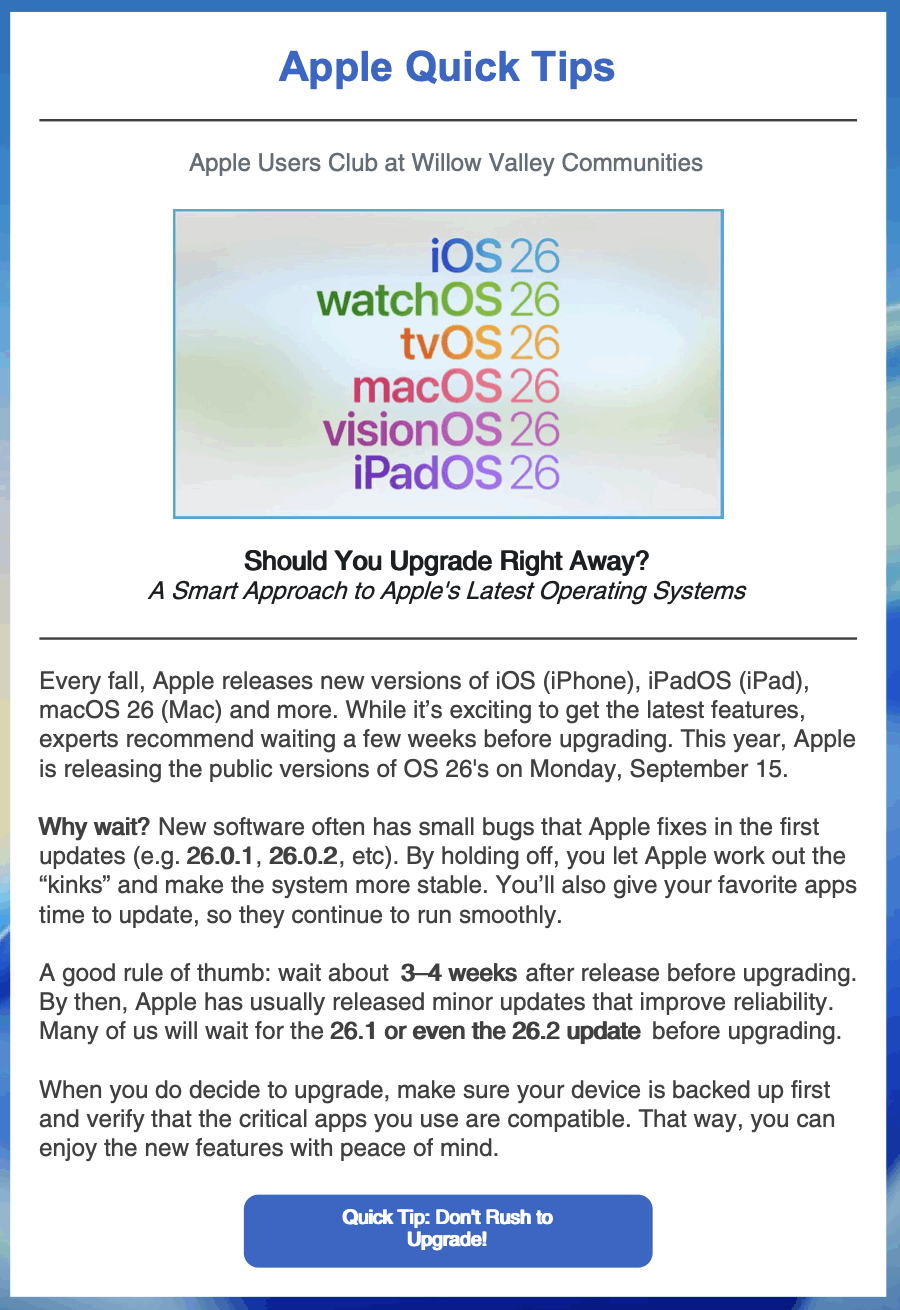
Best Practice Before Updating Software

The Apple Users Club

and You

Used Apple Items to Donate or Adopt

Handy iPhone Trick

Option Key Secrets

Finder Column View New Feature

5 iPad Tricks

Use the Tips App on Your iPhone

Visit Our Website

Newsletter Suggestions, Questions, Comments?

View as Webpage

Back-up Strategies

Using This Newsletter