April 2026

Apple Users Club Newsletter

Please click underscored text for Newsletter detail.

#81

April 2026 Newsletter Topics

Apple Celebrates 50 Years -- From April 1, 1976 to April 1, 2026

Tim Cook's Letter

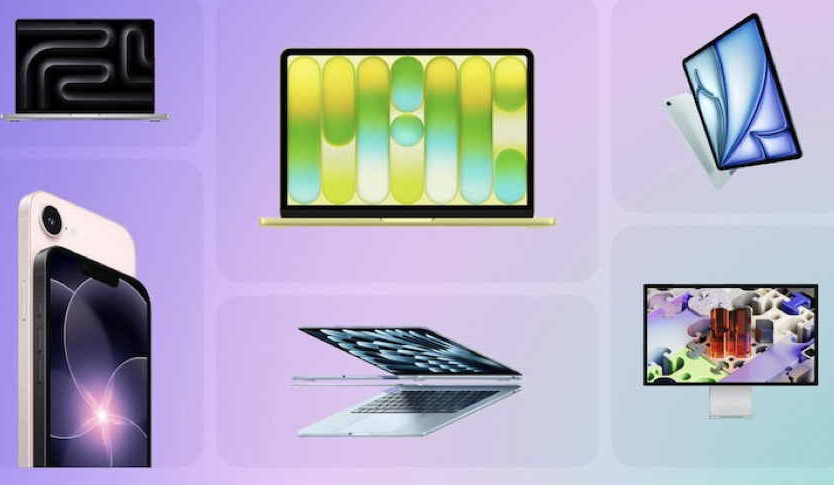
New Product introductions

Updated Software Released

Mac Computer

iPhone & iPad

All Products

Wearables

Apple Help & Services

OS 26.4 Features & Security Upgrade

OS 26.4 Features & Security Upgrade

Apple TV Upgrade

Apple Watch 26.4 Upgrade

On-line Apple Support - All Products

Which Mac Should You Buy in 2026?

Urgent Update for Older iPhones

Apple's Educational Discount

"Best" Watch for "Most" People

Reset Your Apple Account Password

New MacBook Neo - Unique Technology

iPhone 17 Pro Review

Apple Trade-in Values

Sleep Tracking Accuracy

Local Apple Store - Park City Center

Habits Killing Your MacBook Battery

Prep Your Old Phone for Trade-in

New AirPods Max 2

Power Up Your Watch for 2026

Apple Service & Repair for iPhone

New 13" M5 MacBook Air

Build Apple Music Playlist in Seconds

Best 2026 iPhone for Photography

Unpair an Old Watch & Pair a New One

Contact Apple: Various Options

Apple Users Club Calendar Items

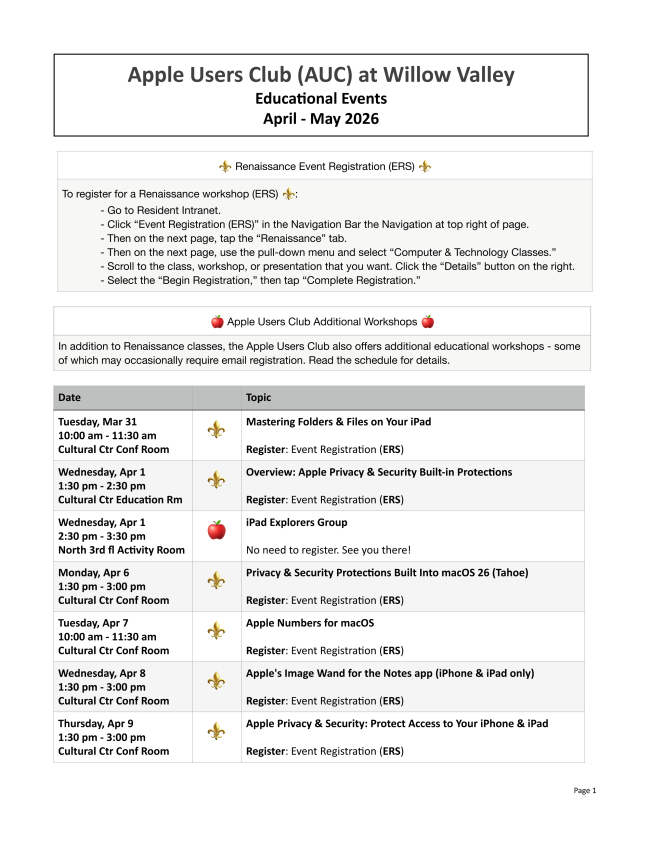
April Education Schedule


Here's your opportunity to review the Club's outstanding education offerings for April and May 2026.


You might want to sign-up quickly for those sessions requiring sign-up, as they fill up fast!


Click Here for Your Copy!


April 28, 2026 - Backing-up Your Apple Devices

Tony Glinski, Invited Guest Speaker, Apple Guru

Do you remember the 1960's song by Neil Sedaka called "Breaking Up is Hard to Do"? Well, it should have been titled "Backing Up is Excellent to Do"!
Our esteemed guest, Apple guru and former Apple Store Manager, Tony Glinski, will be walking residents through all the various ways of how to back-up our cherished Apple devices and emphasizing how important it is to do this.
He will cover iPhones, iPads, Macs, and MacBooks and combinations thereof and will explain not only primary ways of creating backups but also secondary ways of doing the same for even more assurance that important information will not be lost.


Spring Run Auditorium

2:00 p.m. - 3:00 p.m.


Audience question period included


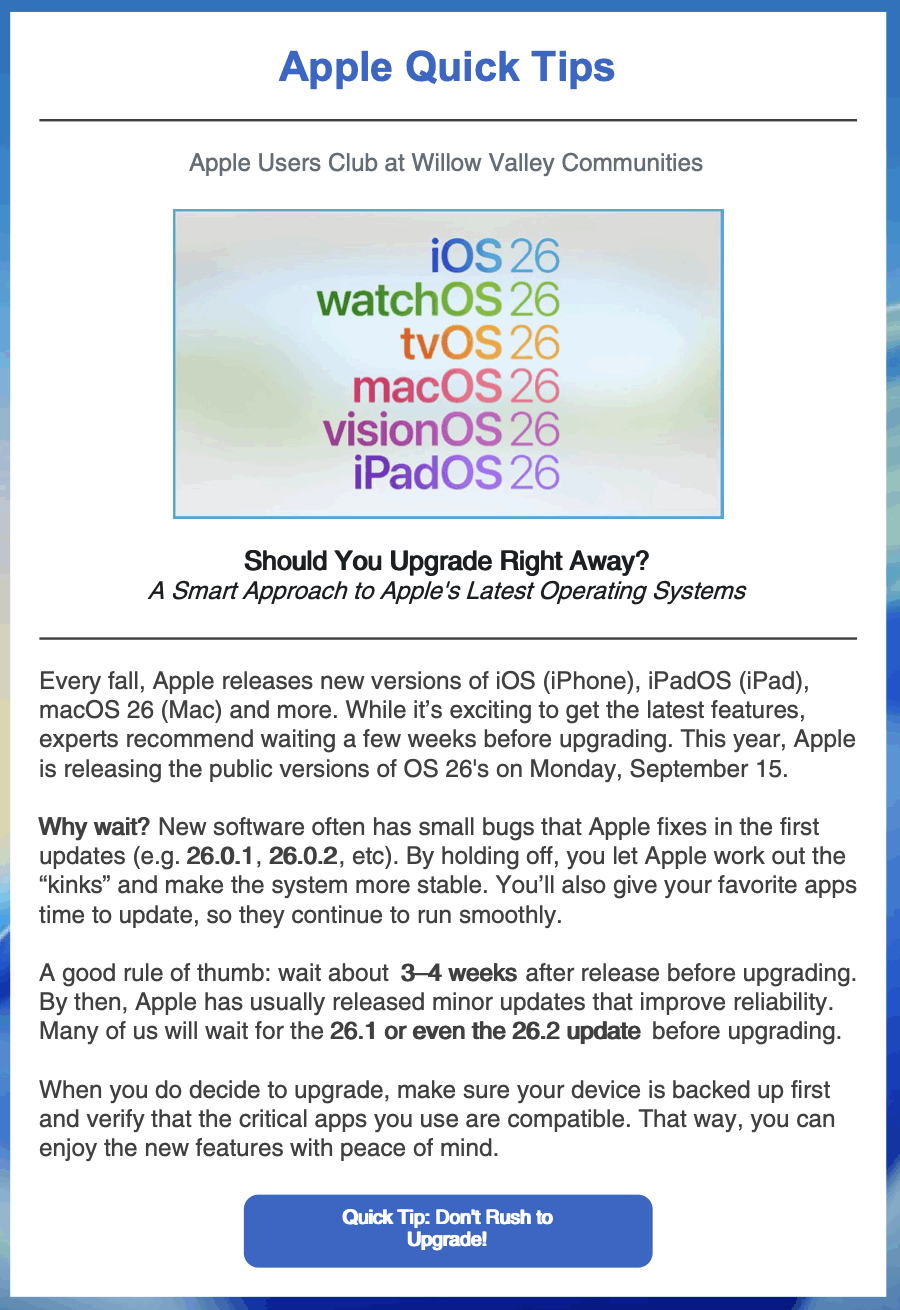
Best Practice Before Updating Software

The Apple Users Club

and You

Used Apple Items to Donate or Adopt

3 Useful iPhone Tips

The Power of Widgets

5 Clever iPhone Tricks

Who's On Your Wi-Fi?

How to Find Portrait Mode

Visit Our Website

Newsletter Suggestions, Questions, Comments?

View as Webpage

Back-up Strategies

Using This Newsletter