Finding the Best Place for
your Desktop PC
There’s a lot of talk about the best places to use your laptop. We’ll recap that discussion briefly below, but the real focus of this article is where it’s best to put your desktop PC.

First, why does it even matter? Of course, you care how your workstation looks, but beyond the aesthetics, airflow is important too. Computers cool themselves with fans to suck in cool air and expel hot air out the back or top. If you’re not leaving room for the computer to “breath” it can overheat.

When a computer overheats it can become unstable or suddenly shut down. The hot air can also damage internal components. This is true of both laptops and desktops.

That’s why you’ll hear that it’s a good idea to put your laptop on a raised, slatted service where air can reach the vents. A table over a furnace duct or in direct sunlight should be avoided too.

OK, But Where Do I Put My PC?

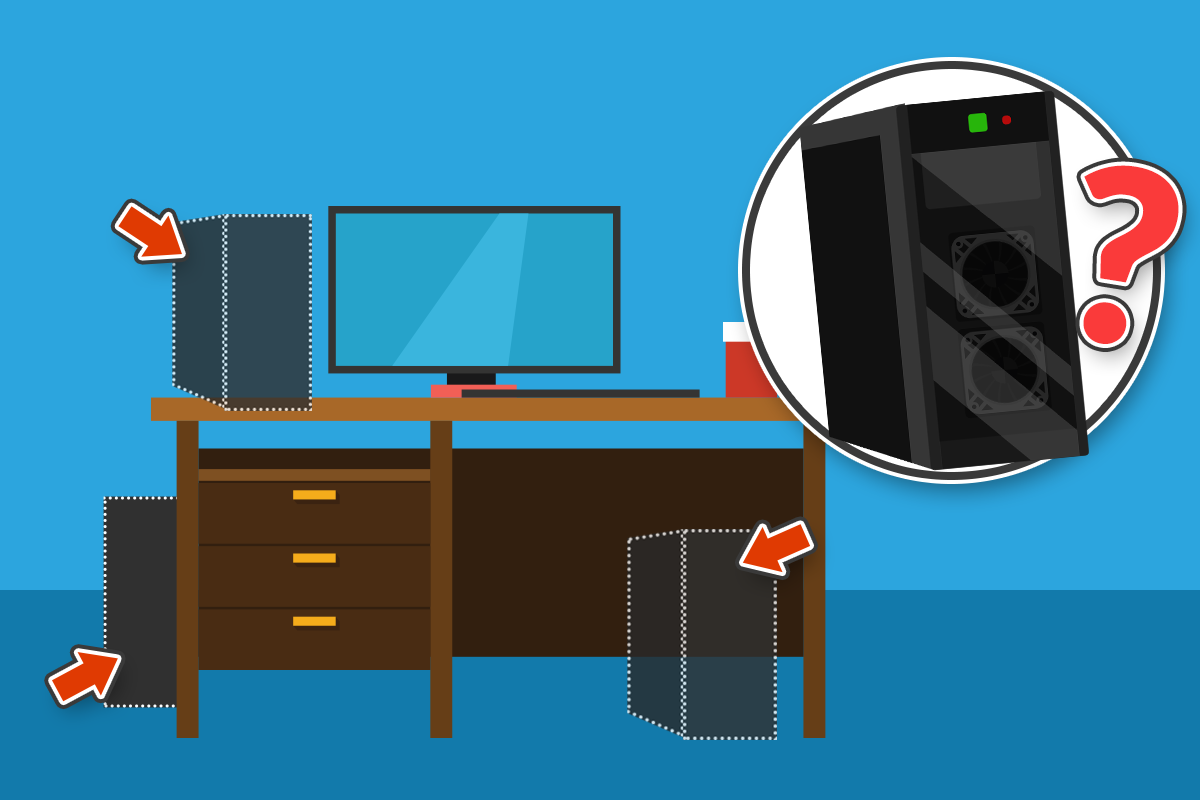
You don’t want to put your computer somewhere it is going to get dusty, which is a good reason not to put it on the floor. It’s exposed to more dust, hair, and other junk that way. Since the computer’s fans are sucking in cool air, they can suck in debris too.

Also, on the floor, you risk accidentally hitting or kicking the PC. Sudden jolts are bad for mechanical hard drives. Plus, USB drives or anything else plugged into the front could be knocked out, which damages the port.

Some desks have cabinets under the desk where you can put the computer. But these may not have been designed with enough airflow.
It’s best to set up your computer on a stable surface to avoid any bumps or drops.

You also want to position it so that the cord is not going to create a tripping hazard. If you fall, you could damage the power connection or, worse, knock the computer off your table or desk.

Since, the big thing is airflow, you also don’t want to set the PC too close to the wall. This can damage cables in the back if they bend too much. Or, when the hot air exhausts out the back, it will be harder to expel the heated air.

Securing Your Desktop PC

Putting your PC parallel to the monitor, safely stable on your desk or table, with good airflow and room for the cords is your best option for safety and longevity of your desktop computer.
Need help setting up your desktop PC or finding the best place to position it in your home? Our tech experts are available to help. Contact us today at 940-282-0290.
How to Choose Home Computer Repair
It’s upsetting when a home computer breaks down: “My whole life is on there!” Then, you have to trust someone to take care of your device. It’s a lot to ask, and that’s why we’re sharing these five tips to help you feel better about your choice of repair person.

#1 Avoid the Big Brands

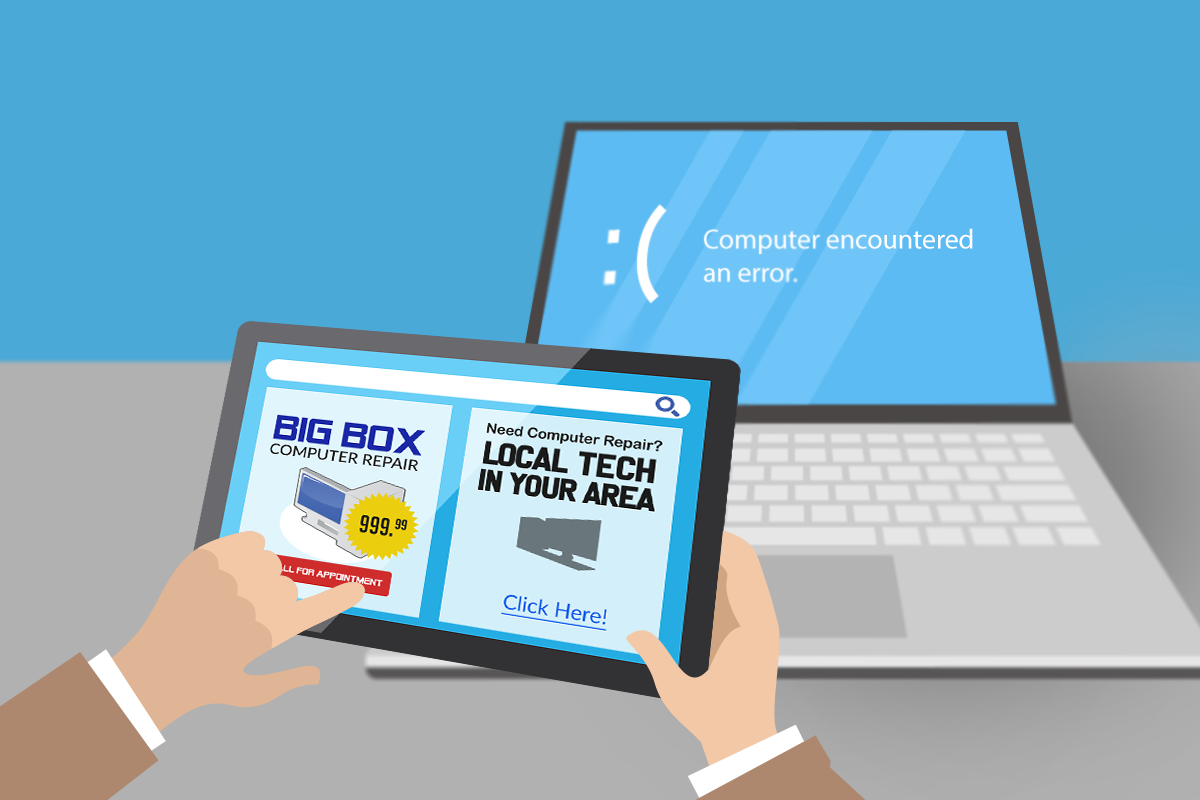
The big-box stores have name recognition, which may make you feel more secure, but the reason they advertise on TV and have big storefronts is to sell stuff. Their people are salespeople first, and their staff are not going to be as experienced with computer and device repair.

For tricky jobs, the big-box stores send your device to a remote, centralized location. That’s where the experienced staff are, so it’s good in that way. Yet you’ll now have to wait for your computer to ship to and from that location, which can mean a couple of weeks when you don’t know where your computer is or who is working on it.

#2 Consult Customer Reviews

You’ll probably start out by asking family, friends, and co-workers to suggest someone they’ve worked within the past. When you’re looking around for computer repair, read online reviews. Customer reviews can help you gauge whether you can trust the service promises.

You may also learn about any after-service support. It will help to have someone you can ask questions of in the future.

#3 Research Types of Support

It may help you to make your decision knowing that any work on your device is going to be done on-site. If they come to you, you’ll get to meet the person doing the work and keep an eye on them if you want.

Another option may be to have the IT tech remote into your computer to help solve your problem.

Then, there’s the option of drop-off and pickup from that repair shop’s own brick-and-mortar store. If you take this route, you might want to ask whether your device will remain on-site at all times.

You’ll also want to find out if that computer repair person has a particular area of expertise. Some companies specialize in working with certain brands, whereas others can handle all types of models or brands.

#4 Don’t Select by Price Alone

Who doesn’t love a bargain? But the cheapest computer repair may not actually be a better deal. Taking the budget approach, you could get an inexperienced tech with slightly more know-how than you. On the other hand, going for the most expensive repair company doesn’t guarantee the greatest service either. Ask the computer business what their experience is.

#5 Ask about Service Guarantee

Speaking of guaranteeing service, look for a service guarantee. A reputable repair company won’t charge you if they fail to fix your device.
They should also be able to cost out whether it makes more sense to make the fix or just replace the computer.
Our IT experts are here to help you repair any computer issues. We can work on-site, remote in, or you can bring your device to us for the professional attention it needs. Call us today at 940-282-0290 to see how we can help you.
Brian W. Norby
 
(Owner of both BWN Computer
AND That Computer Man)


1-940-282-0290