How do I get started?
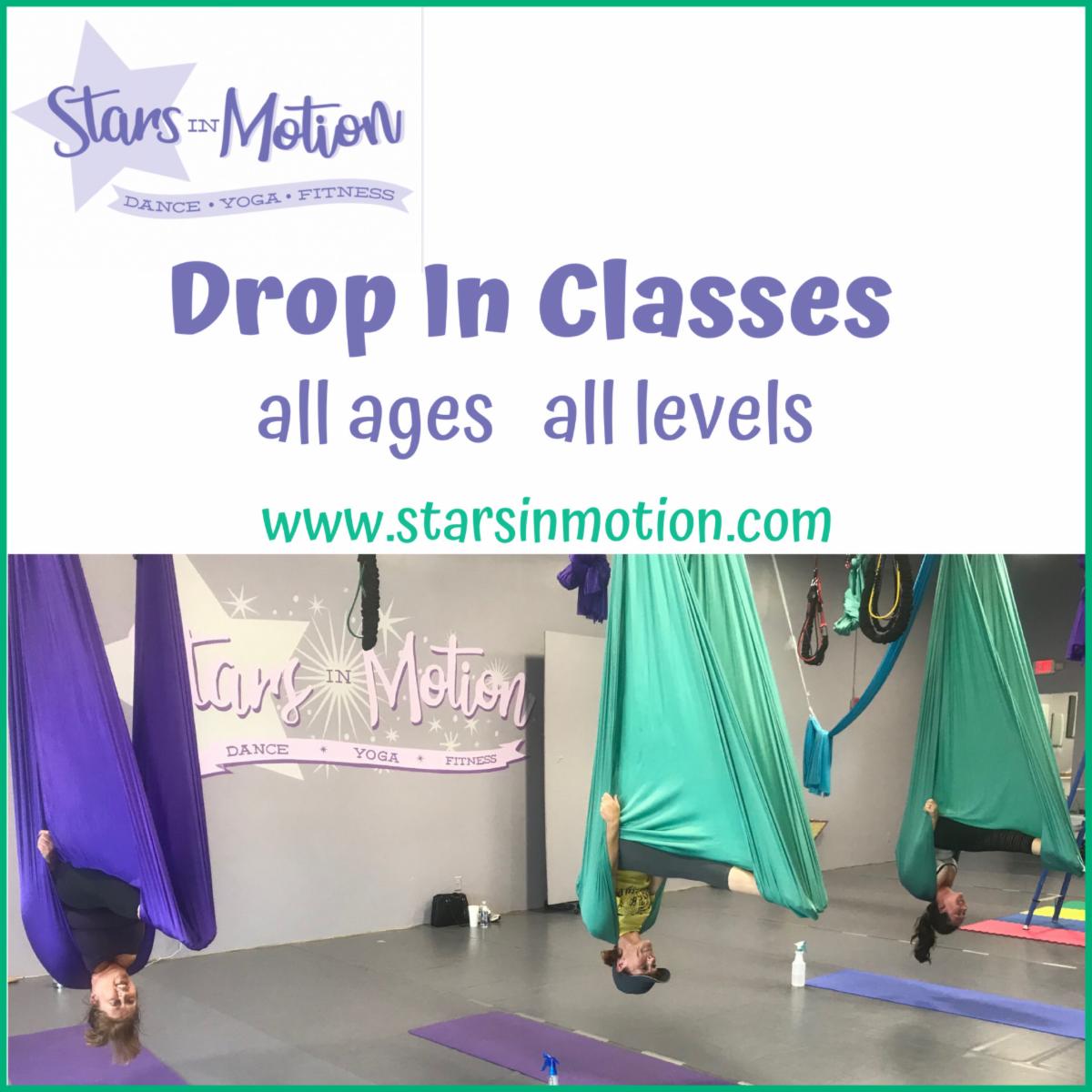
You will find the booking link on our homepage at www.starsinmotion.com. You will also find the sign up link for our eNews subscription about half way down the page. When setting up your account, be sure to use the website rather than the app so that you can add any children as family members to your account. When booking for a child, be sure to book in the child's name. Once everyone has been added, go to the schedule to book your classes. Performance Dance Class enrollment is not accessible to parents; a staff member will add members to the classes.