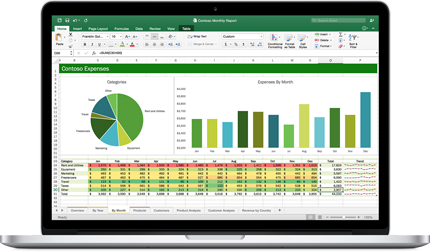
This course teaches students to understand and use the charting features and organizing data features of Microsoft Excel. It is designed for frequent users.
Chapter 1: Managing workbooks
Module A: Managing worksheets
Module B: Customizing Excel
Chapter 2: Named ranges
Module A: Using names in formulas
Chapter 3: Tables
Module A: Sorting
Module B: Filtering tables
Module C: Validation
Module D: Transposing data
Chapter 4: Summarizing data
Module A: Consolidation
Module B: Subtotals
Chapter 5: PivotTables
Module A: Creating and formatting PivotTables
Module B: Manipulating PivotTables
Module C: PivotCharts
Chapter 6: Presentation features
Module A: Conditional formats
Module B: Graphics
Chapter 7: Advanced charts
Module A: Special chart types
Module B: Sparklines
Chapter 8: Collaboration
Module A: Permissions
Module B: Shared workbooks
Module C: Web features
Daytime class
Date: October 7 & 9, 2019
Days: Monday & Wednesday
Time: 9:00 am - 1:00 pm
Cost: $115
Deadline to Register: September 30, 2019
Evening class
Date: October 7, 9, 14 2019
Days: Monday & Wednesday
Time: 6 - 9 pm
Cost: $130
Deadline to Register: September 30, 2019