One Cool Tip Newsletter

April 25, 2026

Your daily dose of tech-savvy brilliance!

😀Greetings! Happy Saturday, Cool Tipper!


Get ready to streamline your digital life with simple, actionable tips delivered straight to your inbox.


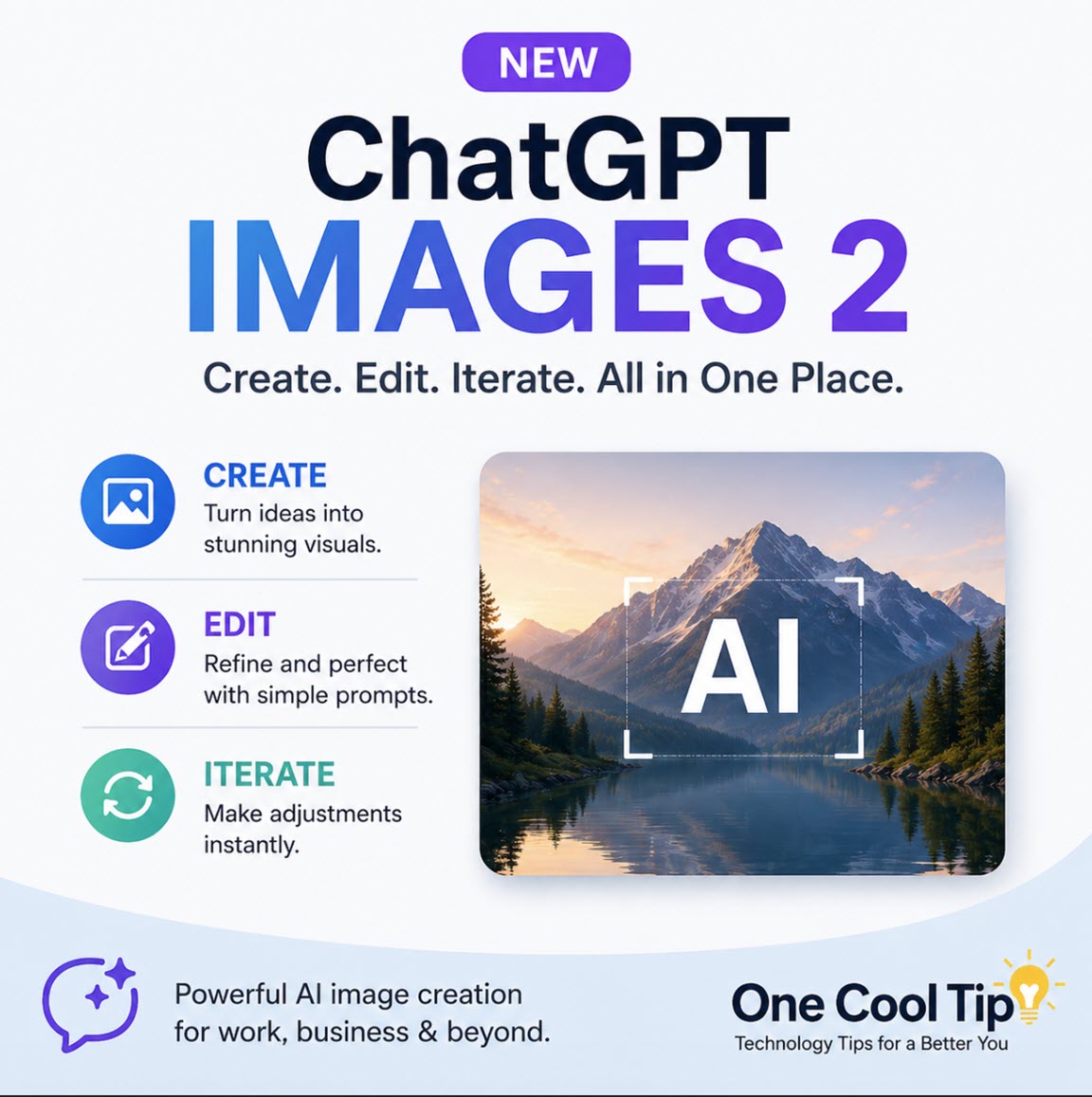
Cool Tip Theme: ChatGPT Images 2


New here? Subscribe to the One Cool Tip Newsletter for daily updates. It's FREE!

3️⃣

If you enjoy the One Cool Tip newsletter, please forward this newsletter to THREE friends or colleagues or share it on social media using the links below.


Leave a $$$ Tip!


Share this One Cool Tip Newsletter!

X Share This Email
LinkedIn Share This Email
Pinterest Share This Email

🚨FCC Expands Foreign-Made Router Ban to Portable Wi‑Fi Hotspots🚨


The FCC has quietly updated its guidance to confirm that the US ban on foreign‑made consumer routers now includes portable Wi‑Fi hotspot devices. Smartphones with built‑in hotspot features are not affected.


What’s New


  • The FCC’s updated FAQ clarifies that consumer-grade portable or mobile MiFi and hotspot devices fall under the same restrictions as foreign‑made home routers.
  • LTE/5G fixed wireless home internet units are also included.
  • Existing approved devices remain valid, and carriers say current customers do not need to replace equipment.
  • US companies like Amazon’s eero, Netgear, and Adtran have received 18‑month conditional approvals while they shift manufacturing.


Why It Matters


The expansion signals a broader national‑security push to limit foreign‑sourced networking hardware.


What You Should Do


  • If you already own a hotspot or router, no action is required.
  • If you plan to buy a new hotspot or home router later this year, look for FCC‑authorized or conditionally approved models.


Cool Deals of the Day

Help support One Cool Tip. Use this Amazon link when you shop online.


Check out these Cool Deals:


  • 🖱️ Logitech MX Master 3S: The ultimate precision mouse for navigating complex design tasks and editing. Save 10% $89.99 Check it out on Amazon!


  • 🖥️ ASUS ProArt Display 27": Perfect color accuracy for viewing your AI-generated masterpieces. $299 Check it out on Amazon!


  • 💡 Elgato Key Light Air: Look your best on those video calls where you show off your new designs. Overall Pick $179.99 Check it out on Amazon!


*Prices accurate when originally published.

One Cool Tip may earn a commission from qualifying purchases.

Fuel Your Adventure

Try Big Mike's Jerky!


bigmikesjerky.com


Now on TikTok!


Today's Cool Tip

ChatGPT Images 2: Master the Next Generation of AI Visuals


Transform your creative workflow with precision control and hyper-realistic image generation directly inside your chat. OpenAI has released a massive upgrade to its image generation capabilities within ChatGPT, offering users unprecedented control over detail and style. 


Have you ever spent twenty minutes arguing with an AI because it kept putting three legs on a dog or ignored your request for a specific art style? 


Creating the perfect image used to feel like a game of telephone where the AI only heard every third word. 


Those days of "prompt engineering" frustration are fading. 


Here's a Cool Tip:  Use the New ChatGPT Images 2 feature.


With the rollout of ChatGPT Images 2, the barrier between what you imagine and what appears on your screen has officially thinned. 


Whether you are a small business owner needing a quick logo or a teacher building a visual lesson plan, the latest updates turn ChatGPT from a simple sketch artist into a high-end digital studio.


Feature Explanation


ChatGPT Images 2 represents a fundamental shift in how the model understands visual concepts. 


Built on the latest iterations technology, this update focuses on three core pillars: semantic accuracy, textural realism, and iterative editing.


In plain terms, the AI now understands complex spatial relationships. 


If you ask for a "blue coffee mug to the left of a steaming croissant on a marble table," it actually places them correctly rather than jumbling the objects. 


The introduction of "In-painting" or selective editing allows you to highlight a specific area of a generated image and change just that part. 


This means you no longer have to throw away a great image just because one small detail is off.


What You’ll Gain


  • Precision Editing: Modify specific parts of an image without regenerating the entire prompt.
  • Text Integrity: Finally generate images with readable, accurate text for signs and posters.
  • Style Consistency: Maintain the same character or aesthetic across multiple different images.


Step-by-Step Instructions


Here's how to do it.


Microsoft Web/Desktop


  1. Open ChatGPT, www.chatGPT.com in your browser. 
  2. Type a descriptive prompt for your image. Example: "Create a stunning, photorealistic tropical beach scene at sunset".
  3. Once the image appears, click on it to open the editor view.
  4. Select the Select (brush) tool from the top menu.
  5. Highlight the area you want to change, such as the palm tree.
  6. In the chat box on the side, type the change. Example: "add coconuts to the palm tree."


fig. 1 - ChatGPT Images 2 Example

iOS and Android


  1. Launch the ChatGPT app (iOS / Android) on your mobile device. 
  2. Tap the plus (+) icon or use the text bar to request an image.
  3. Long-press or tap the generated image to expand it.
  4. Tap the Edit button (often represented by a brush icon).
  5. Use your finger to paint over the section you wish to modify.
  6. Describe the new element in the prompt bar and hit send.


Pros and Cons


Pros:


  • Significant time savings for marketing teams needing rapid iterations on social media assets.
  • Superior handling of lighting and shadows compared to previous versions.


Cons:


  • High demand can occasionally lead to slower generation times during peak business hours.
  • Complex anatomical structures like hands, while improved, can still occasionally show artifacts.


Feature Access


ChatGPT Images 2 is currently rolling out to ChatGPT Plus, Team, and Enterprise subscribers. 


Free tier users have limited access to the base generation features with lower daily caps, while the advanced "In-painting" editor is largely reserved for paid tiers.


Score

Criterion | Score (0–10) | Justification
Value | 9 
Saves significant time and money on stock photos or basic design tasks.
Usability | 10 
The brush-and-chat interface is incredibly intuitive for non-designers.
Wow Factor | 9 
The leap in text rendering and spatial logic is genuinely impressive.
Total: 28/30 🌟Excellent
This is the most significant leap in consumer-facing AI art since the original DALL-E, making professional-grade image manipulation accessible to everyone.


Key Takeaways


The new ChatGPT image tools move beyond simple generation into true digital craftsmanship. 


Users can now refine visuals with precision, ensuring that the final product matches their specific vision perfectly.


Cool Tip Snapshot


  • Feature Name: ChatGPT Image Editor (In-painting)
  • Platform(s): Web, iOS, Android
  • Quick Benefit: Edit specific parts of an AI image without losing the overall composition.
  • Access Type: Plus, Team, and Enterprise Subscriptions.


Try It Yourself


Go ahead and try to create a custom logo for your next project today. 


Use the brush tool to swap colors or change a font. 


If you found this helpful, please share this Cool Tip with your team to boost your collective creativity!


READ MORE


Read the Cool Tip on OneCoolTip.com.

Check out these Cool Tips & Tricks.


  • Prompt Clarity: Be specific with style and layout. Add details like color, mood, and format in your prompt.


  • Iterate Fast: Don’t settle for first results. Use follow-up prompts to refine quickly.


  • Use Examples: Reference known styles. Include phrases like “in a modern tech style.”


  • Control Layout: Ask for spacing and text areas. Specify “leave room for headline at top.”


  • Batch Ideas: Generate multiple versions. Ask for “3 variations” in one prompt.


  • Edit Precisely: Target specific changes. Say “change only the background color.”


  • Keep Context: Continue in same chat. Avoid restarting to preserve edits.


  • Save Versions: Download iterations. Compare before choosing final.


  • Brand Match: Include brand colors. Add hex codes in prompts.


  • Experiment Styles: Try different looks. Ask for minimalist, bold, or futuristic versions.


ICYMI - In Case You Missed It ...

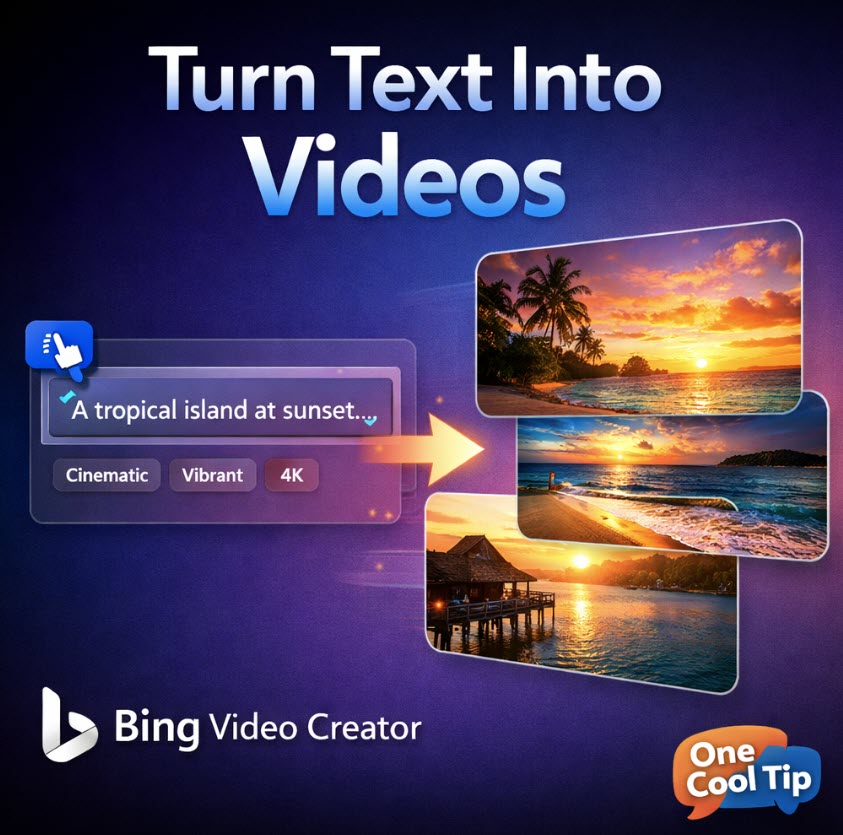
Improved Bing Video Creator: Turn Text Prompts into Shareable Videos in Seconds


Create short videos from simple prompts using Bing’s updated AI-powered Video Creator. It’s fast, visual, and built for everyday users who want content without complexity.


Read the Full Cool Tip.


Read the Newsletter Version.

Looking for your next adventure?


Call Denise at Travel For You.

314.660.3039


Sign Up for the Monthly Newsletter


http://www.travelforyouvacations.com/


https://www.facebook.com/TRAVEL.FOR.U/


See You Tomorrow

Tomorrow's Cool Tip is waiting to amaze you.


Until then, go forth and conquer the tech world with your newfound knowledge!


Be sure to visit www.OneCoolTip.com for Cool Tech Tips for a Cooler Life!


And if you Like One Cool Tip, please support with TipJar!


Enjoy!


Rodger

Chief Cool Tipper

onecooltip.com@gmail.com


What Do You Think?

What do you think of today's OneCoolTip newsletter?
Positive        Neutral        Negative
X Share This Email
LinkedIn Share This Email

Connect with One Cool Tip!!

Facebook  X  Instagram  Web  Pinterest  YouTube  LinkedIn
 

As an Amazon Associate, One Cool Tip may earn a small commission from qualifying purchases.


Our media content is intended solely for informational purposes only. Please do not construe anything here as legal, tax, investment, financial, marital or other advice.


Copyright © 2026 | www.OneCoolTip.com | All Rights Reserved