|
Microsoft’s Emergency Windows 11 Fix Tackles Major Problems
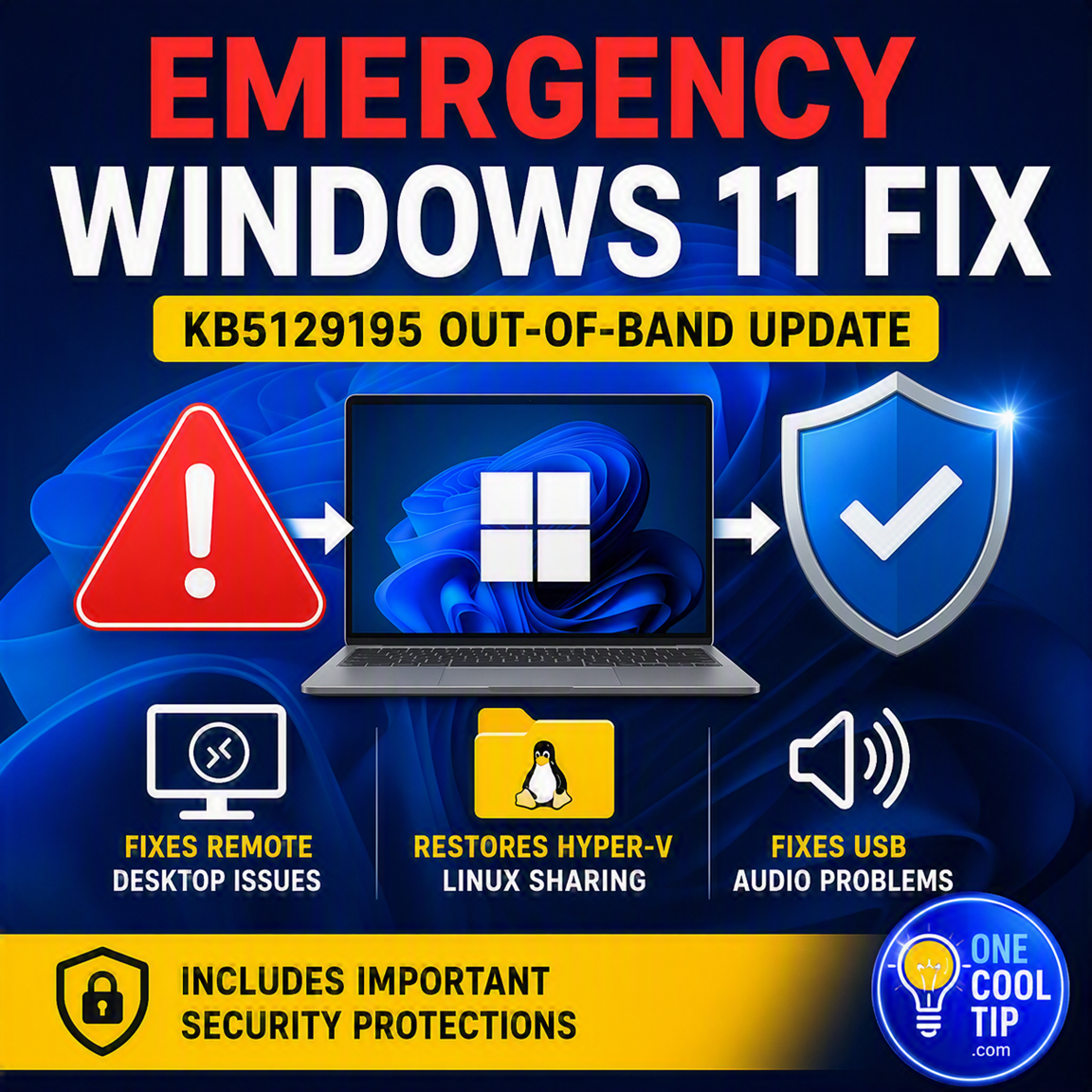
Microsoft has released an emergency Windows 11 update to repair Remote Desktop, Hyper-V file-sharing, and multichannel USB audio problems. The cumulative update also includes protection against an elevation-of-privilege vulnerability, making it an important release for affected users and IT teams.
A Windows update can quickly become a business problem when remote employees cannot sign in, virtual machines lose access to shared folders, or specialized audio equipment stops working correctly.
Here’s a Cool Tip: Check Windows Update now if Remote Desktop, Hyper-V, or USB audio recently stopped working.
Microsoft released KB5129195 on September 14, 2026, outside its regular update schedule.
The cumulative out-of-band update applies to Windows 11 versions 25H2 and 24H2 and brings those systems to OS builds 26200.9457 and 26100.9457, respectively.
The update addresses several issues introduced or exposed by the September 2026 Windows security updates.
The failures affected Remote Desktop Services, host-folder sharing with certain Linux virtual machines, and some multichannel USB audio configurations.
It also includes protections documented under CVE-2026-62721, a Windows User-Mode Power Service elevation-of-privilege vulnerability.
Feature Explanation
KB5129195 is a cumulative out-of-band update.
“Cumulative” means it includes applicable fixes from earlier releases along with the newly added security and reliability improvements.
“Out-of-band” means Microsoft released it outside the company’s normal monthly update schedule.
The most urgent correction concerns Remote Desktop Services.
After installation of the September 2026 Windows security update, affected environments could experience failed Remote Desktop connections, sign-in failures, or servers becoming unresponsive during Remote Desktop configuration.
Related tools, including Microsoft Management Console, RDS Licensing Diagnoser, File Explorer, and the Windows Update page, could also stop responding.
The Hyper-V correction is more specialized but important to developers and administrators.
Some applications using Host Compute System-managed virtual machines could not share a Windows host folder with a Linux guest through Plan9.
The shared folder might not appear or could remain inaccessible inside the virtual machine.
Microsoft also fixed failures affecting some USB Audio Class 1.0 devices.
These devices could work in standard stereo but fail when users selected 8-channel or 3D audio modes.
USB audio symptoms remain unresolved, so this update should not be treated as a universal audio repair.
For home users, the update may have little visible effect unless they use the affected hardware or services.
For businesses running Remote Desktop or virtualized Linux workloads, however, the repair can restore access to essential systems.
What You’ll Gain
- Restore Remote Desktop connections and sign-ins in affected environments.
- Recover access to Windows folders shared with certain Linux virtual machines.
- Restore supported multichannel modes on affected USB Audio Class 1.0 devices.
- Receive the security protections included with the cumulative update.
Step-by-Step Instructions
Here's how to do it.
Windows
-
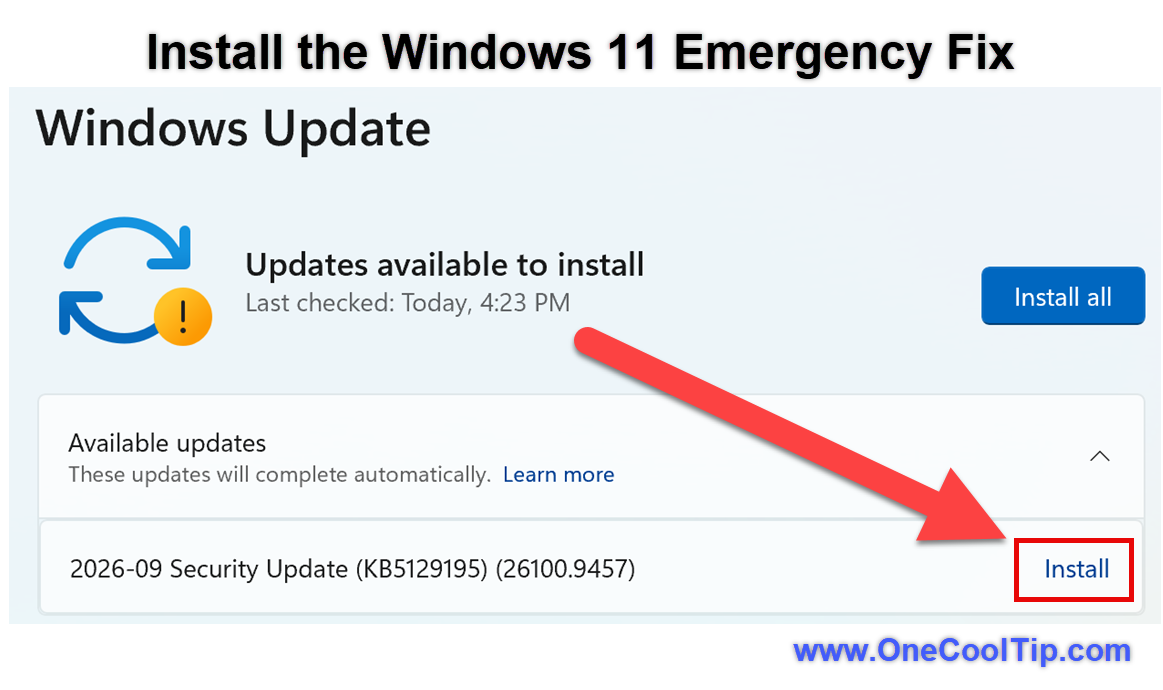
Open Start and select Settings.
-
Select Windows Update.
-
Click Check for updates.
-
Allow Windows to download and install the available cumulative update.
-
Restart the computer if Windows requests it.
-
Return to Settings > Windows Update > Update history.
-
Look for KB5129195 and confirm that Windows lists it as successfully installed.
|