April 28, 2026

In this issue:


  • Year-End Updates from Lifelong Learning
  • Course Registration and Support Resources
  • Spring Semester Final Grades and Evaluations
  • Moodle Gradebook Tips
  • Reminders & Resources
  • Final Exhibitions

Quick Resources

Faculty Resource Links

Academic Calendar

Contribute to the Newsletter

Nominate a Student Story

Academic Calendar- upcoming dates

May 8: Last day of classes for spring semester

May 13: Spring Sessions 2 and 3 Final Grades due in Campus Cafe by 5pm EST

May 17: Summer session begins

May 23: Last day to register for summer classes

May 31: Memorial Day - Asynchronous Classes

June 6: Last day to drop a class without a W

Important Year End Updates

Check out important year end updates on registration, catalog updates, and more!


  • Registration
  • Summer engagement
  • Writing Support
  • Big 10 requirements for Capstone
  • Workplace & World Lab policies
  • Unbound Journey

Course Registration Support Resources

Course Registration workshop slides (for Lab Faculty)

Lab Faculty are critical partners for students during the registration period.

Check out the Advising for Registration workshop slides here. 

Registration Support Site for Students

The Registration Support Site in the "Departments" section of the MyCU website provides resources and support for course registration and includes a list of courses by degree category for students to review before adding classes in Campus Cafe.


Students can also access drop in hours on Thursdays and Fridays using this calendar link. These are open hours, and no appointment is required.


Spring Semester Final Grades & Evaluations

Student Evaluations


Final course evaluations are linked in moodle courses. Be sure to remind your students to complete the (anonymous) final course evaluations. We recommend you post an announcement with a proposed deadline.


Final Narrative Evals


Narrative Evaluations are a brief final note to each student with individualized feedback that will help them continue to develop as learners and to achieve their goals. Please review the page on Grades & Narrative Evaluations for instructions and guidance.


Entering Final Grades in Campus Cafe


  1. Log in to Campus Cafe
  2. View your Roster for the class you wish to enter grades
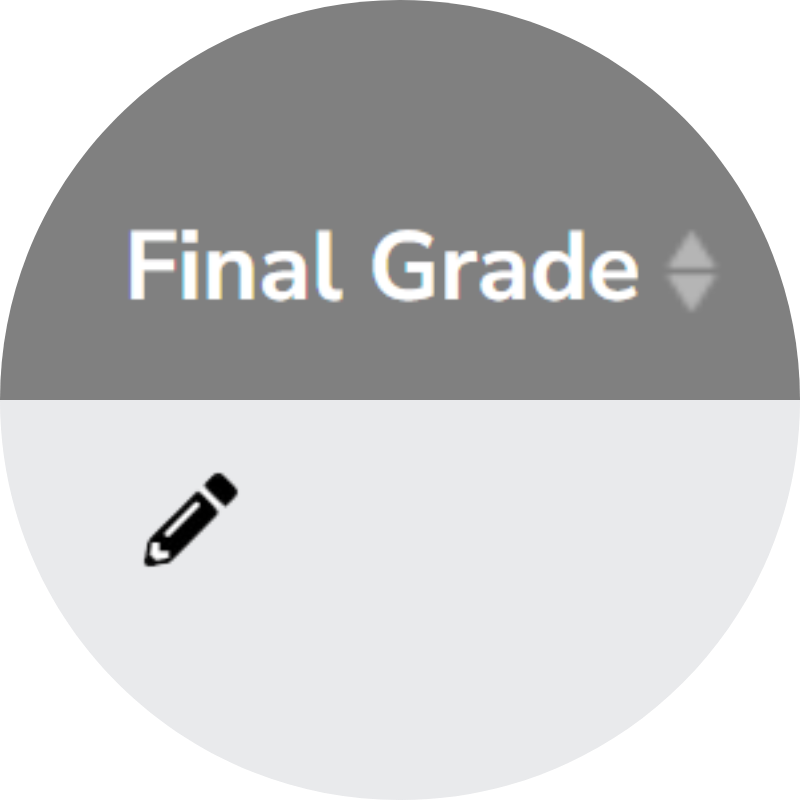
  3. Scroll right of your Roster to the column titled Final Grade
  4. Click in the box for the student you wish to grade
  5. Type any letter to display a drop-down list of grade options
  6. Select the grade
  7. Leave the “Comment” section blank. All comments should be included in the Narrative Evaluation portion of grading in Moodle.
 

Moodle Gradebook Tips!

Adding "0"s


The gradebook only reflects entered grades. This means if a student has submitted a few assignments but missed most of the other assignments; their actual grade will not be reflected in the gradebook until 0s are put in.


To reflect actual grades, faculty must put in 0s for missing work. Notify students in advance of updating your gradebook with 0s and be sure to indicate if you will accept late assignments in the feedback with the 0.

Accurate Grades


Please ensure that the final grades you enter in Campus Cafe align with how grades are represetned to students in Moodle. Ensuring an up-to-date gradebook in Moodle supports students in understanding their progress through the course.


Want to make sure you've got everything graded in the course? Check out the GradeMe feature in Moodle (2:26 minutes)!


All Faculty Resources & Reminders

Faculty Support Cal

Subscribe to the Faculty Support calendar here to check out upcoming drop-in sessions.

Weekly Engagement

Please ensure that you are entering weekly Engagement in your Moodle courses. See more info on weekly Moodle Engagement here.


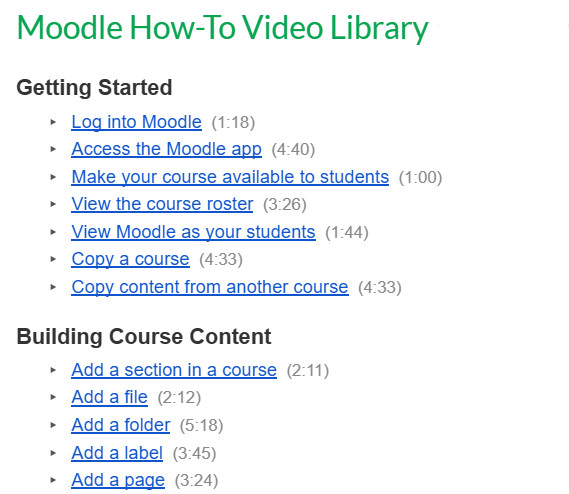
Moodle How-To Library


Check out this resource to see the CU Moodle Library of how-to videos.


Need personal support? 

Schedule a One-on-One Support Meeting

Feel free to schedule a confidential 15 or 30 minute support meeting about Moodle or other questions about educational technology you want to or plan to use.


Moodle Quick Start Site | What's New in Moodle | Intro to Moodle 4.5


Shine a Light on Yourself!


Interested in sharing a little about yourself and your work here at CU? If so click on the link below and sign up to be featured in our CU Faculty Spotlight. Submissions will be included in upcoming faculty newsletters. We CU and look forward to learning more about you.

Lab Faculty Corner

Convener Support

Lab Faculty Conveners are available as peer support: Melissa Herder, Suzanne Brooks, Jody Cohen, Ashton Darrett and Peter Newman are here for you! 

1:1 with Melina

Interested in a 1:1 with Melina? Use Melina’s Calendar to sign up for 15 minutes or 30, whatever works for you!

BIG 10 Support

Please remind your students that BIG 10 mentors are available for support.


Final Public Exhibitions


Final Exhibitions are public! Students should be inviting guests (members of their PLNs, family, faculty, friends, etc) to attend and be a part of their learning journey and continued project development.


Staff also join and participate in Exhibitions. Please confirm your plan for final public exhibitions via this form if you haven't do so already!


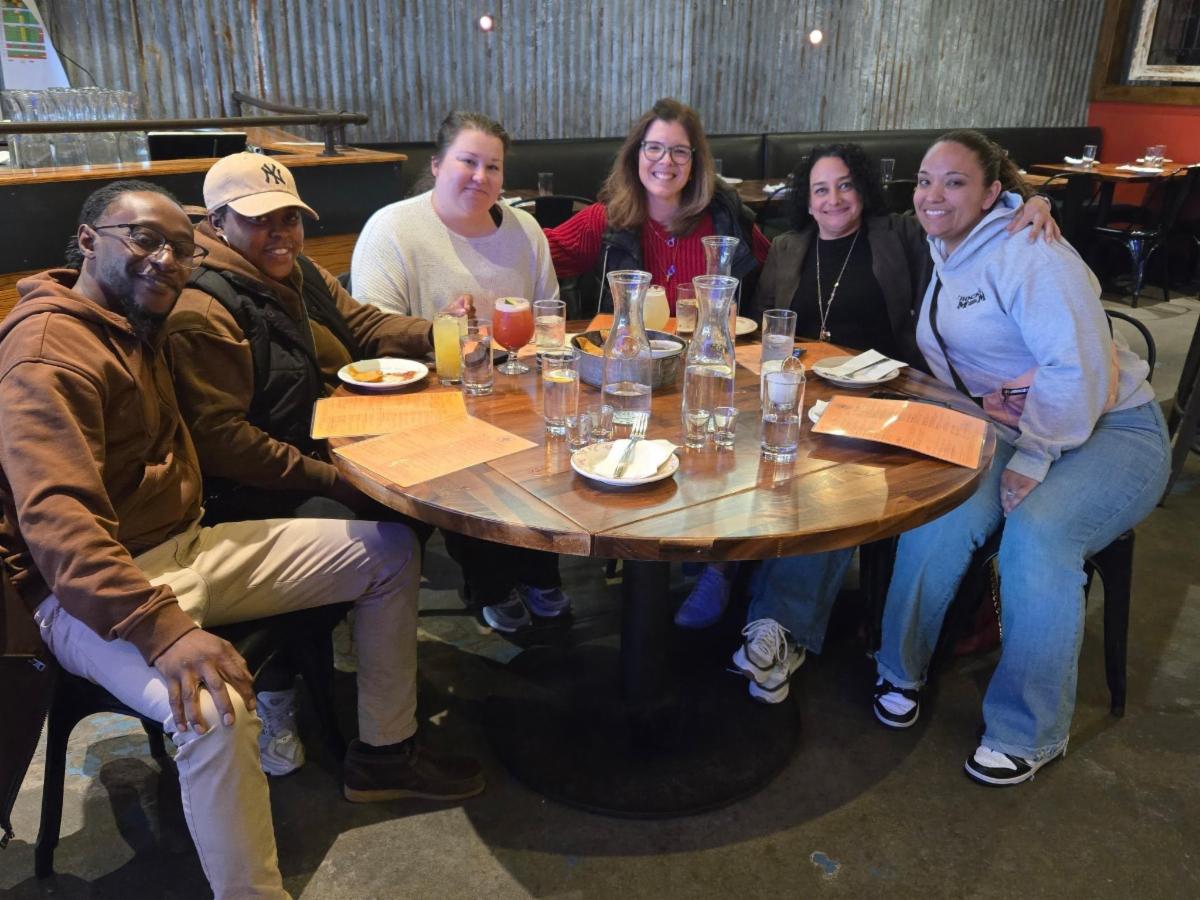
Lab Faculty Nicole Fiero with members of Spring 2026 Cohort!


Sincerely,


All of Us at College Unbound, including:

Sylvia Spears

Provost & VP for Lifelong Learning


Karen Casper

Associate Provost for Administration, Advising, and Academic Support


Elaine Plourde

Assistant Provost/ Director of Instruction and Educational Technology


Swetha Narasimhan

TEP Pathway Specialist


Abby Crew

Assistant Provost & Director of Curriculum Development

Elizabeth Colon

Director of Learning in Public


Melina Kuchinov

National Director of Lab Faculty


Naiommy Baret

Alumni Career Coach


Matthew Sutherland

Assistant Registrar


Hanna Lichtenstein

Administrative Systems Coordinator

 
Facebook  Instagram  LinkedIn  Twitter