.iPlanTables.com

"Changing Your Plans Forever"

THE PLAN IS ONLY PART OF THE DECISION

BECAUSE THE DRAWING IS NOT

THE ONLY INFORMATION YOU NEED

A plan may be at the center of the review—but the decision often depends on much more.


Specifications. RFIs. Submittals. Schedules. Estimates. Correction logs. Email. Project-management or permitting software.


When that information is hidden behind overlapping windows and endless tabs, reviewing the plan turns into searching for the rest of the project.

KEEP THE SUPPORTING INFORMATION VISIBLE

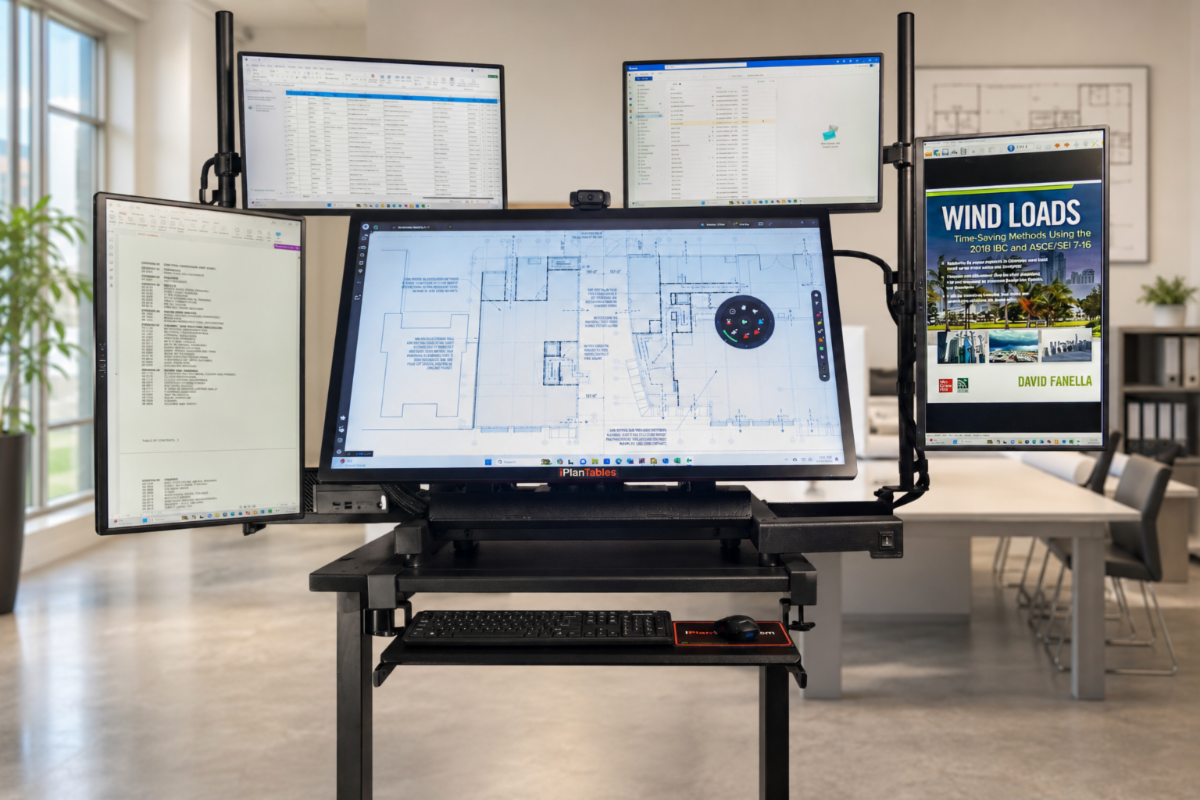
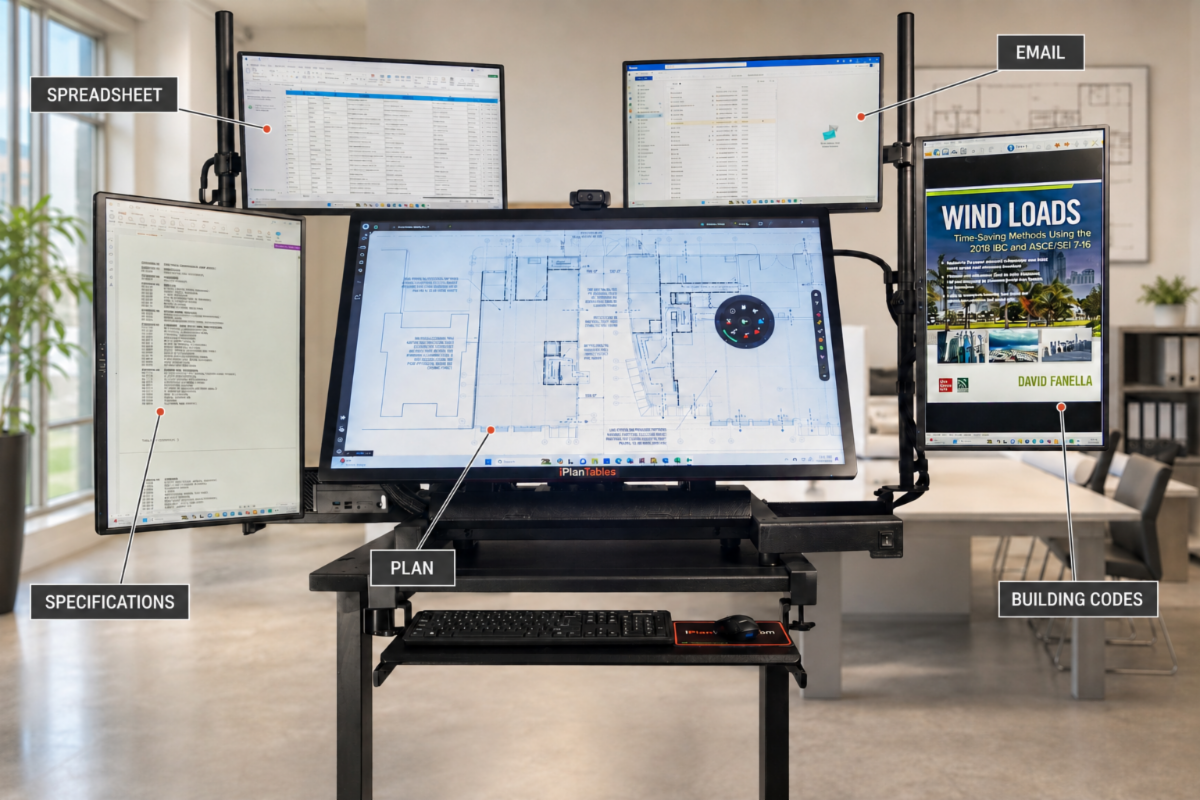
iPlanTables multi-monitor configurations let you keep the main drawing on the large touchscreen while supporting programs and documents remain open on side monitors.


MAIN TOUCHSCREEN

Full-size plans, markups and drawing comparisons


SIDE MONITORS

Keep specifications, RFIs, spreadsheets, schedules, email, building codes and project software visible alongside the plan.


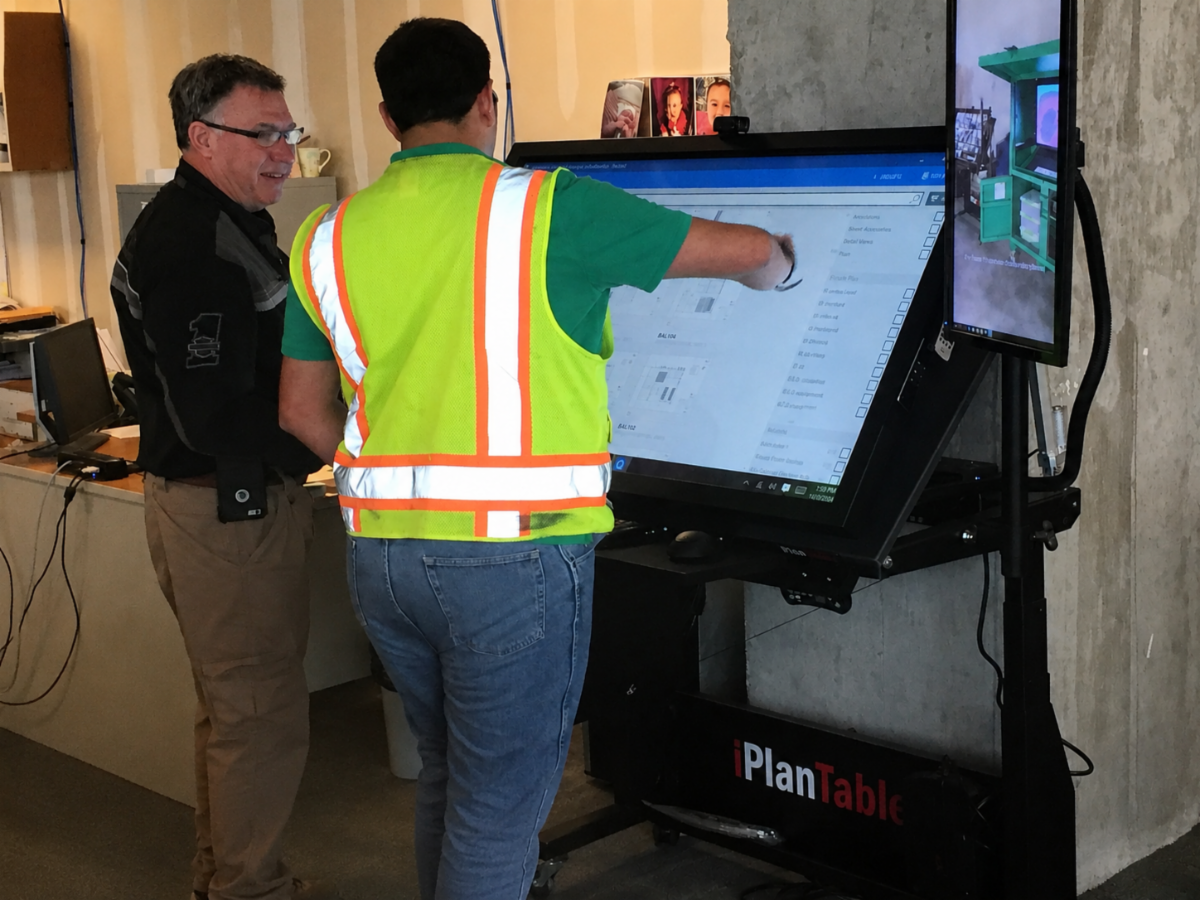
Instead of repeatedly minimizing the drawing, searching for another document and then rebuilding your screen, your team can keep the complete decision environment in view.

Configure the screens around your workflow

CONFIGURE UP TO FOUR SIDE MONITORS


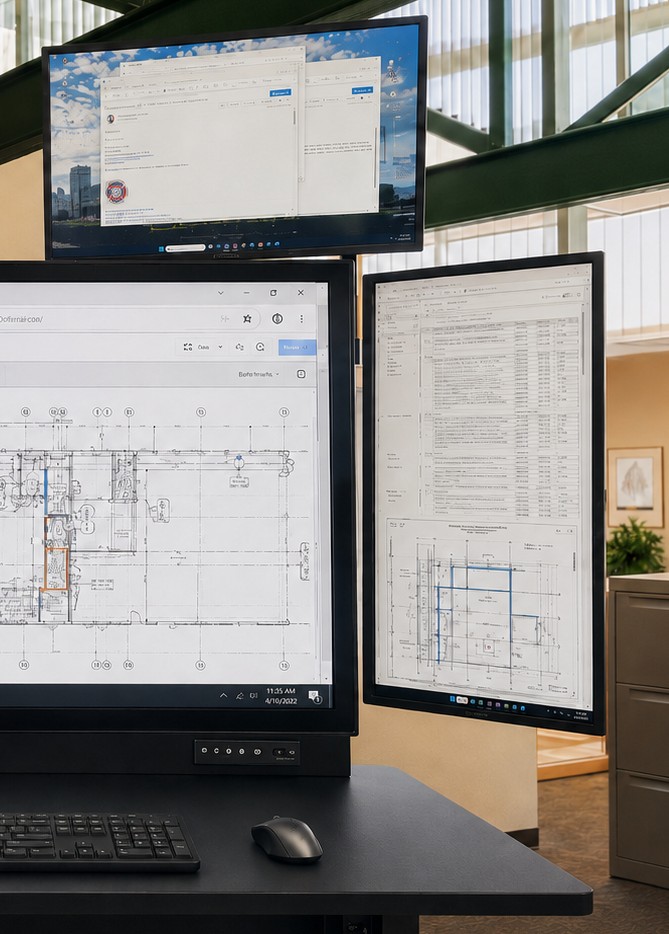
Available iPlanTables configurations can include up to four rotating side monitors, arranged in portrait or landscape orientation to match the way your team works.


Use the main touchscreen for the plan while keeping the supporting information visible:


• Specifications beside the drawing

• RFIs and submittals ready for reference

• Schedules and estimates open while reviewing changes

• Email or video meetings available without covering the plan

• Permit records, correction logs or project management software in

view

YOUR SOFTWARE. YOUR WORKFLOW.

We provide the hardware environment along with Windows 11 Pro to run any Windows-based software you currently use—no need to switch platforms or learn new software.


Use Bluebeam, Procore, AutoCAD, Revit, PlanSwift, ProjectDox, Microsoft Office or the other Windows-based programs already supporting your work.


The difference is having a workstation designed to keep those tools working together.


DON’T JUST VIEW THE PLAN.

SEE THE DECISION AROUND IT.


Let us show you how an iPlanTables multi-monitor configuration can support your estimating, plan-review, project management or permitting workflow.

Prefer to review the available models first?

iPlanTables

Purpose-Built Workstations for Digital Plan Review


888-836-2727

iPlanTables.com

Facebook  Linkedin  Youtube