|
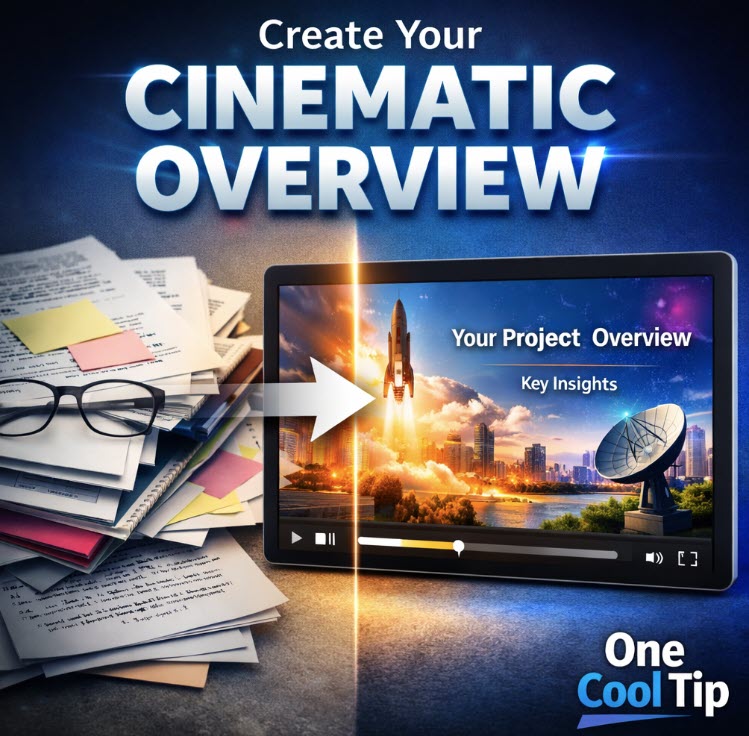
Create Your Cinematic Overview
Transform static documents and scattered research into high-fidelity, narrative-driven videos that tell a professional story with a single click.
Have you ever looked at a fifty-page research paper or a dozen messy meeting transcripts and wished you could just watch a summary instead?
Most of us have felt that wall of text fatigue.
While AI has been great at summarizing text into bullet points, the jump from a list of facts to a compelling narrative has always required a human touch and hours of video editing.
Here's a Cool Tip: Create Your Cinematic Overview in NotebookLM.
NotebookLM not just summarize your data; it directs, scripts, and produces a cinematic video that feels like something you would see on a professional streaming platform.
This is a massive leap forward for anyone who needs to digest complex information quickly or share insights with a team in a format that actually sticks.
Feature Explanation
Cinematic Video Overviews represent the next evolution of Google’s AI-powered notebook.
Previously, the tool offered Audio Overviews, which simulated a podcast-style conversation between two AI hosts.
This new cinematic feature adds a rich visual layer.
When you trigger a Cinematic Overview, NotebookLM uses the Gemini 3 model to act as a creative director.
It scans your uploaded sources, identifies the most important narrative arcs, and writes a script.
From there, it coordinates with specialized models like Imagen to create stylistically consistent images and Veo 3 to add high-quality motion and transitions.
The result is a mini-documentary featuring AI-generated voice narration, synchronized text overlays, and visuals that match the tone of your content.
Whether you are analyzing historical data or a new business strategy, the AI chooses a visual style that fits the subject matter.
What You’ll Gain
-
High-Impact Retention: Turn dry data into a narrative that is easier to remember and share.
-
Zero-Effort Production: Create professional-looking video content without opening a video editor or hiring a designer.
-
Contextual Visualization: See your data come to life with images and animations generated specifically for your unique sources.
Step-by-Step Instructions
Here's how to do it.
Microsoft Web/Desktop
-
Navigate to the NotebookLM website, notebooklm.google.com.
-
Open an existing notebook or create a new one by uploading your PDF, text, or website sources.
-
Locate the Studio panel on the right side of the screen.
-
Select the Video Overview option from the generation menu.
-
Choose the Cinematic format.
- (Optional) Enter a Steering Prompt to guide the tone, such as "Focus on the financial impact" or "Use a vintage 1950s aesthetic."
-
Click Generate.
-
Once complete, play the video directly in the browser or use the share link to send it to colleagues.
|