All job aids have been shared via email and reviewed during our webinars, and our in-person training sessions are now complete. (Please note: the in-person Spanish session scheduled for March 9 has been canceled due to no registrants.)
So… what’s next?
Countdown to Go-Live
March 23
CHRS becomes available to the internal project team for initial clean-up.
March 25
CHRS officially launches for the full campus community.
What Should I Do Now?
If You Are An Employee
Manually track your time from March 1 – March 24.
Hourly, overtime, and shift differential employees: track hours worked.
All employees: track any time off taken.
You will not be able to enter this information into PeopleSoft during this period. You will enter it in CHRS once access opens on March 25.
If you missed a CHRS Demo - or just want a refresher - please revisit the webinar recordings and job aids available in the CHRS Knowledge Base.
Sign up for post–go-live CHRS Office Hours. Our subject matter experts will be available to answer questions and provide support.
If You Are a Timekeeper
In addition to the items above:
Run and download key reports before the system pause (these reports will help you reconcile time worked and time off once CHRS is live):
Payroll Certification Reports
Leave Accrual Balance (LAB) Reports
Support your department: Help employees manually track time worked and absences during the March 1–24 reporting pause.
If You Are An Approver
In addition to the employee steps above:
Support your timekeepers and departments with manual tracking during the reporting pause.
Prepare to approve your direct reports’ time: If you have not previously been approving time for your direct reports, please review the demos and job aids to ensure you are ready to review and approve entries in CHRS before payroll deadlines.
Knowledge Round-Up Winners
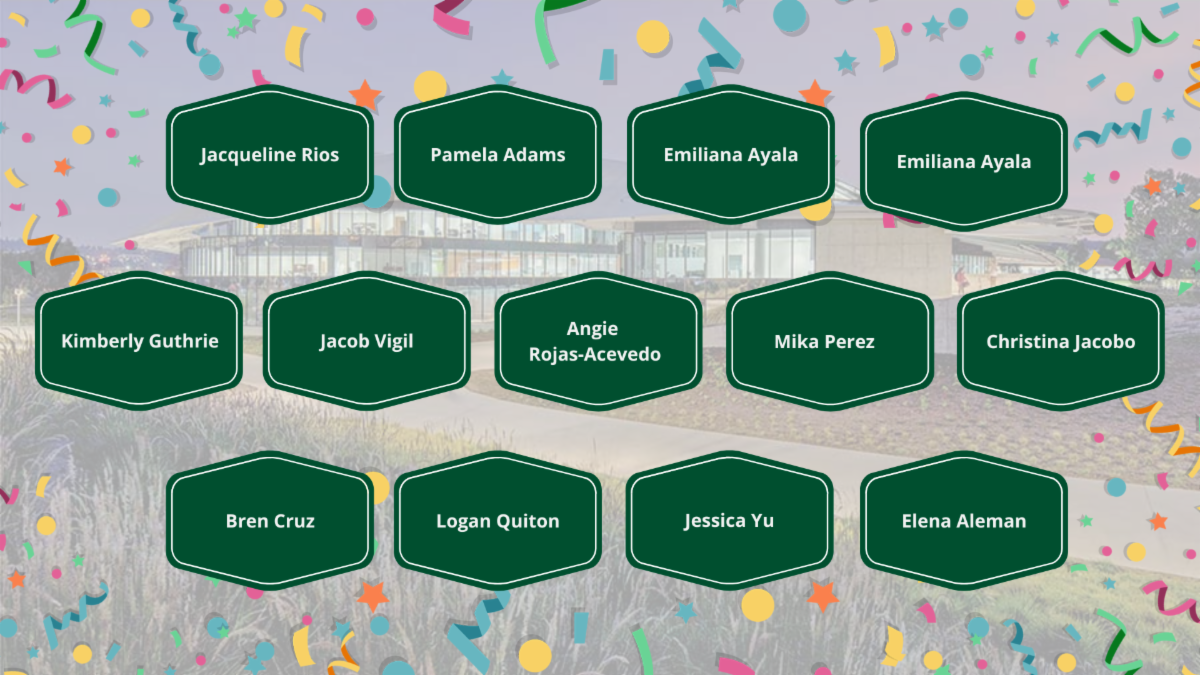
A big thank you to everyone who participated in the Knowledge Round-Up! Congratulations to our winners:
Important Deadlines
Please review the following important dates carefully:
March 5:Final day to enter and approve all February and prior time/absences in PeopleSoft. Employee Self-Service access pauses.
March 9: Recruitment & Appointment Pause
March 17(3:00 PM):Full PeopleSoft system outage begins.
March 25(8:00 AM):CHRS opens to campus users.
April 1:Final deadline to enter and approve all March absences in CHRS.
April 5:Final deadline to enter and approve payable time (including students, hourly, overtime, and shift differentials) for the March period.
April 6: Full Service Restoration (hires, promotions)
If you serve in an approval role, your timely review and action will be critical during the March 25 – April 5 transition period. Please plan dedicated time to review and approve transactions to avoid payroll delays.
Helpful Links
If questions come up as you revisit the training materials, please submit an inquiry so we can track and respond to them efficiently.
For all updates, job aids, recordings, and registration links for office hours, please visit the CHRS Website.